
Photo and video face swapping
Swap faces in photos, videos, group photos, and multi-face video clips from a browser-based workflow.

Faceswapai.Online is a web-based AI face swap tool for photos and videos, including multiple-face workflows. It offers free-to-try access without sign-up and paid credit-based VIP features for larger or longer jobs.
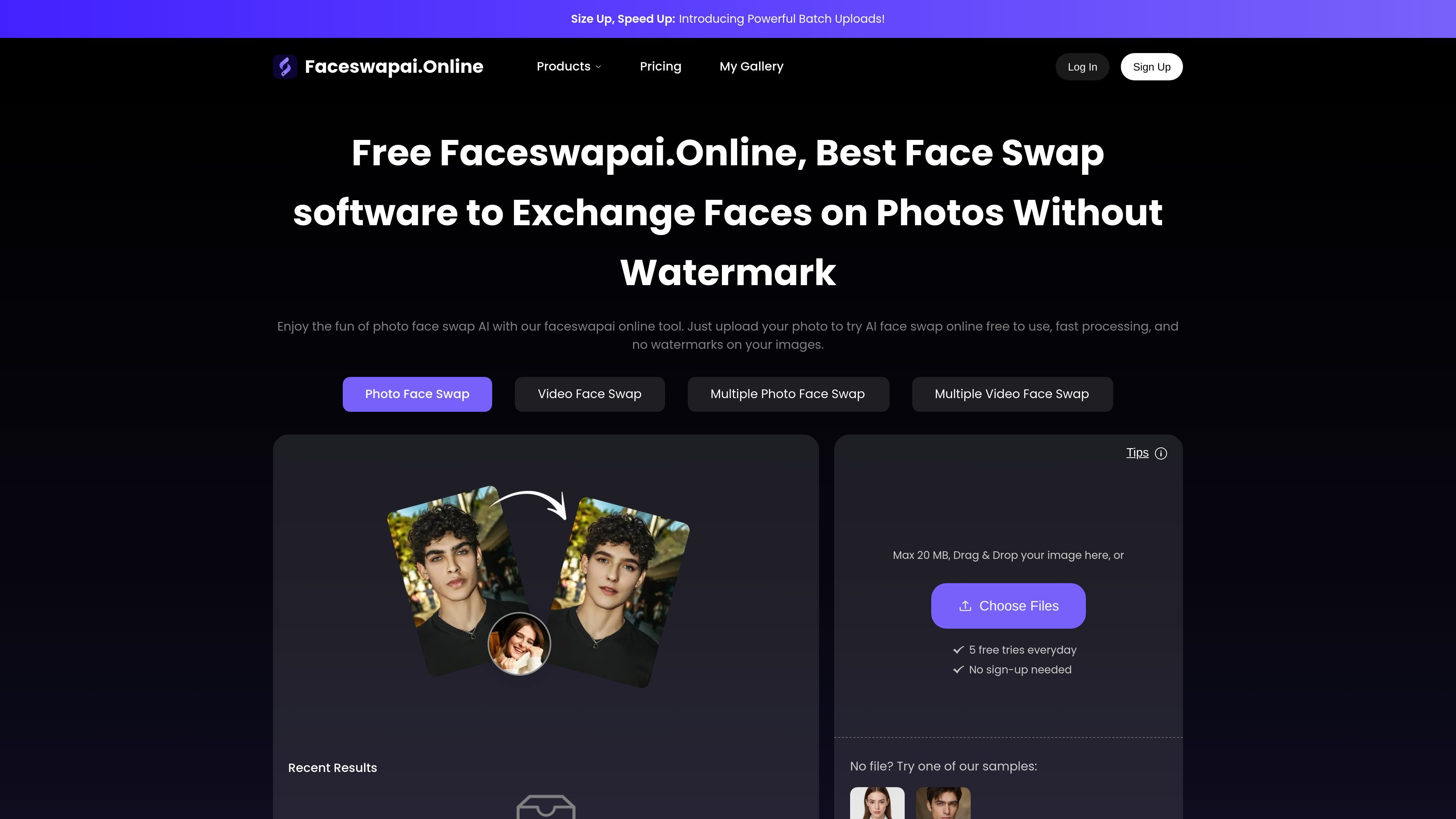
Faceswapai.Online is a browser-based AI face swap tool for photos and videos. It supports single-face and multiple-face workflows, and the site positions it as a free-to-try service with no sign-up required for basic use.
The product pages describe a workflow built around uploading a photo or video, selecting a target face, and generating the swap online. The video tool emphasizes facial landmark tracking, expression matching, and lighting or tone matching, while the pricing page adds paid credit-based access for VIP features such as priority processing, batch upload, extended video length, and larger file support.
Swap faces in photos, videos, group photos, and multi-face video clips from a browser-based workflow.
The pricing page says free users can try the main swap tools, while paid credits unlock VIP access and premium capabilities.
The video page says the engine tracks facial landmarks, angles, micro-expressions, lighting, and tone so the inserted face blends into the source footage.
The video page says exports are available in full HD or 4K and are not forced to carry watermarks.
The pricing page lists priority processing, batch upload, extended video length up to 10 minutes, and larger file support up to 500 MB as VIP features.
The site says guest saves are kept for 24 hours, and users can sign in to keep their work longer.
Create quick face swaps in still photos for memes, creative edits, or simple image experiments without opening desktop editing software.
Replace a face in short or long-form video clips using the video workflow, with the site describing landmark, expression, and lighting matching for realism.
Swap multiple faces in a group photo or group video when you want every detected face changed in one pass.
Produce social content for short-form platforms or campaign material where a swapped face is used for a stylized clip or demo.
Use the paid tier when you need longer clips, larger uploads, batch processing, or faster queue priority for repeated work.
The site says you can try photo face swap, video face swap, multiple photo face swap, and multiple video face swap online without signing up. It also states that free use is limited for new users and that guest work is saved for 24 hours.
The pricing page says credits are the unit used to pay for generation. Free actions are listed for photo face swap, video face swap, multiple photo face swap, and multiple video face swap, while paid credit purchases unlock VIP access and premium features.
The pricing page says purchased credits are valid permanently and do not expire. It also notes that credit purchases are one-time payments rather than recurring subscriptions.
The site states that video face swap exports are available in full HD or 4K without forced watermarks. It also says the tool supports photo and video face swap, including multiple-face workflows.
The pricing page says payments are handled securely by Stripe and that the company does not store card information. It also says refunds are handled through support when there is an abnormal or failed generation caused by a product issue.

Vectorizer.AI converts raster images into vector formats such as SVG, PDF, EPS, and DXF, with a browser-based workflow and developer tools for automation. It is designed for users who want previewable, editable vector output from logos, artwork, sketches, scans, and other bitmap images.

Pixelcut is an AI photo editor for creating and editing product images, social content, and video assets. It offers free and paid plans, plus mobile app and browser access for individual users and teams.

Petalica Paint is a web service for automatically coloring line art and tracing line drawings from photographed images. The home page says it can be used under the stated terms for commercial and noncommercial work, but it is scheduled to end on 2025-07-31 at 16:00 JST.

Snapmark is a VS Code extension that lets you annotate clipboard screenshots before pasting them into AI chats. It supports blur redaction, numbered callouts, and automatic resizing for large images.

Wearvue AI generates personalized outfit previews from a photo, lets users refine the style for an occasion, and surfaces similar real products to shop. It is aimed at people who want to preview outfit ideas before buying and compare them with shoppable alternatives.

Upscale.media is an AI image upscaling and enhancement tool from Pixelbin that enlarges low-resolution or pixelated images and improves clarity in the browser. It offers free individual image use, paid credit plans, and team-oriented workflows such as bulk processing and API integration.