
Text to speech voice library
Turn typed text into speech with community-created character voices. The site highlights more than 3,500 voices and supports browsing by language and community ratings.

FakeYou is a web-based AI voice generator for turning text into character voices, converting existing audio into another voice, and creating custom voice models. It offers a free core product with paid plans for longer outputs, faster processing, and private model features.
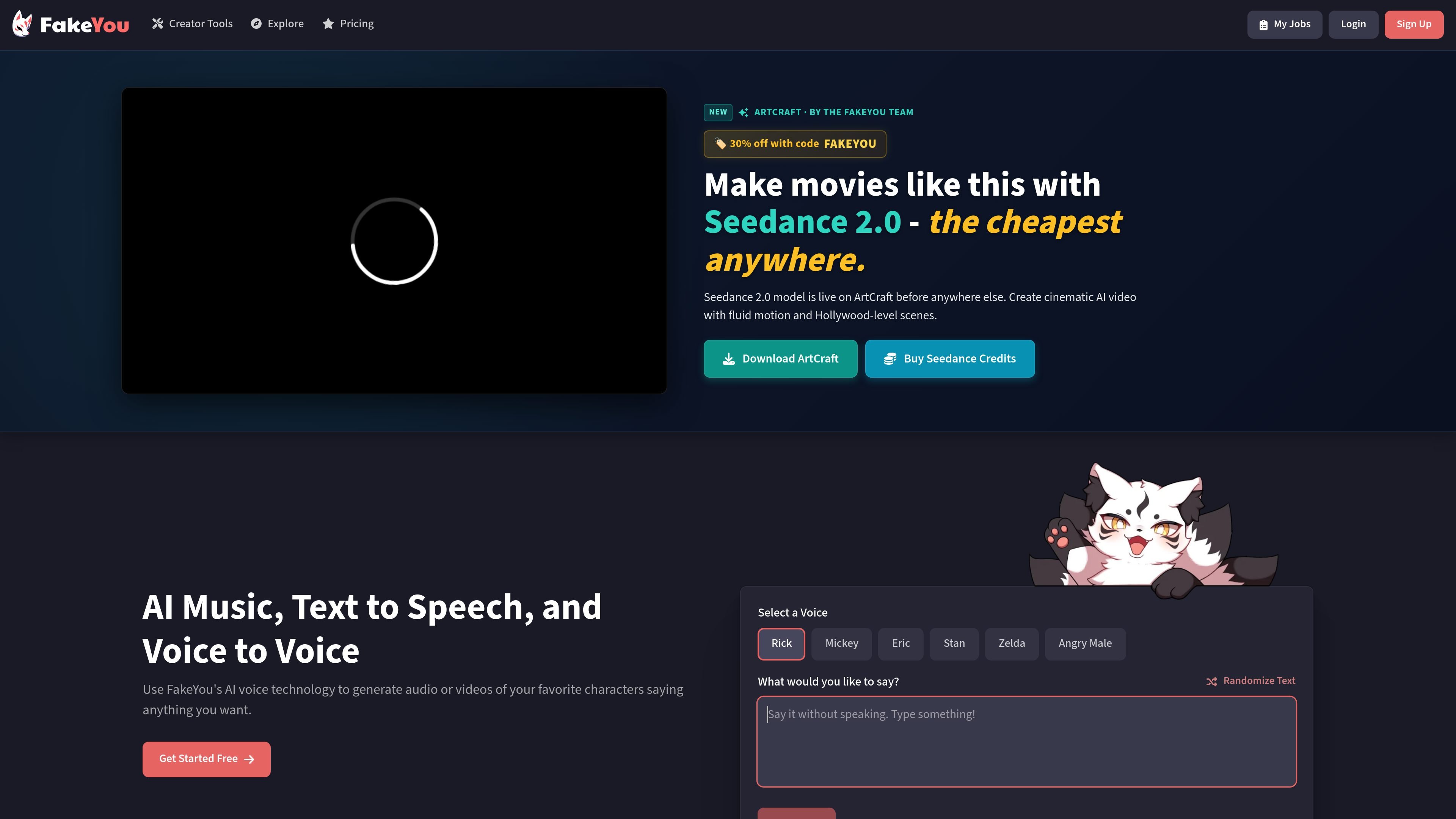
FakeYou is a web-based AI voice generator focused on celebrity-style and character voices. It combines text-to-speech, voice-to-voice conversion, and voice creation tools so users can generate spoken audio from text or transform an existing recording into another voice.
The product is organized around a community library of voices and models. Users can pick from featured voices, search the catalog, preview models, and then generate audio for creative projects such as character clips, voice acting practice, content creation, or voice conversion experiments.
Turn typed text into speech with community-created character voices. The site highlights more than 3,500 voices and supports browsing by language and community ratings.
Record your own voice or upload audio, then convert it into a selected target voice. The conversion page supports MP3, WAV, FLAC, and OGG inputs.
Build a custom AI voice by providing audio files of the voice you want to clone. The Voice Designer page presents this as a voice-creation workflow.
Use premium tiers to increase processing priority and extend output length. Pro and Elite also add private model upload support, and Elite adds private model sharing.
Browse and filter community-made voices, preview models, and use ratings to narrow choices. Featured voices are surfaced on the TTS and conversion pages for quick selection.
Write a line of dialogue, choose a voice, and generate a clip for a skit, fan edit, or social post. This is the most direct path when the goal is to turn text into a spoken character voice.
Record your own narration or upload an existing clip, then convert it into another voice for a different delivery or character effect. The conversion workflow is suited to speaking or singing audio.
Provide source audio to the Voice Designer to build a custom voice model. This fits creators who want a repeatable voice for future projects rather than a one-off output.
Browse the community catalog, preview likely matches, and use ratings or featured lists to pick a voice quickly. This is useful when you need to find a voice without already knowing the exact model name.
Use the free tier for basic generation, then move to a paid plan when you need longer clips, faster processing, or private model features. The pricing page positions premium as an upgrade path rather than a requirement for basic use.
FakeYou's text-to-speech tool converts typed text into speech using community-created character voices. Users can search for a voice, enter text, and generate audio they can play back, download, or share.
The voice conversion tool lets you record your own voice or upload an audio file, choose a target voice from the community library, and convert the input into that voice. It supports MP3, WAV, FLAC, and OGG uploads.
The Voice Designer page says you can create your own AI voice by providing audio files of the voice you want to clone. The site also lists F5-TTS Voice Cloning and Seed-VC Voice Conversion as AI tools.
FakeYou offers a free-to-use core product, and its premium plans add processing priority and longer output limits. Premium tiers are Plus, Pro, and Elite, with additional support for private model uploads and sharing on higher plans.
The site is built around community-created voice models and a large voice library. Users can browse featured voices, search by voice, and use community ratings and previews to help choose a model.

VIDEOAI.ME is an AI video generator for making spokesperson-style videos, ads, explainers, and social content from a script. It is aimed at founders, marketers, agencies, and creators who want to produce videos without filming.

Official HeyGen API documentation for building AI avatar videos, translations, lipsync, and interactive video-agent sessions. It supports direct API use plus MCP and CLI-style workflows for developers and AI agents.

Wisry is an AI advertising studio for ecommerce brands that researches competitor ads, develops evidence-backed campaign concepts, and generates static and video creatives. It also supports editing and connected campaign workflows for Meta and Google.

艺映AI is a free AI video creation tool for generating video from text, images, or existing footage. It is positioned for short-form social content, promotional clips, and stylized AI video projects.

Clipia.ai is an AI image and video generation platform with presentations, an agent workflow, and developer integrations. It helps creators, teams, and developers produce media and decks from prompts, briefs, or source files using a shared credit system.

TapNow is a web-based AI visual creation platform for businesses, creators, and teams. It supports image and video generation along with editing, planning, and collaboration tools.