
Prompt-to-app workflow
Turn prompts into functional applications rather than static mockups. The launch post says the new experience is designed to produce production-ready apps and help you move from idea to deployable software.

Google AI Studio’s full-stack vibe coding experience turns prompts into functional web apps using the Antigravity coding agent. It adds Firebase-backed databases and authentication, secure API key storage, and support for modern frameworks like React, Angular, and Next.js.
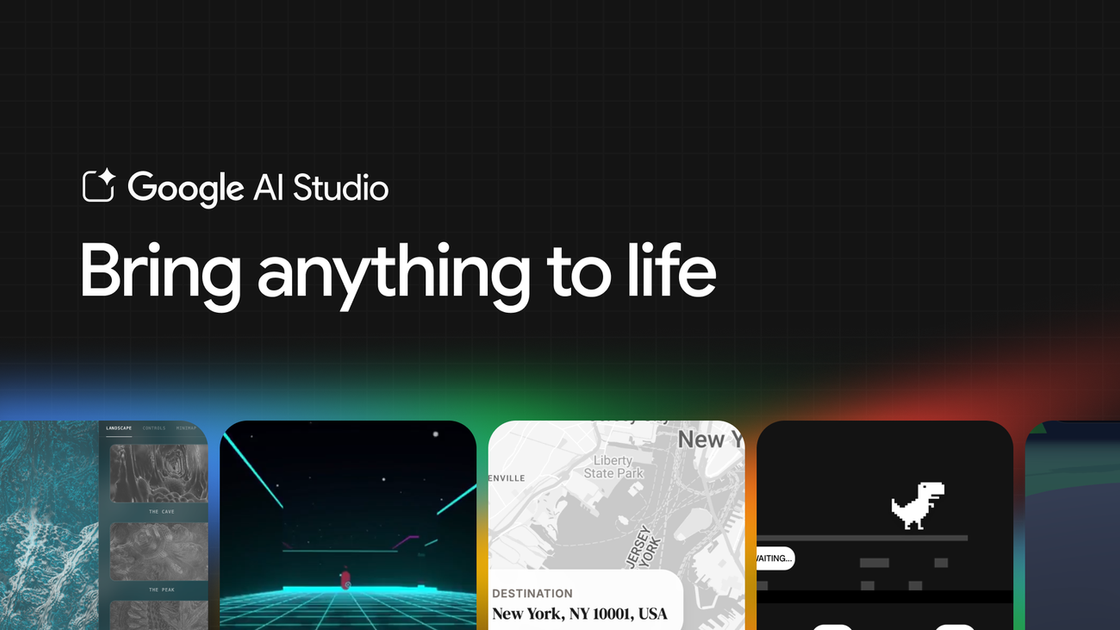
Google AI Studio’s new full-stack vibe coding experience is a browser-based app-building workflow that turns prompts into functional web applications. The launch announcement says it uses the Google Antigravity coding agent to help create production-ready apps, add databases, connect to services, and keep the project context needed for faster iteration.
The experience is aimed at developers and builders who want to move from prototype to working app without leaving Google AI Studio. It supports modern web app development with React, Angular, and Next.js, and it adds Firebase-backed database and authentication setup, secure API key storage, and a workflow that can remember progress across sessions.
Turn prompts into functional applications rather than static mockups. The launch post says the new experience is designed to produce production-ready apps and help you move from idea to deployable software.
Use the Google Antigravity coding agent to handle multi-step coding work. It maintains a deeper understanding of project structure and chat history, which the post says helps with faster iteration and more precise code edits.
Add Firebase-backed storage and login when the app needs them. After approval, the agent can provision Cloud Firestore and Firebase Authentication for secure sign-in with Google.
Build with modern web libraries and frameworks. The post specifically mentions React, Angular, Next.js, and ecosystem tools such as Framer Motion and Shadcn.
Store API keys securely when connecting to third-party services. The agent detects when a key is needed and saves it in Secrets Manager inside the Settings tab.
Pick up work across sessions and devices. Google AI Studio remembers where you left off so you can continue the same app later instead of restarting from scratch.
Build real-time multiplayer games or collaborative tools where the app needs shared state and instant user interaction. The launch post specifically calls out multiplayer experiences and shared workspaces.
Create a web app that needs a database and login without wiring those services manually from scratch. The agent can detect the need for storage or authentication and set up Firebase after approval.
Connect an app to outside APIs or services such as Maps, payment processors, or other systems that require credentials. The workflow includes secure API-key storage in Secrets Manager.
Use the agent to assemble a modern front end with animations, icons, and framework-specific structure. The post mentions Framer Motion, Shadcn, React, Angular, and Next.js as part of the supported stack.
Continue a project after closing the browser tab or switching devices. Google AI Studio remembers progress so returning users can pick up the same app and continue iterating.
Google AI Studio now supports a full-stack vibe coding workflow that can turn prompts into apps with the Antigravity coding agent. The launch post says the experience is built to help you build real apps in the browser and then move toward Google Antigravity.
The post says the agent supports React and Angular, and that Next.js is now supported out of the box through the updated Settings panel.
The launch post describes Firebase integration for databases and authentication. After approval, the agent can provision Cloud Firestore for data storage and Firebase Authentication for Google sign-in.
You can connect your own API credentials for services such as databases, payment processors, and Google services like Maps. The agent detects when a key is required and stores it in the Secrets Manager in the Settings tab.
The post does not include pricing details. The experience is presented as available in Google AI Studio, with references to future support for deployment to Google Antigravity soon.

CreateOS Sandbox is an isolated compute environment for running code and agent workloads inside Firecracker micro-VMs. It is designed for workflows that need machine-level isolation, private networking between sandboxes, and programmatic control through SDK, CLI, or MCP.

AakarDev AI helps teams manage AI provider access, project-level setups, logs, and analytics from one dashboard. It supports BYOK workflows and lists providers including OpenAI, Google Gemini, Anthropic, Groq, Mistral AI, and Perplexity AI.

Trigger.dev chat agent is a durable AI chat backend for developers building stateful conversations that can survive refreshes, crashes, and long-running turns. It connects with the AI SDK `useChat` flow and runs on managed infrastructure with no timeout on a turn.

ByteAsk is a terminal-first AI coding agent for C and C++ that edits repositories and verifies changes with the real compiler, debugger, sanitizers, and tests before showing a diff. It offers a free tier plus paid plans, with editor connectors and zero-retention handling described in the source.

Codex Plugins bundle reusable skills, app integrations, and MCP servers into workflows you can install in the Codex app or use from Codex CLI. They help extend Codex with connected-service tasks, reusable instructions, and shared team workflows.

hob is an independent workspace for coding agents that keeps agent sessions, terminals, history, and follow-up work organized around the tools and providers you already use. It is aimed at developers who want local control over routing, history, and workspace structure rather than a bundled model stack.