
Persistent repository memory
Explores repository structure, code, and session transcripts so the agent can query maintained memory before re-grepping the project.

Greplica is a persistent, searchable engineering memory for AI coding agents. It helps agents recover repository context, query prior work, and share memory across local or managed repository workflows.
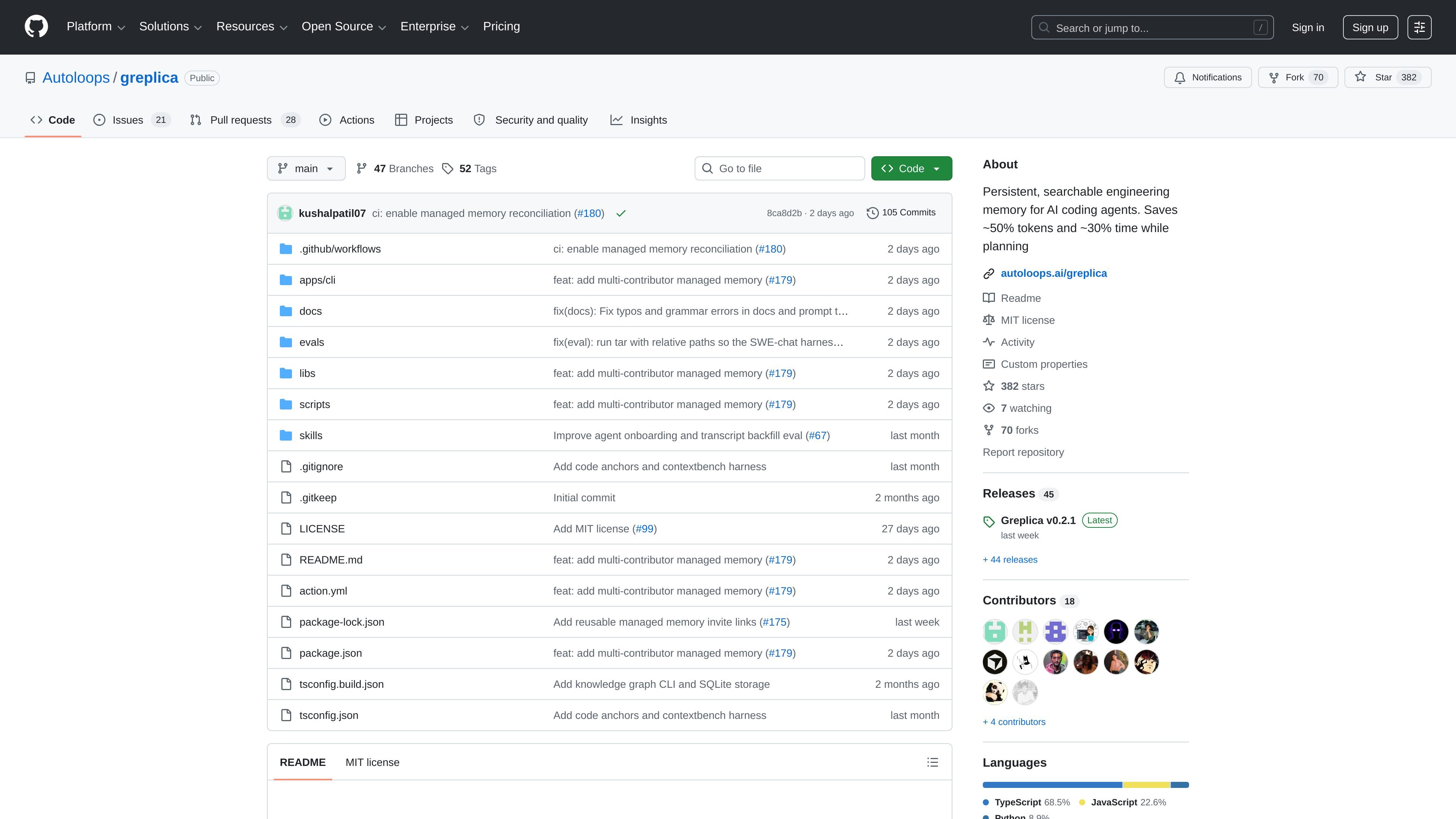
Greplica is a persistent, searchable engineering memory for AI coding agents. It is designed to reduce the time agents spend re-learning repository context by exploring the codebase, repository structure, and prior session transcripts, then making that information queryable before the agent starts grepping again.
The project supports two operating modes. Local mode keeps data fully local with no telemetry, while managed mode connects an authorized repository to shared team memory so contributors on different clones and forks can query the same repository memory. The source also notes that Greplica requires Node.js 22-26 and can be installed through an agent-driven setup flow rather than by hand.
Explores repository structure, code, and session transcripts so the agent can query maintained memory before re-grepping the project.
Supports local mode for fully local operation and managed mode for shared repository memory across contributors.
Lets agents ask for repository context before acting, including example queries such as what to know before changing a subsystem.
Provides a browser graph view to inspect current memory and generated relationships visually.
Uses GitHub authentication and repository invitations to connect users to managed memory and shared access.
Includes a managed reconciliation workflow that checks exact default-branch code and produces evidence-bound audits for memory updates.
Use Greplica when an agent is starting a complex task and needs to recover repository facts, prior decisions, or subsystem context before making changes.
Use managed mode when several contributors are working from separate clones or forks but need the same shared repository memory for coordinated work.
Use the graph view to inspect the current memory graph in a browser and understand how code, sessions, and related context are connected.
Use the reconciliation workflow in managed repositories to compare memory updates against exact default-branch code and produce evidence-backed audits.
Greplica is installed into a repository and can be used in local mode or managed mode. The source says most users should start by pasting the install prompt into their coding agent from inside the repo they want Greplica to remember.
Local mode stays fully local and uses SQLite for repository binding, role cache, hook policy, and runtime session metadata. The source says it has no telemetry in local mode.
Managed mode lets contributors on different clones and forks query the same repository memory. It requires Greplica 0.2.0 or later, access to a managed Greplica server, and a GitHub user who has been invited by an administrator.
The README says Greplica requires Node.js 22-26. The package metadata lists Node 22.x through under 27.x as the supported engine range.
The source mentions a browser graph view command, query examples for repository context, and managed-memory invite links, but it does not provide a complete list of supported agent platforms beyond examples that include Codex.

ByteAsk is a terminal-first AI coding agent for C and C++ that edits repositories and verifies changes with the real compiler, debugger, sanitizers, and tests before showing a diff. It offers a free tier plus paid plans, with editor connectors and zero-retention handling described in the source.

Ghost es un asistente de IA para terminal para chatear, generar código y ejecutar tareas en la línea de comandos. Incluye modelos gratuitos, es compatible con Linux, macOS y Windows, y es de código abierto.

Goldfish is an AI memory app for macOS that helps you reply, write, summarize, and continue using the context already on your Mac. It stores memory locally and writes in your tone.

Lasso is an ecommerce product data platform for enriching catalog records, processing supplier files, generating product content, and monitoring competitors. It combines a web app with a REST API, SDK, and MCP server for teams and developers.

CreateOS Sandbox is an isolated compute environment for running code and agent workloads inside Firecracker micro-VMs. It is designed for workflows that need machine-level isolation, private networking between sandboxes, and programmatic control through SDK, CLI, or MCP.

Struere is an AI-native platform for turning spreadsheet data into structured operational software with dashboards, alerts, and automations. It is aimed at teams that want to replace manual spreadsheet workflows without building custom tools from scratch.