
Natural-language task entry
Add tasks by typing them the way you would say them, then press Return to create them without a separate form.

Gutta is a minimal macOS menu bar task app that lets you add tasks in natural language, manage them from the keyboard, and keep data local. It can optionally sync through a folder in your own iCloud Drive or another Finder-accessible cloud folder.
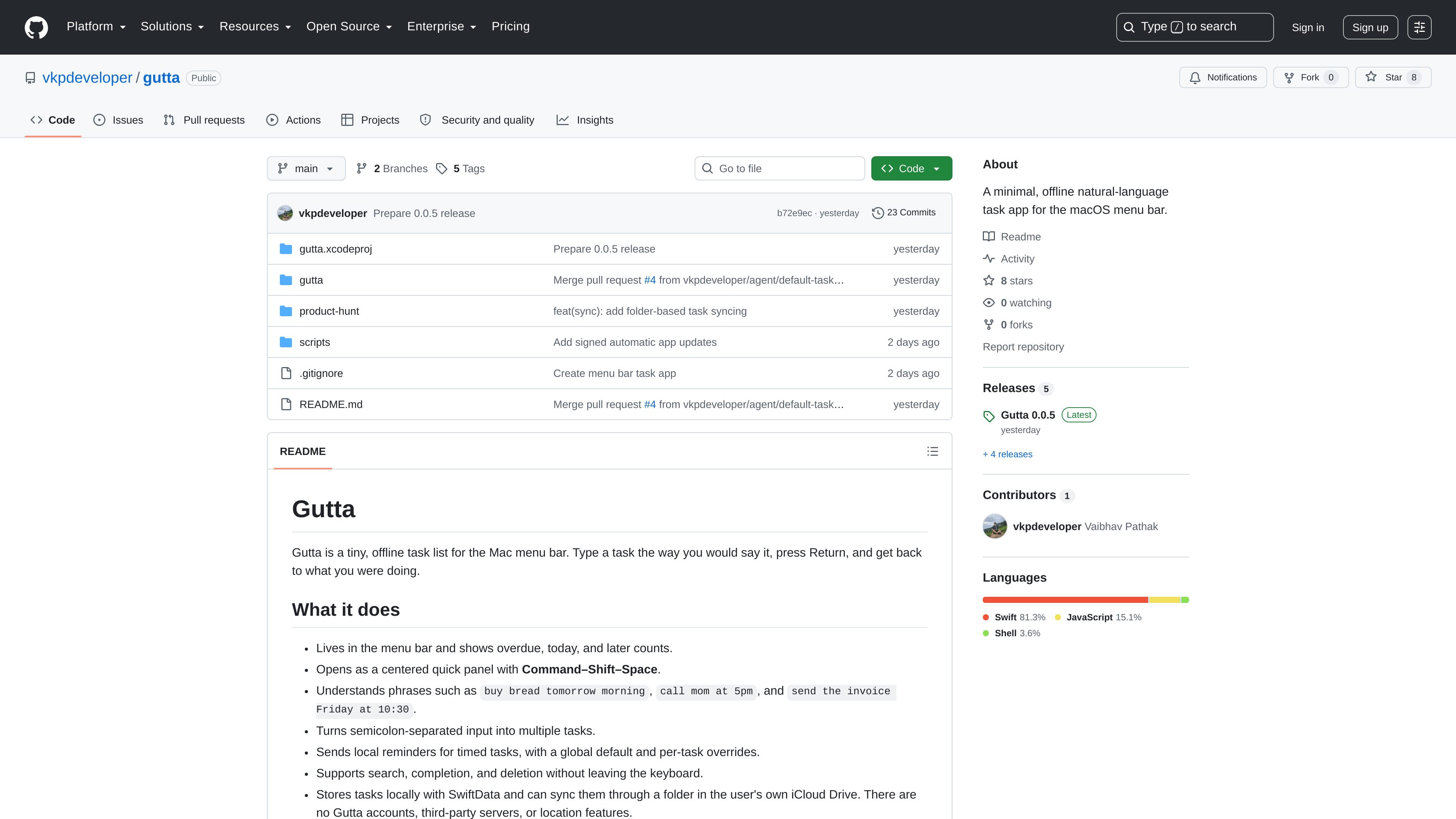
Gutta is a tiny task list for the macOS menu bar that focuses on fast, natural-language capture. Instead of filling out structured fields, you type a task the way you would say it, press Return, and keep working.
The app shows overdue, today, and later counts in the menu bar, opens in a centered quick panel, and supports search, completion, deletion, and reminders from the keyboard. Tasks are stored locally with SwiftData and can optionally sync through a folder in the user’s own iCloud Drive or another Finder-accessible cloud folder.
Add tasks by typing them the way you would say them, then press Return to create them without a separate form.
Create more than one task from a single line by separating items with semicolons.
See overdue, today, and later counts directly in the menu bar, then open a centered quick panel with Command–Shift–Space.
Search, complete, and delete tasks from the keyboard without switching away from the app.
Set a default reminder lead time for timed tasks, with per-task overrides and an option to turn reminders off.
Keep tasks in local SwiftData storage and optionally sync through a folder in the user’s own iCloud Drive or another Finder-accessible cloud folder.
Useful when you want to capture a task immediately without leaving the current app or filling in a form. You can type a phrase like a natural reminder and return to work.
Helpful for people who want a lightweight reminder system for time-specific tasks. Timed items can inherit a default lead time or use their own reminder setting.
Useful for users who want the same local task list available on more than one Mac. Folder sync can use the same iCloud Drive folder across machines, and the README says it also works with Dropbox or OneDrive folders.
Helpful when you prefer keyboard interaction over mouse-driven task management. The app supports search, completion, and deletion without leaving the keyboard.
Suitable for users who want local storage rather than account-based task services. Gutta keeps tasks in SwiftData on the Mac and does not rely on a developer-owned backend.
Gutta is a Mac menu bar app. The README says to open the project in Xcode, select the gutta scheme, and run it on a Mac. It targets macOS 14 or newer.
Tasks are stored locally with SwiftData. The README says Gutta can sync them through a folder in the user’s own iCloud Drive, and that it also works with other services that expose a normal Finder folder, such as Dropbox or OneDrive.
Gutta supports natural-language input such as "buy bread tomorrow morning" or "send the invoice Friday at 10:30." It also accepts semicolon-separated input to create multiple tasks at once.
The app can send local reminders for timed tasks. Users can choose a global default lead time, and each timed task can keep that default, override it, or turn reminders off.
Gutta has no accounts, third-party servers, or location features according to the README. It keeps its database local and uses the user’s own cloud folder for sync if enabled.
MealTime es su compañero personal de recetas, diseñado primero para funcionar sin conexión, que le ayuda a guardar, organizar, planificar comidas y generar listas de compras inteligentes, todo mientras mantiene sus datos privados.

Goldfish is an AI memory app for macOS that helps you reply, write, summarize, and continue using the context already on your Mac. It stores memory locally and writes in your tone.

ArtDeck is a visual reference board app for iPhone, iPad, and Mac that lets artists collect mixed reference material on one canvas and study it with ToolBox lenses. It works offline, supports optional iCloud sync, and is sold as a one-time purchase with no account required.

Biji es una plataforma versátil diseñada para mejorar la productividad a través de herramientas y características innovadoras.

Gemma AI is a phone call reminder app that calls you with scheduled reminders instead of push notifications. It helps people who want a more direct way to stay on schedule, with Google Calendar sync and conversational call interactions.

Redline is a budgeting tool for Claude Code that paces sessions to stay within time, token, cost, or plan-percentage limits. It uses Claude Code’s native hooks and statusline to help sessions finish with a usable result instead of stopping abruptly.