
Text and reference-image generation
Generate images from written prompts, or upload a reference image when you want to guide style, subject, or composition.

ImagePackAI is an AI image generator for text prompts and reference images. It uses one-time credit packs and lets users choose models, aspect ratio, quality, and output count before downloading results.
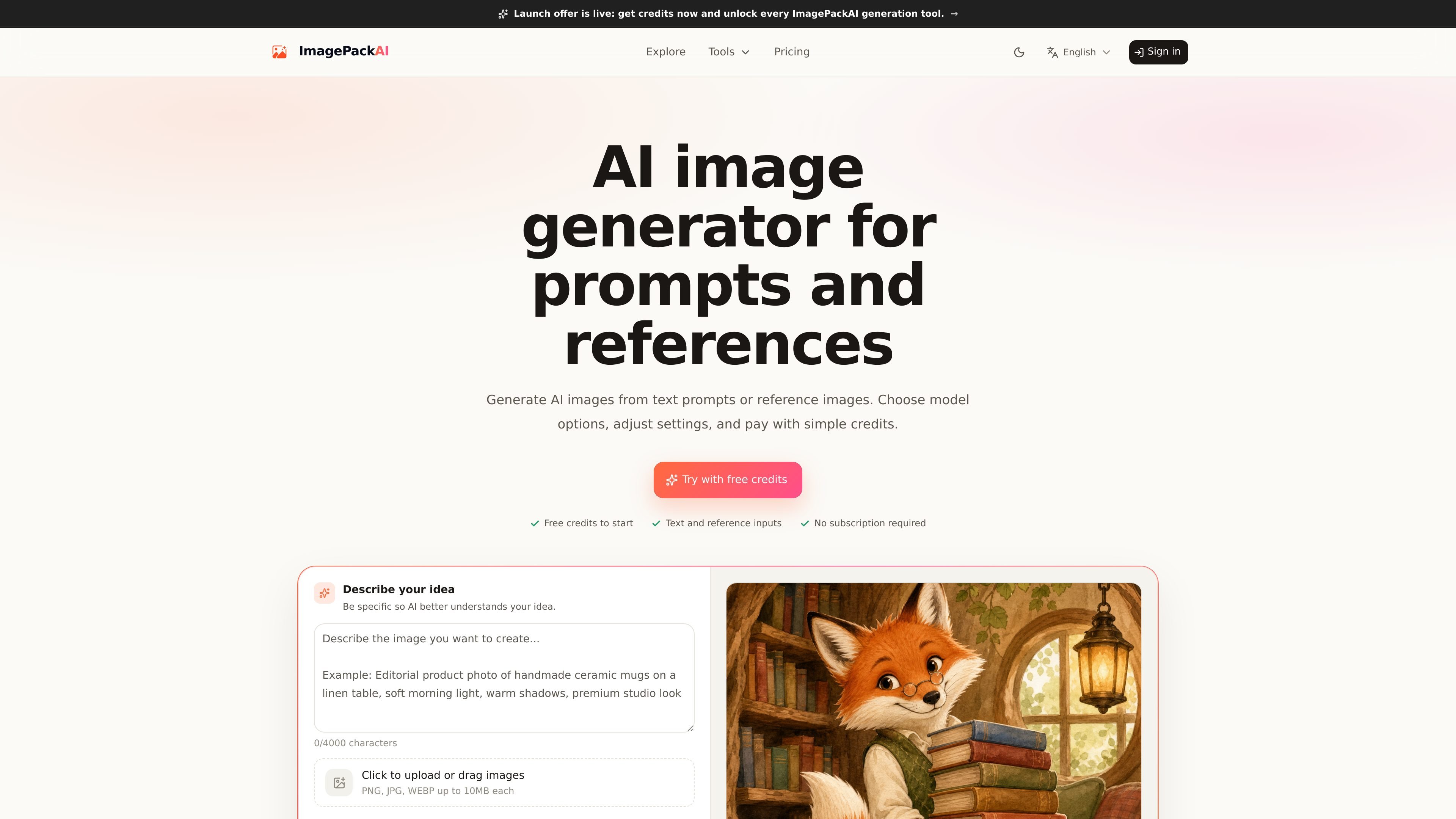
ImagePackAI is an AI image generator that lets users create images from text prompts or uploaded reference images. The site positions it as a practical workflow for people who want to choose a model, adjust generation settings, and download results using credit-based billing.
The product supports third-party image models and exposes controls for aspect ratio, output count, and quality. Its pricing page offers one-time credit packs rather than a monthly subscription, and the terms note that features, model availability, and credit costs can change over time depending on provider and policy constraints.
Generate images from written prompts, or upload a reference image when you want to guide style, subject, or composition.
Choose from supported image models before you generate. The home page names GPT Image 2, and the meta description lists OpenAI, Google Gemini, Seedream, and GLM as supported third-party model providers.
Adjust aspect ratio, output count, and quality mode before creating images, so the request matches the intended output format and volume.
Use uploaded reference images as image-to-image guidance for refreshes, remixes, and other directional edits rather than starting from text alone.
Keep generated results in history and download images you want to use later.
Create concept images from plain-language prompts when you need a fast visual starting point for an idea, scene, or product direction.
Upload a reference image and describe the desired change when you want a style refresh, subject remix, or composition-guided variation.
Set the aspect ratio and quality before generating assets for posters, social visuals, or other format-specific deliverables.
Use model selection and output count controls to produce multiple candidates for comparison before choosing a result to download.
Work from saved history and downloads when you need to revisit earlier generations or reuse an output in another project.
ImagePackAI consumes credits when you submit a generation request. The credit cost is shown before you submit, and it can vary by the selected model, quality mode, output count, aspect ratio, reference image usage, and related settings.
No. The pricing page states that ImagePackAI uses one-time credit packs rather than a monthly subscription or monthly plan.
If a generation fails because of a technical error, ImagePackAI may automatically return the credits used for that request. If the request completed normally, credits are not refunded just because you dislike the result or chose the wrong settings.
The site says ImagePackAI can use third-party models, and the home page names OpenAI, Google Gemini, Seedream, and GLM. The terms also say available models may change based on product, reliability, cost, safety, provider availability, and legal requirements.
The terms say you may need an account to generate images, receive free credits, purchase credits, or access generation history. They also state that users must be at least 18 years old and legally able to enter into the terms.

Kling AI is an AI creative studio for generating and editing images and videos, with web, mobile, and API access for creators and developers. It supports a broad set of visual workflows, including video generation, image creation, editing, and native 4K output for the V3 series.

Skybox AI by Blockade Labs generates 360° skyboxes and environments for games, XR, film, education, architecture, and other production workflows. The site also shows integrations for tools like Unity, Blender, Godot, SketchUp, Figma, and Roblox.

智小象(HiDream.ai)es una plataforma de creación completamente en chino basada en inteligencia artificial generativa, diseñada para ayudar a los usuarios a dominar fácilmente las habilidades creativas de AIGC.

El generador de pintura AI es un software en línea que genera automáticamente obras de arte basadas en descripciones de texto proporcionadas por los usuarios.

Una plataforma de IA todo en uno que combina herramientas para imagen, video, voz, escritura y chat para mejorar la creatividad y la colaboración.

PixelDrive is a bulk image generation API for creating many on-brand images from one template through a browser editor, REST API, CSV batch, or MCP. It suits teams that need repeatable image output with cacheable renders and usage-based pricing.