
Daily day cards
Each day opens to its own page where you can write a few words about what happened and add photos or short videos.

JoJo Days is a browser-based baby journal and memory book for pregnancy notes, daily milestones, photos, and short videos. It uses private sharing and a one-time payment model after a free 30-day trial.
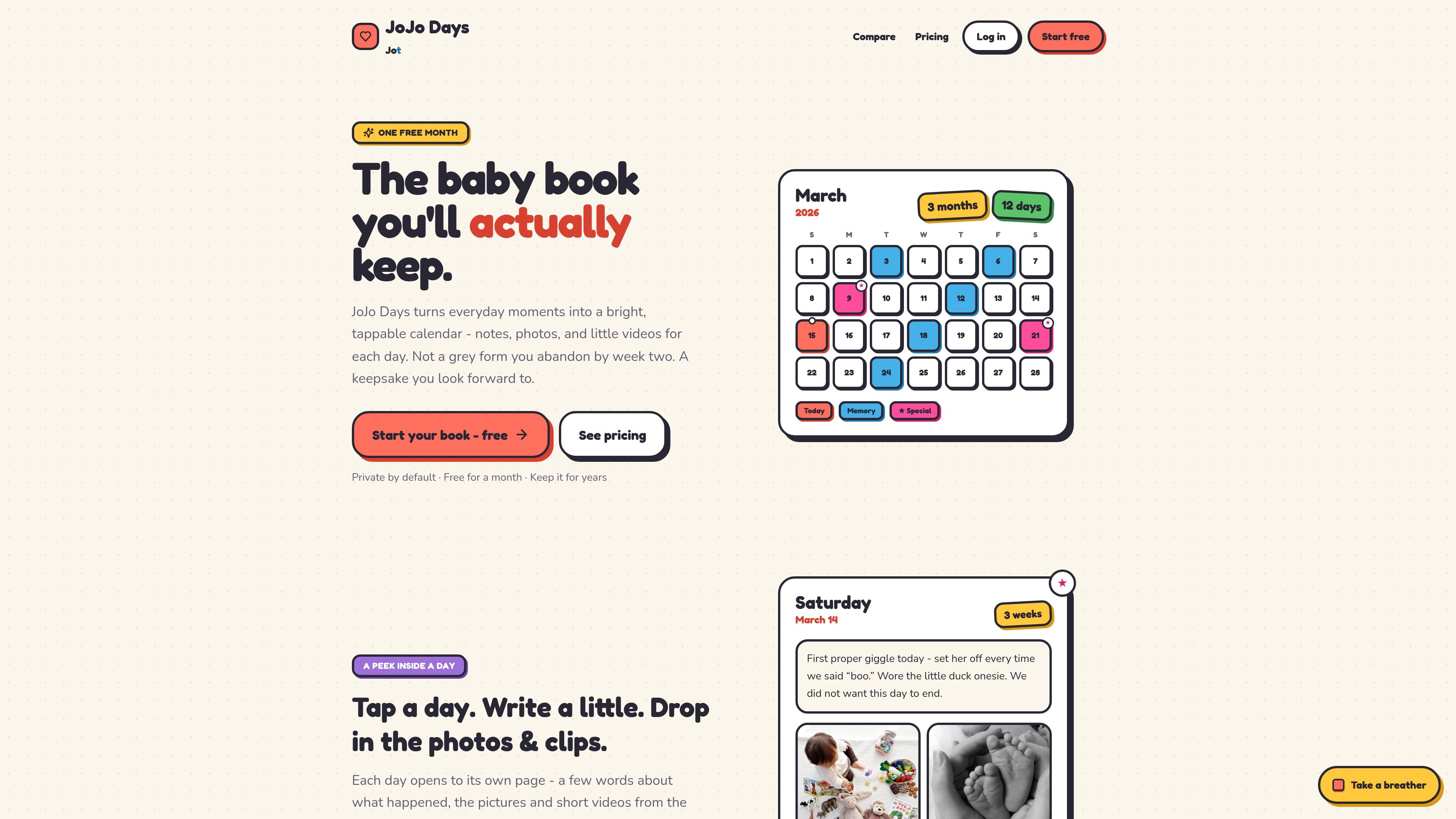
JoJo Days is a private baby journal and memory book that runs in the browser. It is designed for capturing pregnancy notes and everyday baby moments in a calendar-like format instead of a blank journal page.
The core workflow is simple: tap a day, add a note, and attach photos or short clips. The site emphasizes quick entry, private sharing with invited people, and long-term keeping with a one-time payment rather than a recurring subscription.
Each day opens to its own page where you can write a few words about what happened and add photos or short videos.
The calendar view shows the month at a glance, with dots and stars marking memorable days and firsts.
Start during pregnancy with a due-date countdown, then add the baby’s name and birthday later when they arrive.
Invite the other parent to contribute, and share a view-only link with grandparents that can expire when you choose.
Track weight and height on checkup days and view progress on a growth chart.
The app includes one-minute voice memos on higher plans, and a “coming soon” search feature for asking questions across the book.
Parents can log pregnancy updates such as kicks, cravings, and scan days before the baby is born, then continue in the same book afterward.
Use the calendar to capture a quick note, upload photos or short clips, and mark standout moments like first giggles or first steps.
Add height and weight on checkup days so the book doubles as a simple growth record over time.
Invite a co-parent to contribute to the same journal while keeping access limited to invited people.
Create a keepsake that can be opened for years, with memories stored privately instead of in a throwaway feed.
Yes. The site says you can start while expecting, without a name or birthday, and add those details when your little one arrives.
JoJo Days says your notes, photos, and videos are never public. Only the people you invite can see them, and media is served through short-lived signed links.
The pricing page says every journal is free for the first 30 days with no card needed. After that, plans start at $19 for 1 GB and go up to $99 for 25 GB, paid once with no subscription.
Yes. The site says you can invite the other parent to keep the journal with you, and you can also share a view-only link with grandparents that expires when you choose.
JoJo Days runs in the browser on a phone, tablet, or computer, so there is nothing to install.

MacSpoof es un cambiador de MAC para macOS: cambia o aleatoriza tu MAC Wi‑Fi para reconectar y reducir el registro de identidad en redes públicas.

Gemma AI is a phone call reminder app that calls you with scheduled reminders instead of push notifications. It helps people who want a more direct way to stay on schedule, with Google Calendar sync and conversational call interactions.

NomNak es una app gratuita para iPhone para descubrir restaurantes con recomendaciones de amigos, guardar lugares, crear tu pasaporte gastronómico y buscar ciudades.

Spotit es una app para macOS que lee tu pantalla en otra app y destaca exactamente dónde hacer clic con preguntas por voz y guía en pantalla.

TyeGit es un cliente Git nativo para desarrolladores que buscan control rápido y preciso de staging, commits, ramas y remotos en Windows, macOS y Linux.
MealTime es su compañero personal de recetas, diseñado primero para funcionar sin conexión, que le ayuda a guardar, organizar, planificar comidas y generar listas de compras inteligentes, todo mientras mantiene sus datos privados.