
Context-aware health tracking
Juno combines daily check-ins with prior context such as health records, past symptoms, medication notes, and appointment history so symptom logging is not isolated from the rest of a patient’s history.

Juno is an AI health assistant for people living with chronic illness. It helps users track symptoms, spot patterns, and prepare doctor-ready summaries from their notes and health context.
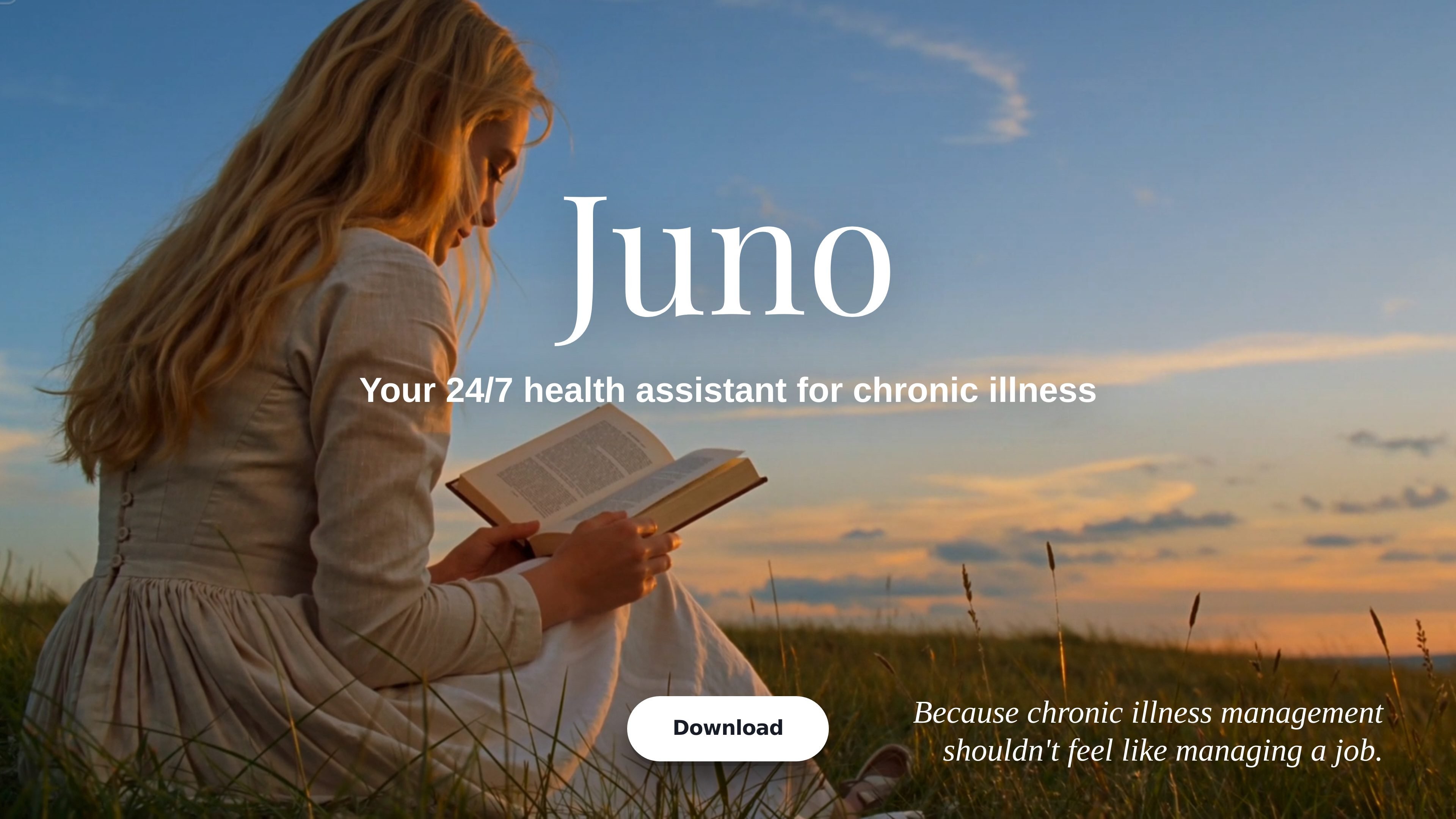
Juno is an AI health assistant for people living with chronic illness. It helps users capture symptom updates, connect them with related health context, and spot patterns that may be hard to see in day-to-day notes.
The product’s main outputs are clearer tracking over time, pacing suggestions, and a doctor-ready PDF summary that turns weeks of symptoms, flares, sleep changes, and medication notes into something easier to review in an appointment. The site says Juno was shaped by research with more than 1,000 people living with chronic illness and references work with Oxford and University College London.
Juno combines daily check-ins with prior context such as health records, past symptoms, medication notes, and appointment history so symptom logging is not isolated from the rest of a patient’s history.
The product watches for changes against a baseline and surfaces patterns that would be easy to miss in raw notes, including symptom changes, triggers, and correlations across repeated entries.
The homepage says Juno can turn weeks of conversation into a one-page PDF report for a doctor, and the example report shows sections for symptom trends, PEM episodes, sleep, medications, surfaced patterns, and questions for the visit.
Juno watches the week ahead and can suggest pacing adjustments, including adding rest breaks or restructuring the calendar when the user is overdoing it.
The site positions Juno as a 24/7 health assistant and emphasizes natural conversation as the input method, which makes it easier to record symptoms, mood, pain, and other updates as they happen.
Use Juno to log symptoms as they happen, along with mood, pain, sleep, medication, and what else was going on that day. The goal is to turn scattered notes into entries that can be compared later.
Review repeated entries to look for patterns across triggers such as sleep, stress, food, exertion, weather, hormones, and medication timing. The blog emphasizes comparing multiple entries rather than relying on one bad day.
Generate a one-page PDF summary before an appointment so the clinician can start with context. The example report includes symptom trends, PEM episodes, medication adherence, sleep notes, surfaced patterns, and suggested questions to bring up.
Watch the week ahead and add rest breaks or adjust scheduling when the calendar looks too full. The homepage presents this as a way to protect energy before a flare is triggered by overdoing it.
Use the app to organize questions and notes when it is hard to think clearly in the moment. Community quotes on the homepage describe it helping users put questions into words and remember what to tell their doctor.
Juno is designed to support people living with chronic illness by tracking symptoms, patterns, medication changes, and day-to-day context. The homepage also says it can turn weeks of conversation into a doctor-ready PDF summary.
The site says Juno connects previous data such as health records, past symptoms, medication notes, and appointment history, and it also uses daily conversation to identify patterns. It does not list specific third-party integrations on the pages provided.
The homepage says Juno can turn weeks of conversation into a one-page PDF report for a doctor. The sample report page shows a structured summary with symptom trends, PEM episodes, sleep, medications, surfaced patterns, and questions for the appointment.
The FAQ list on the homepage includes questions about multiple devices, offline use, credits, account deletion, and subscription cancellation, but the rendered pages provided do not include the full answers.
A pricing page was requested in the source set, but the provided pricing URL returns a 404 page. The available pages do not show a public price or plan details.

MIRA vision develops synthetic-data-driven AI for pathology image analysis in medical diagnostics. Its website positions the product for teams that need privacy-compliant training data, automatic annotations, and controlled data generation.

Renight is a sleep-focused app that plays Monaural Beats before bed. It is aimed at people who want to improve the quality of limited sleep and wake up feeling more refreshed.

KeptWell is an AI medical document hub for families navigating serious illness. It helps people upload records, track changes, share a family view, and ask questions with citations back to the source material.

Soonr Health is a preconception health optimization app for couples preparing for pregnancy. It combines shared lifestyle tracking, cycle-based fertility guidance, and optional hormone measurements to help partners prepare together.

FoodHealth is a dietitian-built shopping companion for people on GLP-1 medications. It scans packaged foods, assigns a 1–100 score, and helps users decide what to buy, eat, or swap.
LabelLens escanea etiquetas de alimentos envasados desde una foto o subida y ofrece una puntuación nutricional con un resumen claro de ingredientes, aditivos y valores clave.