
AI email triage
Kai sorts incoming mail into smart categories such as Needs Reply, FYI, Their Move, and Other so you can focus on what needs attention first.

Kai is an AI executive assistant that triages email, manages calendars, captures meetings, and routes action items into your task workflow. It supports Gmail and Outlook for email and Google Calendar or Outlook for scheduling, with a free plan and paid tiers for heavier usage.
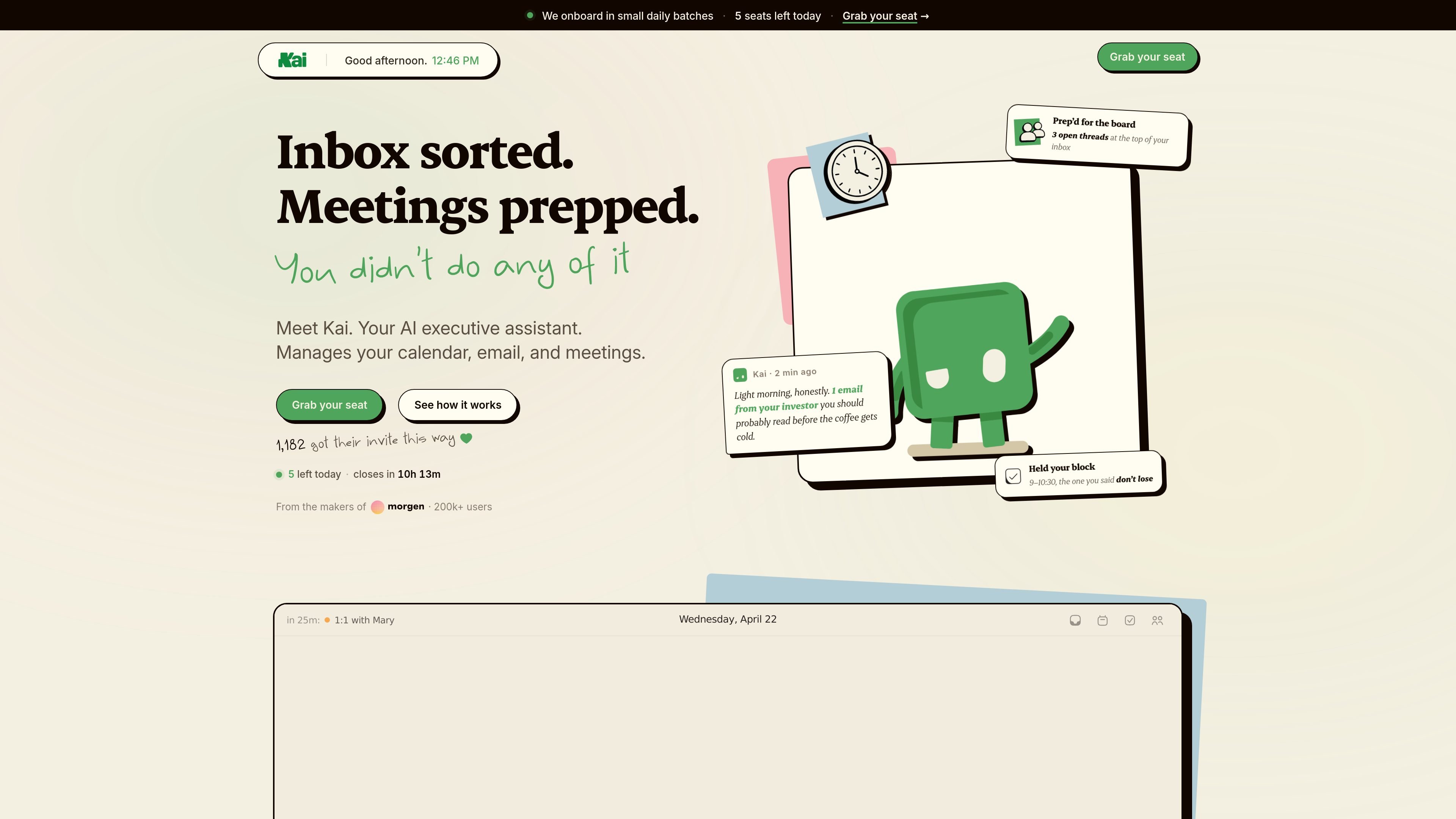
Kai is an AI executive assistant that manages email, meetings, calendar scheduling, and task follow-up. The product is designed to work proactively in the background so users can review organized suggestions instead of sorting everything manually.
The site presents Kai as a connected assistant for Gmail or Outlook email, Google Calendar or Outlook scheduling, and botless meeting capture. It triages inboxes, drafts replies, extracts action items, and builds daily plans that protect focus time and resolve conflicts across calendars.
Kai sorts incoming mail into smart categories such as Needs Reply, FYI, Their Move, and Other so you can focus on what needs attention first.
For messages that need a response, Kai drafts replies in your tone and saves them as native drafts in Gmail or Outlook for review before sending.
Kai can join meetings silently, transcribe the conversation, and extract action items without a bot appearing in the room.
Kai combines calendar availability, constraints, and priorities to schedule meetings, block focus time, and resolve conflicts across connected calendars.
Action items captured from meetings and email threads can flow into your task system with context preserved.
Kai connects email, calendar, meetings, and planning in one workflow so context can move between them instead of staying isolated.
Use Kai to sort a busy inbox into categories, surface replies that need attention, and turn buried commitments into tracked action items.
Use Kai to capture meeting notes and action items without a visible bot, then route follow-up tasks into your task system.
Use Kai to build a realistic daily plan from calendar availability, priorities, and tasks, while preserving focus blocks when the schedule changes.
Use Kai to manage overlapping calendars and resolve conflicts before they become double-bookings or broken focus windows.
Use Kai to draft replies from thread context and keep them in your inbox for review when a message needs a careful response.
Kai connects to Gmail or Outlook for email and Google Calendar or Outlook for calendar management. The source also describes connections to Zoom, Google Meet, Teams, and Webex for scheduling and meeting workflows.
The free plan includes passive features forever plus a non-renewing starter budget for chat, along with one email and one calendar account. Paid plans increase chat capacity and the number of connected email and calendar accounts.
Kai drafts replies, extracts action items, and proposes calendar changes, but nothing is sent, deleted, or moved without your approval in the triage workspace.
Kai is positioned for individuals and professionals who manage email, meetings, and calendars directly, and the pricing page also offers higher-account-capacity plans for busy professionals, executives, and team leads.
The site says Kai works silently in meetings, transcribes the call, and pulls action items into your task system without a bot joining the room.

Liam is an AI copilot for managing inboxes, writing replies, prioritizing email, and scheduling meetings. It is offered free for individuals, with custom pricing for teams and enterprise.

Gemma AI is a phone call reminder app that calls you with scheduled reminders instead of push notifications. It helps people who want a more direct way to stay on schedule, with Google Calendar sync and conversational call interactions.

Dirac is an AI email assistant that prepares a morning brief, prioritizes important threads, and drafts replies in your voice. It is positioned for founders and other busy professionals who use Gmail and want to reduce morning inbox triage.
MealTime es su compañero personal de recetas, diseñado primero para funcionar sin conexión, que le ayuda a guardar, organizar, planificar comidas y generar listas de compras inteligentes, todo mientras mantiene sus datos privados.

Goldfish is an AI memory app for macOS that helps you reply, write, summarize, and continue using the context already on your Mac. It stores memory locally and writes in your tone.

Biji es una plataforma versátil diseñada para mejorar la productividad a través de herramientas y características innovadoras.