
AI image enhancement
Enhances photos with AI that aims to recover real detail, fix color, sharpen edges, and reduce noise while keeping a natural look.

Let’s Enhance is a web-based AI image tool for enhancing, upscaling, and restoring photos. It offers a free tier, subscription plans, and pay-as-you-go access for users who need to improve image quality online.
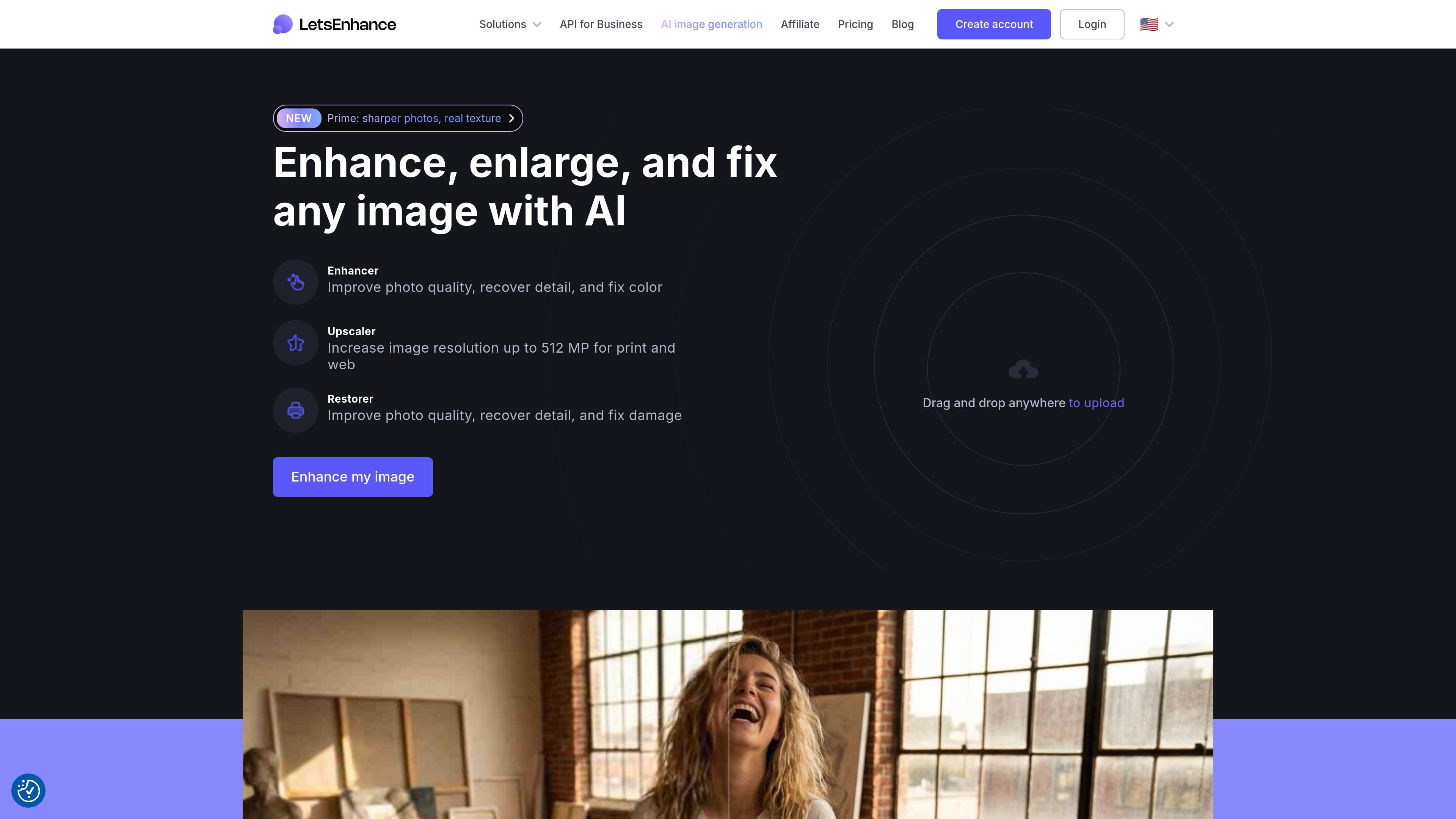
Let’s Enhance is an AI image app for improving photo quality online. Its core tools focus on enhancement, upscaling, and restoration, with the site also describing an API and additional AI tools.
The product is built for people who need clearer images without manual editing. It can recover detail, fix color, enlarge images for print or web, and handle common inputs such as phone photos, compressed JPEGs, AI art, and old scans.
Enhances photos with AI that aims to recover real detail, fix color, sharpen edges, and reduce noise while keeping a natural look.
Upscales images for print and web, with the product page stating output sizes up to 512 megapixels on the homepage and up to 512 megapixels on the highest personal plan.
Supports restoration workflows for old photos, including colorization and repair-oriented cleanup.
Accepts common image sources such as phone photos, compressed JPEGs, AI art, and old scans, so the same tool can handle different image conditions.
Offers free-to-start web use, subscription plans, and pay-as-you-go bundles, so users can choose between occasional and recurring usage.
Improve portraits, product shots, or other everyday photos when the original file looks soft, noisy, or poorly colored.
Increase image resolution for print or larger displays while staying within the product’s stated output limits.
Repair and colorize older family photos or scans that need restoration work rather than simple sharpening.
Process compressed JPEGs, phone captures, or AI-generated art when the source needs a more natural, detailed finish.
Use the web app for occasional jobs through free credits or pay-as-you-go bundles, or subscribe when you process images regularly.
Yes. The pricing page says Let’s Enhance offers a free tier with 10 free credits upon signing up and no credit card required.
Processed images are saved without a watermark after you purchase a subscription or a pay-as-you-go bundle. The pricing page also says images enhanced with free credits can be downloaded again watermark-free after purchase.
The pricing page says input images can be up to 64 megapixels or 50 MB for all plans. Output limits vary by plan, with personal plans up to 256 megapixels and business plans up to 500 megapixels.
The pricing page says subscriptions use monthly credits, and unused credits roll over while you remain subscribed. It also says 1 image equals 1 credit.
The source pages show online tools and mention an API in the site description, but they do not provide detailed integration documentation on the pages reviewed.

Upscale.media is an AI image upscaling and enhancement tool from Pixelbin that enlarges low-resolution or pixelated images and improves clarity in the browser. It offers free individual image use, paid credit plans, and team-oriented workflows such as bulk processing and API integration.

Let's Enhance is an online AI image app for enhancing, upscaling, and restoring photos. It helps users clean up images, increase resolution, and process files through free credits, subscriptions, or pay-as-you-go bundles.

ImgUpscaler is a browser-based AI image upscaler that enlarges images by 2x or 4x and improves detail for photos, anime, product images, portraits, and old pictures. It offers free and paid plans for users who need batch processing, more credits, and commercial-ready output.

VanceAI Image Resizer is an AI image enlargement tool that helps users resize photos while preserving detail. It works in the browser or desktop app and fits into a broader VanceAI workflow for sharpening, denoising, restoration, and background removal.

Pixelcut is an AI photo editor for creating and editing product images, social content, and video assets. It offers free and paid plans, plus mobile app and browser access for individual users and teams.

PhotoAid’s AI Image Enlarger is a free browser-based tool for upscaling images without a standard blur-heavy resize. It supports JPEG, WEBP, and PNG uploads and is described as working best for photos with faces.