
Cross-ecosystem dependency scanning
Reads manifests, lockfiles, and public registry metadata to identify dependency licenses across the resolved tree without installing dependencies or downloading package archives.

licenseal is a command-line tool that checks dependency-license compatibility across ten language ecosystems, including transitive dependencies, without installing packages or running build scripts. It is intended for engineering, security, and audit workflows that need CI verdicts, reports, and documented review decisions.
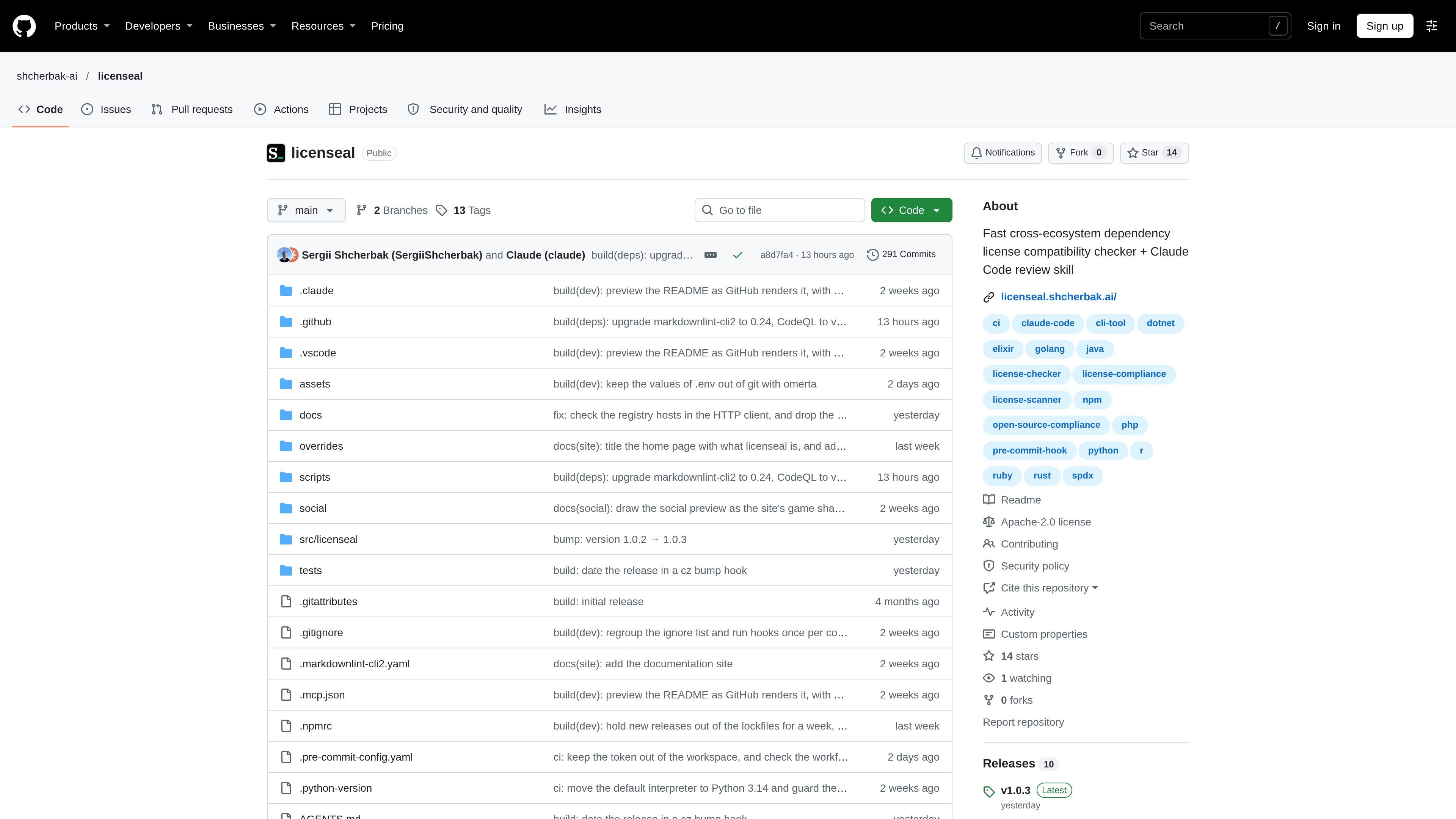
licenseal is a command-line dependency license compatibility checker for software projects. It reads project manifests, lockfiles, and public registry metadata, resolves transitive dependencies, and compares the licenses it finds with the license the project ships under. The tool is designed to produce a compatibility verdict rather than only an inventory of package licenses.
It is intended for CI and audit workflows where a project needs to identify license issues before a release, procurement review, or other delivery milestone. licenseal does not install dependencies, run package-manager commands, execute build scripts, or download package archives. It can generate Markdown or JSON reports and supports a checked-in review file for documenting decisions about flagged dependencies.
Reads manifests, lockfiles, and public registry metadata to identify dependency licenses across the resolved tree without installing dependencies or downloading package archives.
Checks Python, JavaScript/TypeScript, Rust, Go, Java/JVM, .NET, PHP, Ruby, Elixir/Erlang, and R projects through one CLI.
Compares dependency licenses with the license declared by the project and classifies findings as violations, warnings, unknown licenses, or analysis gaps.
Runs against lockfiles when available and can fail CI on unreviewed findings or information the scan could not read, making license review part of the release workflow.
Produces Markdown or JSON reports and can keep findings in the report even when the check fails, supporting pull-request comments and checked-in audit records.
Generates a `licenseal.review.toml` file for reviewed findings. The bundled Claude Code skill walks through project distribution and hosting context, records concrete review rationales, and reruns the check.
Add the documented GitHub Actions step to push and pull-request workflows so license findings can block a change before it reaches a release branch.
Generate a Markdown or JSON report and commit it with the project so engineering, security, or procurement reviewers have a reproducible record of dependency-license findings.
Inspect the full resolved dependency tree, including packages several levels below direct dependencies, when a project needs to identify hidden copyleft or unknown-license exposure.
Use `licenseal init-review-file` and the Claude Code review skill to document a concrete rationale when registry metadata is incomplete or a flagged dependency needs contextual assessment.
Run the same checker across polyglot repositories or organizations that maintain projects in several supported ecosystems instead of adopting a separate license scan for each language.
Run `uvx licenseal check` for a one-time scan. You can also install it with `uv tool install licenseal`, `pipx install licenseal`, or add it to a Python project with `uv add --dev licenseal` or `pip install licenseal`.
Yes. The repository documents a GitHub Actions workflow that checks out the code, sets up uv, and runs `uvx licenseal check`. The command returns a non-zero exit code for unreviewed violations, warnings, unknown licenses, and analysis gaps unless the relevant non-strict options are used.
The default scan covers the whole transitive dependency tree and excludes development dependencies. Use `--no-transitive` for direct dependencies only and `--dev` to include development dependencies.
It can write Markdown or JSON reports, including when findings or analysis gaps cause the check to fail. Examples include `-f markdown -o LICENSES.md` and `-f json -o report.json`. The JSON schema is documented in the repository.
No. licenseal is described as a CI and audit aid rather than legal advice. It automates license discovery and compatibility classification, while project-specific legal decisions may still require review.

ByteAsk is a terminal-first AI coding agent for C and C++ that edits repositories and verifies changes with the real compiler, debugger, sanitizers, and tests before showing a diff. It offers a free tier plus paid plans, with editor connectors and zero-retention handling described in the source.

Epherem is a static security scanner for web apps built with AI coding tools such as Lovable, Bolt, v0, Replit, Cursor, and Claude Code. It checks source files and dependencies for common security mistakes, then provides categorized findings and suggested fixes without running the app.

CreateOS Sandbox is an isolated compute environment for running code and agent workloads inside Firecracker micro-VMs. It is designed for workflows that need machine-level isolation, private networking between sandboxes, and programmatic control through SDK, CLI, or MCP.

GitBot is a local browser-based workspace for creating reusable coding bots powered by Claude Code, Codex, or OpenCode. It helps developers run those agents across repository folders with persistent threads and configurable permissions.

hob is an independent workspace for coding agents that keeps agent sessions, terminals, history, and follow-up work organized around the tools and providers you already use. It is aimed at developers who want local control over routing, history, and workspace structure rather than a bundled model stack.

Ably Chat is a chat API platform for building custom realtime chat applications. It supports room-based messaging, typing indicators, presence, reactions, and message updates, with usage-based pricing options for different deployment stages.