
AI-assisted logo generation
LogoAI uses an AI engine that is described as understanding logo data and design best practices, helping generate logo options without starting from a blank canvas.

LogoAI is an AI-powered logo maker and brand identity tool that lets users generate and customize logos, then download files for digital or print use. It also extends into matching brand assets such as stationery, business cards, and social media graphics.
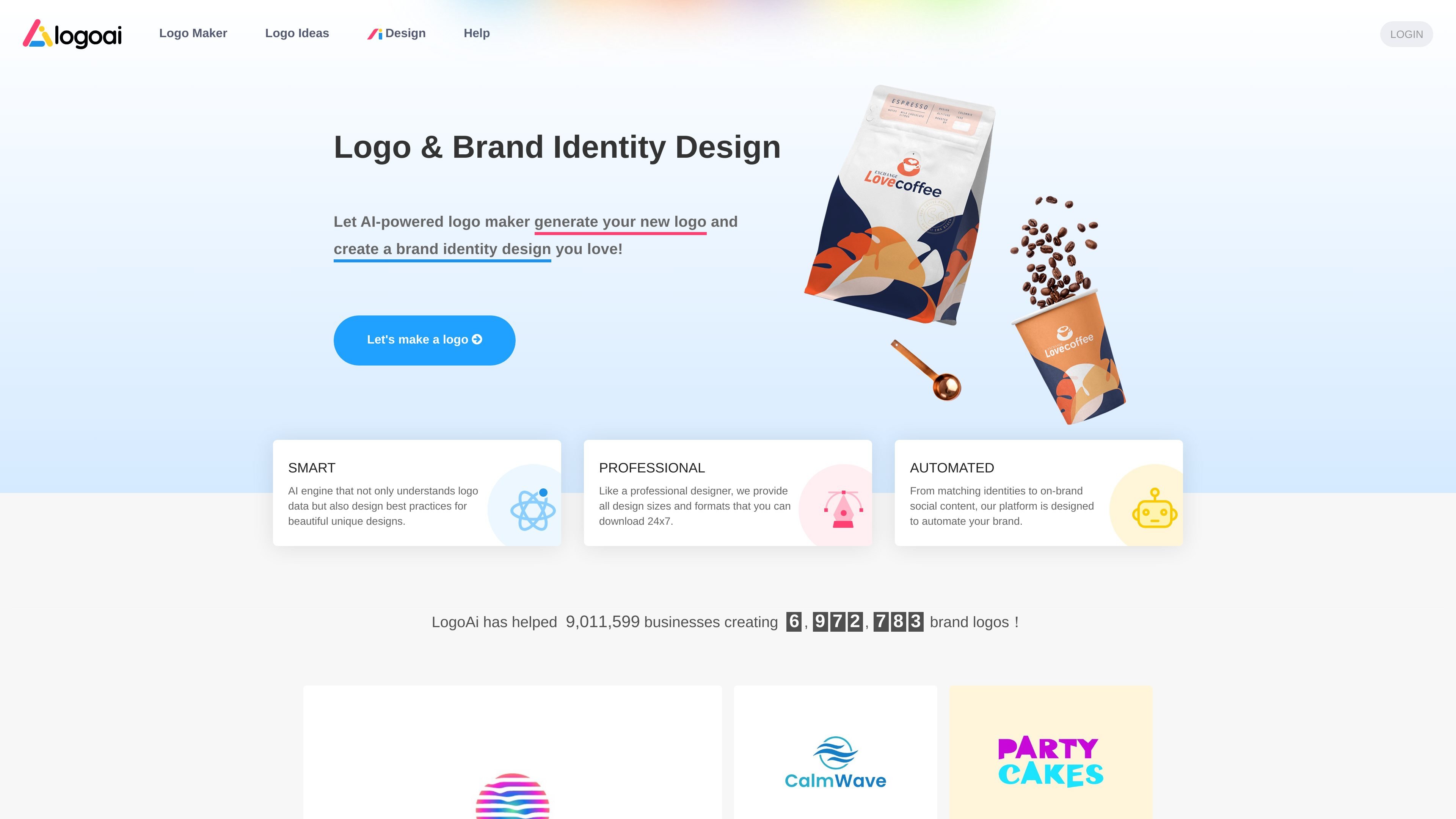
LogoAI is an AI-powered logo maker and brand identity platform that helps users generate logos, refine them with customization tools, and download the files needed to start using a brand across digital and print contexts. The site positions the product as a way to move from initial logo ideas to a more complete identity system without requiring a traditional designer workflow.
Beyond logo generation, LogoAI also presents matching brand assets such as stationery, business cards, social media graphics, posters, flyers, and a brand center for keeping visuals consistent. The product is aimed at people who need a practical logo workflow with editable outputs and downloadable files rather than a single static logo image.
LogoAI uses an AI engine that is described as understanding logo data and design best practices, helping generate logo options without starting from a blank canvas.
Users can browse templates, click Customize, and adjust the logo name, slogan, fonts, symbols, and colors to refine a chosen design.
The logo maker provides a complete download package with high-resolution JPG, transparent PNG, PDF, and vector source files.
LogoAI says it offers matching identity assets, including stationery, business cards, social media graphics, posters, flyers, and brand center materials.
The platform includes a brand center and branded content tools intended to keep visuals consistent across social posts and other assets.
The design page presents AiDesign as an additional AI design suite for creating visuals such as mockups, social graphics, and videos from prompts or images.
A founder or solo operator can generate logo ideas quickly, compare variations, and download the version that fits a new business identity.
A business that needs a logo for a website, profile image, or social presence can use the BASIC package and export the logo in common digital formats.
A company preparing printed materials can use the PRO package when it needs files suitable for print applications.
A brand that wants consistent visuals across touchpoints can use matching stationery, business cards, social graphics, posters, and flyers from the same platform.
A designer or business owner handling work for another person can create a logo, share the logo center link, and transfer ownership if the new account needs to make changes.
LogoAI provides a guided workflow: enter a logo name and design preferences, customize the generated options, then download the files you need. The logo maker page says the download package includes JPG, transparent PNG, PDF, and vector source files.
The pricing page says logo design is free, and you only pay to download the logo you want to use. It also describes the purchase as a one-time payment with no subscription.
The pricing page says the BASIC package is for a logo for your website or social media, the PRO package is for printing a logo, and the BRAND package includes complete branding assets.
The pricing page says you can design logos for others, share a logo center link so they can download files as needed, and transfer logo ownership to another account for modifications.
The pricing page says design changes can be made after purchase by logging in and editing the logo from the account's 'My logos' area.

PixelDrive is a bulk image generation API for creating many on-brand images from one template through a browser editor, REST API, CSV batch, or MCP. It suits teams that need repeatable image output with cacheable renders and usage-based pricing.

Napkin AI convierte texto en visuales editables para presentaciones, documentos y contenido compartible. Generación desde texto y exportación a PPT, PNG, SVG o PDF.

appdesigns is a browser-based tool for creating App Store and Google Play screenshots from uploaded app images. It helps developers and designers add device frames, customize layouts, and export unlimited watermark-free PNGs without an account.

Shotie is a Mac app for creating localized App Store and Google Play screenshots from simulator or emulator captures, generated screens, or uploads. It provides chat-based editing, render checks, and one-zip export for store workflows.

Refero MCP for AI agents connects an MCP-compatible agent to Refero’s curated library of web and iOS product interfaces and user flows. It helps agents research real design patterns before generating UI, with access included in the Refero Pro plan.

Pass Designer is a macOS beta tool for creating and previewing Apple Wallet passes. It helps businesses, developers, and design teams combine templates, custom imagery, pass fields, colors, and semantic data while checking how passes render on iPhone and Apple Watch.