
Architecture diagrams from code
Point the product at a repository and it produces a semantic view of components, tiers, and their relationships. The FAQ says the layout is handled by ELK rather than by the model placing boxes manually.

Lucid Train is a local-first AI coding harness that turns repository code into architecture diagrams and uses those diagrams as specifications for coding agents. It is available as a desktop app and a lightweight Rust CLI, and it can run with local models or your own API keys.
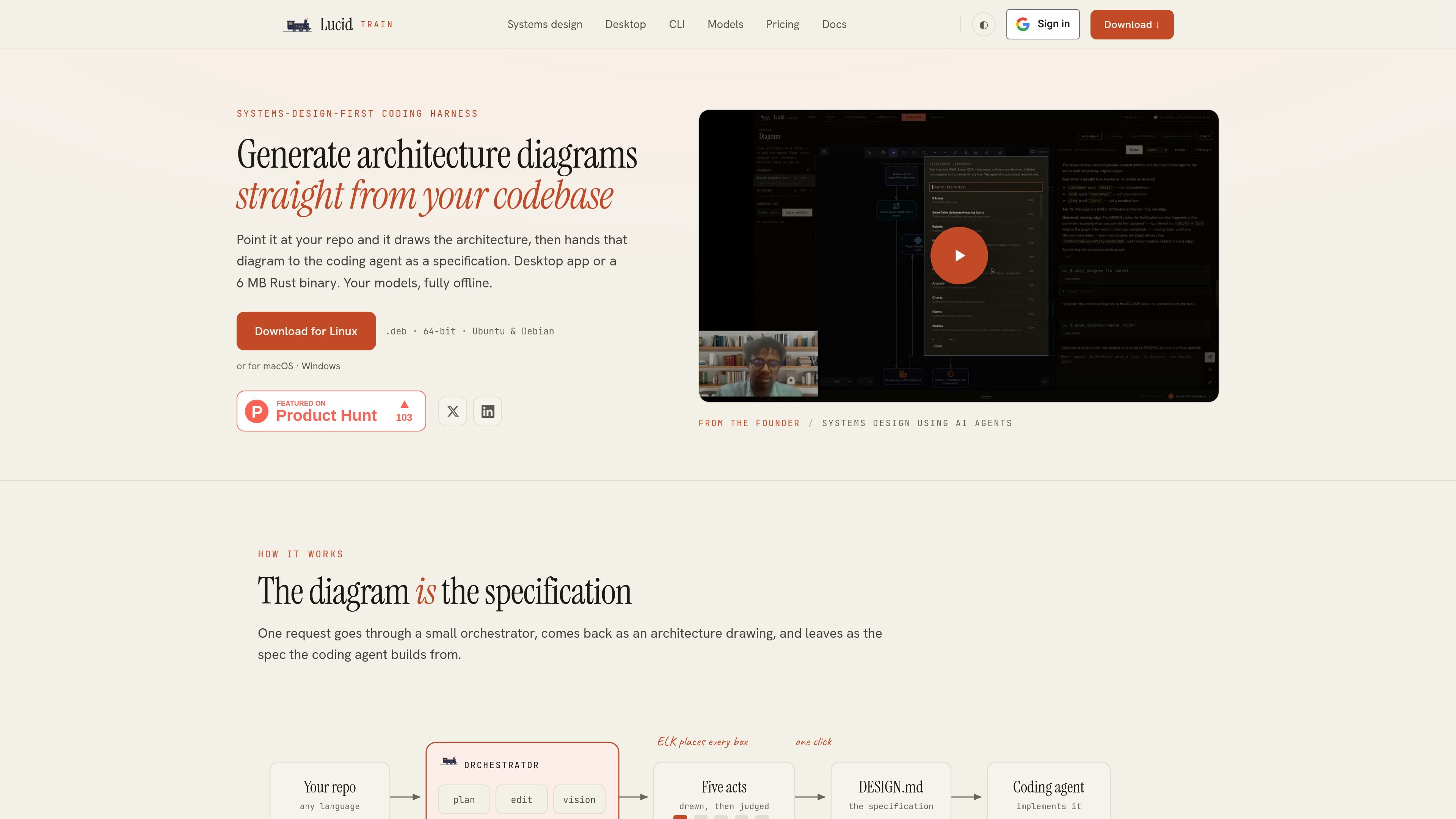
Lucid Train is an AI coding harness that generates architecture diagrams from a codebase and then uses that diagram as the specification for downstream coding work. The product is aimed at developers who want a clearer view of an existing repository before asking an agent to change it.
The site presents two product modes: a desktop app and a 6 MB Rust CLI. Both run on the user's machine and can use local models or the user's own API keys, so the code stays local and there is no usage meter built into the product.
Point the product at a repository and it produces a semantic view of components, tiers, and their relationships. The FAQ says the layout is handled by ELK rather than by the model placing boxes manually.
The diagram is also treated as the specification for the coding agent. The home page describes a workflow where a request is analyzed, drawn, and handed off as the design the agent builds from.
The desktop app groups Code, Diagram, Audit, Dashboards, and Connectors in one interface, so the same workspace can be used for implementation, review, and monitoring tasks.
The product supports multiple repositories in the same workspace, each with its own agent sidecar and history. That makes it suited to keeping separate projects organized without switching tools.
Lucid Train can work with any stdio MCP server and SKILL.md packs from skills.sh. The home page also mentions connectors for dashboards and dependency audits.
The terminal CLI is a single Rust binary with a keyboard-first TUI. The site says it supports live plans, thinking stream, diffs, and token accounting, and that it can run with local models or your own API keys.
A developer points the tool at a repo to get a visual map of components and dependencies before changing anything. This is useful when joining an unfamiliar codebase or reviewing a system that has grown without documentation.
After the architecture is generated, the diagram can be handed to the coding agent as a specification. That workflow supports agents that need a clearer design target before implementation work begins.
Teams can use the desktop app's Code, Diagram, Audit, Dashboards, and Connectors views to move between writing code, checking dependencies, and watching operational data in one place.
Users with multiple repositories can keep each project in its own workspace with separate history and an agent sidecar. That is helpful when tracking several services or codebases at once.
Developers who prefer a terminal workflow can use the Rust CLI for keyboard-first interaction, live plans, diffs, and token accounting without opening the desktop app.
Yes. The product FAQ states that you can point Lucid Train at a repository, and it surveys the codebase before emitting an architecture diagram. The diagram is generated locally on your machine, and the page says nothing is uploaded.
Yes. The FAQ says Lucid Train runs fully offline against local Ollama models. It does not require an API key, telemetry is off, and your code never leaves the machine.
The pricing page says the CLI is free and open source, while the desktop app is $3/month or $30/year and includes a 7-day trial. Model usage is separate: you can run local models at no cost or bring your own API key and pay the provider directly.
The FAQ says diagrams are Excalidraw scenes, which export to SVG and PNG and remain editable in Excalidraw clients. It also says one click can turn the canvas into a markdown specification listing components, relationships, and the narrator's notes.
The desktop app and CLI share the same agent core. The desktop app adds Code, Diagram, Audit, Dashboards, and Connectors in one window, while the CLI is described as a single 6 MB Rust binary with a keyboard-first terminal interface.

ByteAsk is a terminal-first AI coding agent for C and C++ that edits repositories and verifies changes with the real compiler, debugger, sanitizers, and tests before showing a diff. It offers a free tier plus paid plans, with editor connectors and zero-retention handling described in the source.

GitBot is a local browser-based workspace for creating reusable coding bots powered by Claude Code, Codex, or OpenCode. It helps developers run those agents across repository folders with persistent threads and configurable permissions.

Ghost es un asistente de IA para terminal para chatear, generar código y ejecutar tareas en la línea de comandos. Incluye modelos gratuitos, es compatible con Linux, macOS y Windows, y es de código abierto.

Vi3ecode is a maintained development environment for working with AI coding agents. It keeps project context, terminal, Git, memory, flows, review, and communication connected around the agent you already use.

CreateOS Sandbox is an isolated compute environment for running code and agent workloads inside Firecracker micro-VMs. It is designed for workflows that need machine-level isolation, private networking between sandboxes, and programmatic control through SDK, CLI, or MCP.

hob is an independent workspace for coding agents that keeps agent sessions, terminals, history, and follow-up work organized around the tools and providers you already use. It is aimed at developers who want local control over routing, history, and workspace structure rather than a bundled model stack.