
Generate songs from ideas
Write one to three sentences about a person, place, moment, or concept, and the generator writes lyrics, selects a structure, and performs the song in the sound you describe.

MakeASong is an AI music generator that turns short song ideas, user-written lyrics, or instrumental briefs into two full takes, with vocals or no vocals. It is suited to songwriting demos, personalized songs, background music, and lyric videos.
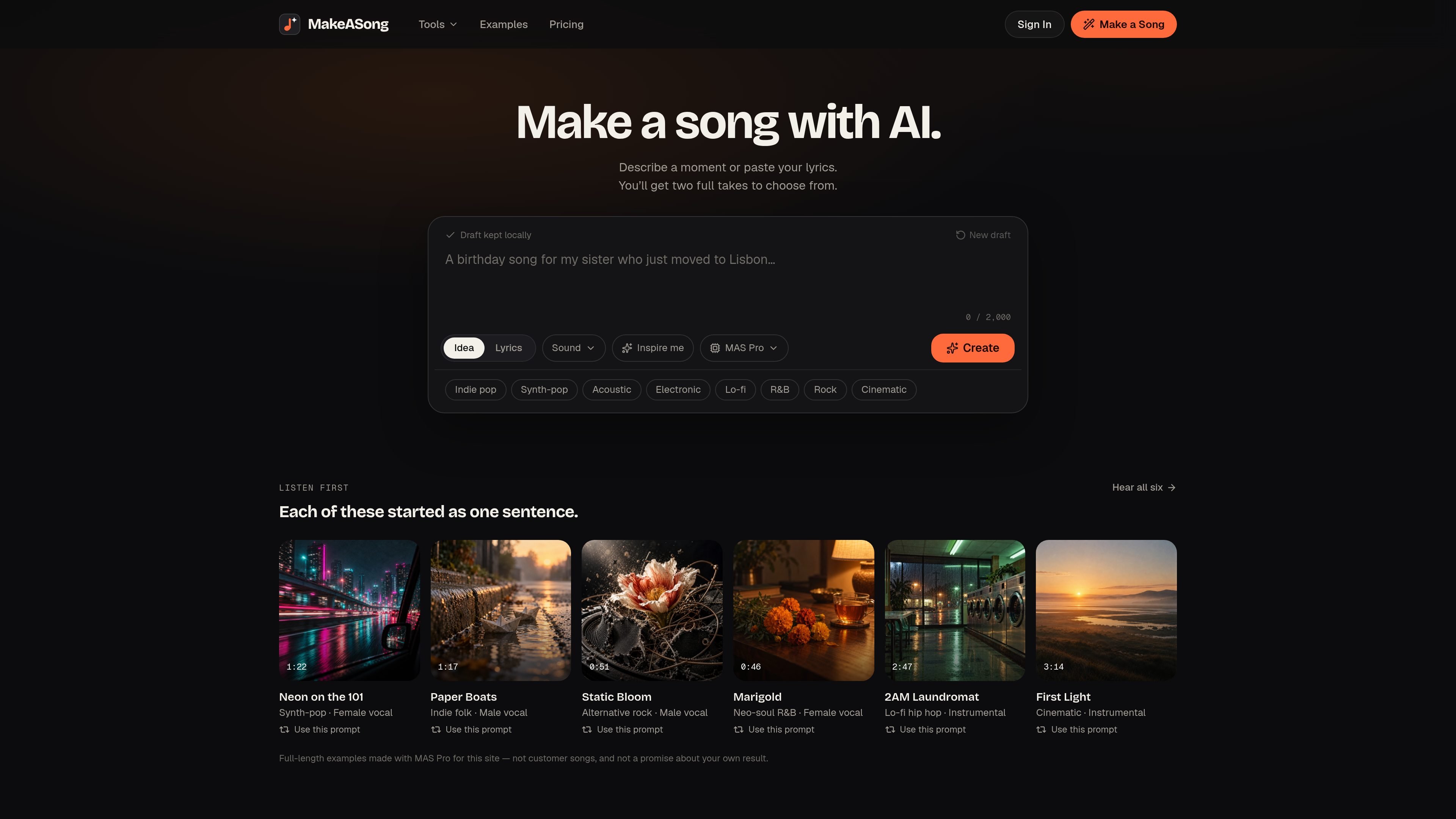
MakeASong is an AI song generator for turning written ideas or user-supplied lyrics into full songs. Users can describe a subject and sound, paste lyrics with labeled sections, or request an instrumental; the service generates two full versions of a request, generally in about a minute according to the site.
The product is aimed at quick songwriting drafts, personal songs, demos, background music, and social or video content. Its related tools support lyric videos and alternate-style covers, while the pricing page states that songs are private by default and can be downloaded, shared, and published subject to the site's usage policies.
Write one to three sentences about a person, place, moment, or concept, and the generator writes lyrics, selects a structure, and performs the song in the sound you describe.
Paste original lyrics, poems, or other text, label sections such as verses and choruses, and have the system sing the words while building an arrangement around them.
Use Instrumental mode to request beats, background music, ambient tracks, cinematic cues, game music, or other arrangements without vocals.
Describe genre, tempo, instruments, vocal type, language, mood, or arrangement details to guide the result, with examples spanning pop, folk, rock, R&B, hip hop, EDM, jazz, Latin styles, and more.
Each request returns two full takes of the same idea, allowing you to compare alternative performances before choosing one.
Create a lyric video from a song with synchronized words and export it vertically, widescreen, or square at 1080p for 20 credits.
Describe the recipient, occasion, inside jokes, mood, and desired vocal or instrumental style to produce a personalized birthday, anniversary, first-dance, or lullaby song.
Paste completed verses, poems, or a draft chorus to hear the writing performed, test an arrangement, and compare two takes without recording vocals yourself.
Request no-vocal tracks with a specified tempo, instrumentation, and density for podcast openings, cooking tutorials, travel videos, study sessions, or other spoken-content backgrounds.
Use lyric-video creation to turn an existing song into a vertical, widescreen, or square 1080p visual for TikTok, Reels, Shorts, or YouTube posts.
Generate genre-specific beats, looping game music, cinematic trailer cues, or alternate versions of a song for a different mood or audience.
Describe an idea in one to three sentences, paste lyrics and label their sections, or switch on Instrumental and describe the mood, tempo, and instruments. The generator returns two full takes for each song request.
Yes. In idea mode, turn on Instrumental and describe the desired mood, tempo, instruments, or scene. The resulting tracks contain no vocals.
You can paste lyrics, a poem, or other text and label the sections. MakeASong sings the provided words and builds an arrangement around them; arrangement directions should go in the sound field rather than the lyric text.
A song request costs 12 credits and returns two full takes. New accounts receive 80 welcome credits, while paid options include monthly plans and one-time credit packs. Failed songs return the held credits in full.
The pricing page states that users own the songs they create and can download, share, and publish them, provided their prompts and lyrics follow the Acceptable Use Policy. The Terms of Service contain the detailed conditions.

WriteMeASong creates personalized AI songs from a person, story, idea, or your own lyrics. It is designed for personal gifts and celebrations, with editable lyrics, a free 45-second first preview, and a shareable gift page after unlocking.

Kits AI is an AI music production platform for voice cloning, vocal generation, and vocal processing. It offers a Free plan, paid tiers, and a Windows desktop app for producers and creators working with studio-style audio workflows.

SongAI is a web-based AI music generator that turns text prompts or user-written lyrics into songs with melody, vocals, instruments, and mixing. It is designed for songwriters, creators, educators, game developers, and anyone making music for personal or project use.

AI Song Maker es un generador de música con IA para crear canciones desde texto, letras o audio subido. Incluye eliminación de voz y edición de pistas.

2G is a sampler instrument for Windows and macOS that generates sounds from text descriptions, edits imported or generated samples, and plays them from a keyboard. It is suited to producers exploring short samples and an early-2000s mobile-phone-inspired sound.

AI Song Maker is a web-based AI music generator that creates songs from text or lyrics and includes related tools such as vocal removal, track extension, and section replacement. It offers free and paid plans with credits, downloads, and commercial-use terms described on the pricing page.