
Autonomous app exploration
Start from a URL and let Manta click through the app, fill forms, follow navigation paths, and chart pages, flows, and components automatically.

Manta AI is an autonomous web app testing tool for teams that want to map application behavior, catch regressions, and generate tests without writing scripts or maintaining selectors. It works from a URL and supports plain-English test flows, run results with screenshots, and scheduled or deployment-triggered checks.
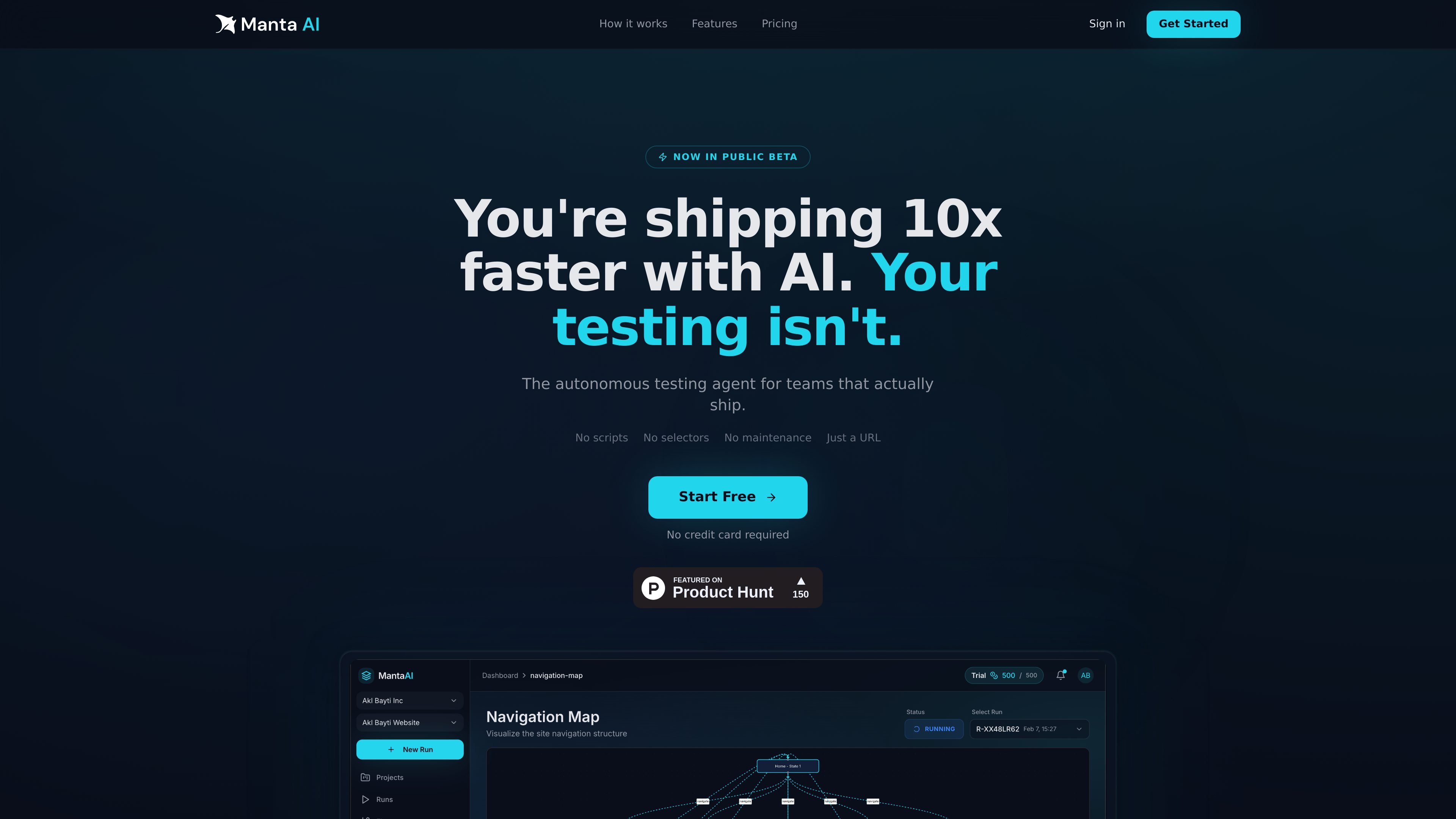
Manta AI is an autonomous web app testing product for teams that want coverage without maintaining scripts or brittle selectors. You give it a URL, and it explores the application like a user, mapping pages, flows, and components as it goes.
The product is designed to catch broken behavior automatically, including regressions, dead clicks, and failed flows. It can also generate structured test plans from plain-English prompts, then run them on demand, on a schedule, or after a deployment.
Start from a URL and let Manta click through the app, fill forms, follow navigation paths, and chart pages, flows, and components automatically.
Manta identifies broken interactions, dead clicks, and failed flows, then returns screenshots and reproduction context so teams can understand what changed.
Describe a flow in plain English, such as signing up or updating billing details, and Manta turns it into a structured, runnable test suite.
Each run produces pass/fail results per test along with screenshots and context, and it can be run on demand, on a schedule, or after deployment.
Manta builds a visual behavioral graph of the app, showing pages, transitions, and reachable states so teams can inspect coverage gaps.
The site says credentials are not stored beyond the session, and it lists run notifications plus upcoming CI/CD, MCP, and product-intelligence capabilities.
Point Manta at a staging or production URL to build coverage around current user journeys without writing selector-based tests.
Use plain-English flow descriptions to create runnable tests for key actions such as signup, onboarding, or billing updates.
Run checks on demand, on a schedule, or after a deployment to see which tests passed, which failed, and where the failure occurred.
Use the navigation map and behavioral model to inspect what parts of the app are covered and where gaps remain.
Share run outputs with screenshots and reproduction context so developers can diagnose broken flows without reconstructing the issue from scratch.
Manta AI is an autonomous web app testing tool. It starts from a URL, explores the application like a real user, maps flows, and surfaces bugs or broken behavior automatically.
You can start by giving Manta a URL. The product says it works on staging or production, with no scripts, selectors, or configuration required.
No. The site says you do not need to install anything, and that Manta can be started from a URL.
Manta is presented as a tool for web applications that can be explored through a browser interface, including staging or production environments. The site does not list narrower application-type restrictions.
Yes. The site says runs can be triggered on demand, on a schedule, or from a deployment, and it also mentions a CI/CD integration that is coming soon.

ByteAsk is a terminal-first AI coding agent for C and C++ that edits repositories and verifies changes with the real compiler, debugger, sanitizers, and tests before showing a diff. It offers a free tier plus paid plans, with editor connectors and zero-retention handling described in the source.

CreateOS Sandbox is an isolated compute environment for running code and agent workloads inside Firecracker micro-VMs. It is designed for workflows that need machine-level isolation, private networking between sandboxes, and programmatic control through SDK, CLI, or MCP.

GitBot is a local browser-based workspace for creating reusable coding bots powered by Claude Code, Codex, or OpenCode. It helps developers run those agents across repository folders with persistent threads and configurable permissions.

hob is an independent workspace for coding agents that keeps agent sessions, terminals, history, and follow-up work organized around the tools and providers you already use. It is aimed at developers who want local control over routing, history, and workspace structure rather than a bundled model stack.

SonOf connects to your repo and PM tool, audits the codebase and surrounding product context, and turns approved work into shipped tickets with senior engineering review. It is aimed at founders and engineering leaders who need backlog help without hiring a full team immediately.

Ghost es un asistente de IA para terminal para chatear, generar código y ejecutar tareas en la línea de comandos. Incluye modelos gratuitos, es compatible con Linux, macOS y Windows, y es de código abierto.