
Brief-driven generation
Create a mascot from a short written brief. The homepage says the input is just a short description of what you are building and how it should feel, with no design files required.

MascotAI generates animated SVG mascots for web and mobile apps. It helps teams create, preview, and download character assets they can ship into product without starting from design files.
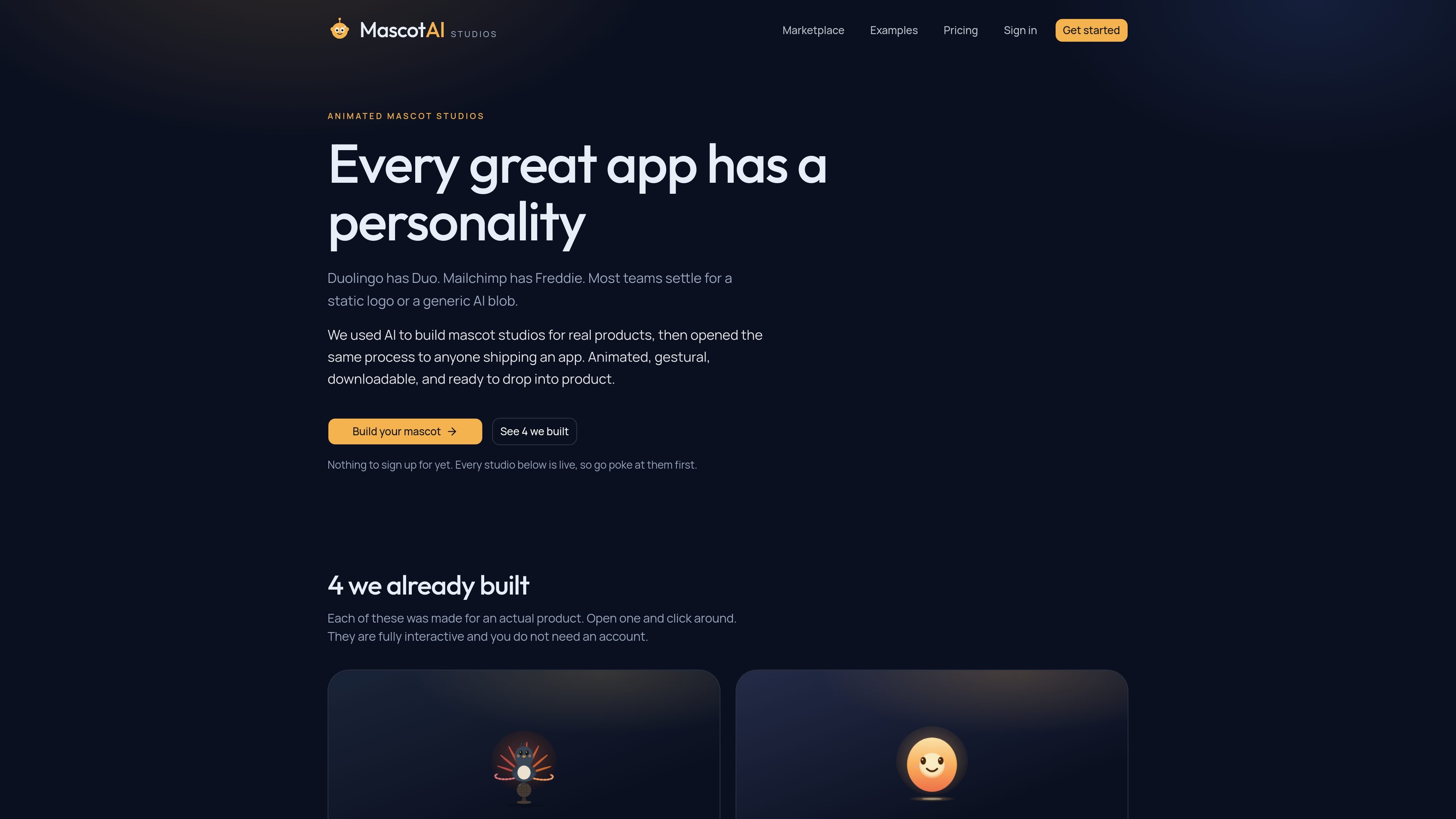
MascotAI is a tool for generating animated SVG mascots for apps. Its homepage positions the product around giving software “a personality” and says the output is designed to be shipped into web and mobile products.
The workflow is brief-based: describe what you are building, pick from a few generated directions, then download the mascot as animated SVG assets. The studio pages show that mascots can include gesture sets, theme controls, and editable parts, while the pricing page confirms a token-based model with OpenAI and Anthropic models included in each plan.
Create a mascot from a short written brief. The homepage says the input is just a short description of what you are building and how it should feel, with no design files required.
Choose from three directions generated in seconds, then build the full gesture set around the selected look. This keeps the workflow centered on a few strong directions rather than a blank canvas.
Download animated SVG mascots and paste them into your codebase. The product copy explicitly describes the output as download-ready and meant to be shipped into product.
Adjust poses, themes, and parts in the studio examples. The Lyra and Sol pages show live gesture sets, theme controls, and element toggles for remixing the mascot design.
Use token-based generation with visible cost before creation. The pricing page says every plan includes six models from OpenAI and Anthropic and that token cost is shown before you generate.
Browse ready-made mascot packs in the marketplace and remix or buy them. The marketplace previews every pose and supports either remixing for $4.99 or buying to own for $49.99.
Teams shipping a consumer app can create a mascot that matches the app’s tone and ship it as an animated SVG rather than relying on a static logo or generic illustration.
A product team can use the studio flow to explore a few directions quickly, then refine gestures and pose variants until the mascot fits a specific feature or screen state.
Apps with repeated states or milestones can use a character for contextual expressions, such as coaching, alarms, or session feedback, as shown in the studio examples.
Teams that do not want to start from scratch can browse the marketplace, preview poses, and remix an existing mascot pack before buying or using it in a product.
Editors and designers can use the output as a downloadable asset set and continue refining gestures over time, rather than treating the mascot as a one-time illustration.
No. The homepage says you can start by writing a short brief and that no design files are needed. The studios shown on the site are live and can be explored without an account.
The site says you can download animated SVGs and paste them into your codebase. It also says you can refine and add gestures later.
Yes. The pricing page says you can keep unlimited saved mascots, and the homepage says you can remix owned mascots from your library or the marketplace.
The marketplace page says you can preview poses, remix a mascot for $4.99, or buy to own for $49.99. Exclusive ownership removes it from the marketplace.
The site does not list framework-specific integrations. The clearest export detail provided is animated SVG download for use in a codebase.

Wallie is an open-source AI streamer that watches your screen, hears chat, and generates live commentary in a configurable persona. It runs locally on your machine with your own keys and is aimed at faceless content, autonomous streams, and real-time reactions.

PixelForge turns a single photo into a game-ready 2D character sprite pack, including a 4×4 sheet, transparent frames, direction strips, and looping walk GIFs. It is designed for engine-ready use in Godot, Unity, Phaser, GameMaker, and web games.

Artflow is an AI photography studio for generating character-based images and videos from uploaded photos, templates, and prompts. It helps users create reusable identities, scene variations, and edited outputs for personal or project use.

Hermes plugin is a Humalike add-on for Hermes Agent bots that adds social-intelligence behaviors such as turn-taking, persona, theory of mind, and social learning. It is presented as a one-install way to make a bot behave more naturally in group conversations.

SCAIL 2 is a browser-based AI video generator that animates a reference character from a driving video without skeleton extraction or rigging. It offers Animate and Replace modes, 480p or 720p output, and a free starting balance of 15 credits with no card required.

Cast is an AI character casting platform for video production that lets teams browse or create photorealistic synthetic characters and export 4K reference sheets for use in AI video tools. It offers commercial licensing options, including free, one-time, subscription, and team sales paths.