
Multi-agent team assembly
Describe the outcome you want in plain language, and Mindra assembles a specialized team of agents instead of leaving the work to a single assistant.

Mindra is an AI agent platform that assembles coordinated agent teams to own recurring business workflows. It connects to 3,000+ tools and includes approvals, logging, and enterprise security controls.
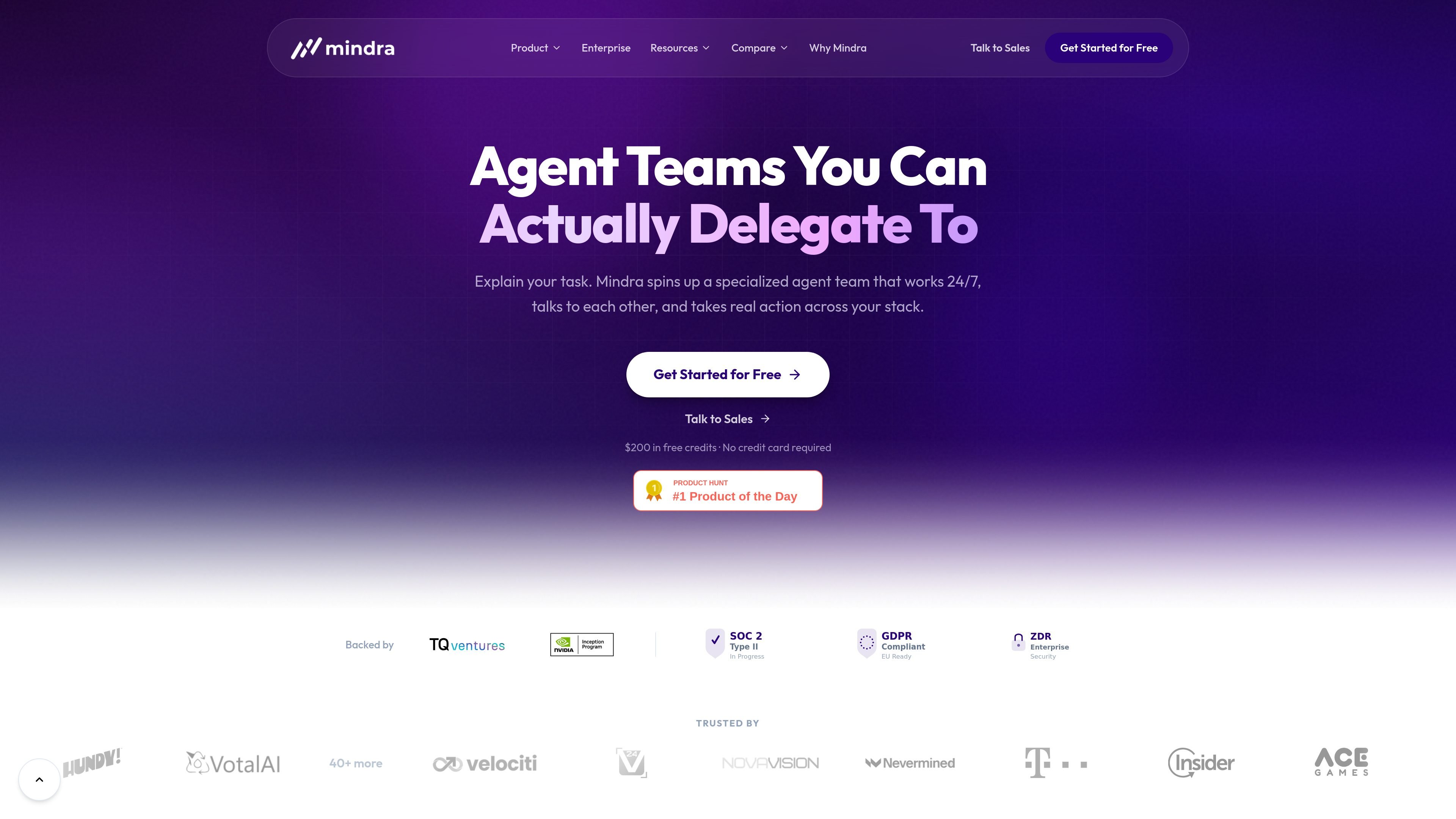
Mindra is an AI agent platform that assembles a team of agents around a task or function. Instead of acting like a single assistant, it plans the work, assigns roles, coordinates across tools, and produces finished output while you focus elsewhere.
The product is presented as a way to delegate recurring operational work across business functions such as marketing, sales and RevOps, operations, and founder workflows. It connects to 3,000+ tools, supports existing agents through MCP and custom APIs, and includes controls for approvals, logging, and enterprise security.
Describe the outcome you want in plain language, and Mindra assembles a specialized team of agents instead of leaving the work to a single assistant.
Agents share context, hand off tasks, and coordinate phase by phase so the work moves from inspection to execution without manual stitching.
The product shows agents talking to each other, including step-by-step reasoning traces, retries, and recovery when a tool or API limit is hit.
Agents can take real actions such as pausing campaigns, reducing spend, reallocating budget, and posting summaries to Slack or email with an audit trail.
Mindra connects to 3,000+ built-in integrations and can also use hosted MCP connectors or custom API tools, while remaining framework-agnostic.
Security controls include human approval gates, role-based access, SSO, audit logs, zero data retention, encryption, and runtime policy guardrails.
Use a coordinated team of ad agents to audit Google, Meta, and LinkedIn campaigns, identify wasted spend, pause weak performers, and reallocate budget toward better winners.
Delegate weekly MRR, growth, and competitor monitoring to agents that compile updates from your data and draft investor or founder-ready reports.
Assign agents to review pipeline hygiene, enrich leads, and draft outreach so sales and RevOps work is handled in a repeatable flow.
Use agents for supplier-delay tracking, client onboarding, and weekly ops reporting so recurring back-office tasks are monitored and summarized automatically.
Connect Mindra to existing apps, MCP tools, or custom APIs when you want agents to coordinate across an established stack instead of replacing it.
Mindra is a whole department of AI coworkers that you hire with a sentence. You describe the outcome you want, and Mindra assembles a team of agents to plan the work, assign roles, coordinate, and ship it.
The source shows Mindra as a multi-agent platform with 3,000+ integrations. It plugs into existing tools and can also orchestrate agents you already run, with support for MCP connectors and custom API tools.
The pricing page shows a free plan with $200 in free credits, a Pro plan with monthly credits, and an Enterprise option for teams that need custom security, onboarding, and credit volumes.
The security page says sensitive actions can wait for human approval, and controls like zero data retention, encryption, RBAC, SSO, audit logs, and policy guardrails are available.
The source positions Mindra for teams that want agents to own operational work across marketing, sales and RevOps, operations, founders, and similar business functions.

OpenFlags is an open-source, self-hosted feature flag platform for modern JavaScript teams. It supports local evaluation, targeted rollouts, and controlled launches while keeping flag data in your own infrastructure.

Lasso is an ecommerce product data platform for enriching catalog records, processing supplier files, generating product content, and monitoring competitors. It combines a web app with a REST API, SDK, and MCP server for teams and developers.

Codex Plugins bundle reusable skills, app integrations, and MCP servers into workflows you can install in the Codex app or use from Codex CLI. They help extend Codex with connected-service tasks, reusable instructions, and shared team workflows.

Struere is an AI-native platform for turning spreadsheet data into structured operational software with dashboards, alerts, and automations. It is aimed at teams that want to replace manual spreadsheet workflows without building custom tools from scratch.

Exodus is a free developer tool that audits an application repository, compares its current deployment with a Google Cloud Run design, and creates an ordered migration plan for a coding agent. It also helps plan new products for Cloud Run with architecture and cost estimates.

Botacts is a web directory for finding AI bots and agents you can contact by phone, email, SMS, WhatsApp, Telegram, or Signal. It also lets creators suggest bots for manual review before publication.