
Photo-to-store setup
Start from a product photo and a few answers. Minicart creates product listings, additional product imagery, and a storefront that can be reviewed and edited through chat.

Minicart is an AI-assisted ecommerce platform for makers, artists, and small studios. It helps users launch a branded store, manage products and orders, create marketing content, handle shipping and sales tax, and operate the business through chat.
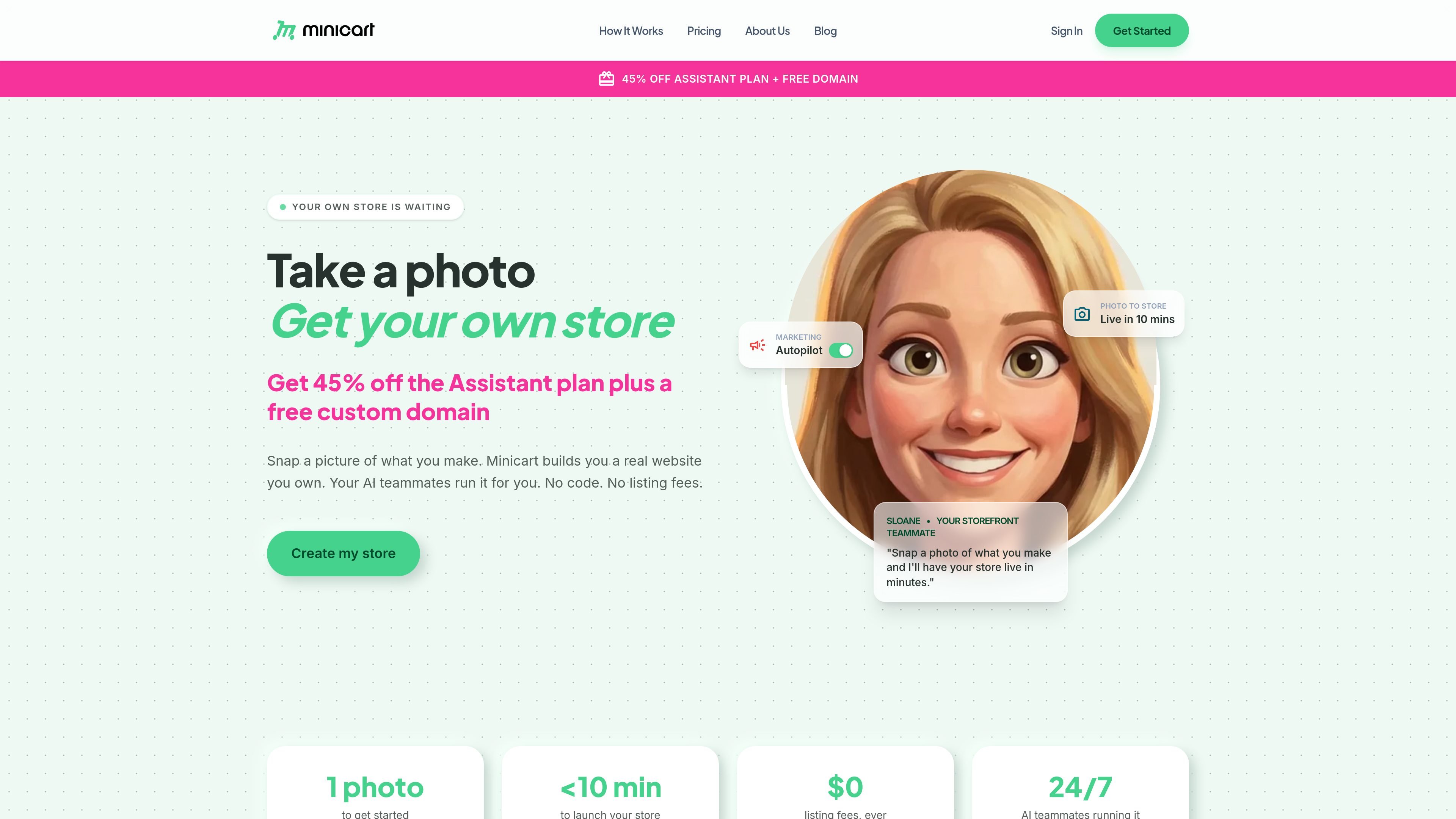
Minicart is an AI-assisted ecommerce platform for makers, artists, and small studios. It provides a branded online store with hosting, product management, payments, sales-tax handling, shipping tools, order management, and customer communication in one service.
A store can be started from a product photo or an imported catalog. Minicart’s AI teammates divide the ongoing work between storefront operations, marketing, and logistics, while the owner uses chat to request changes and reviews proposed updates before they are applied. The service includes a free starting tier, with paid upgrades and add-ons for growing stores and expanded automation.
Start from a product photo and a few answers. Minicart creates product listings, additional product imagery, and a storefront that can be reviewed and edited through chat.
Sloane manages the branded online store, products, variants, collections, inventory, payments, sales tax calculations and collection, policies, revenue dashboards, and payouts.
Milo can draft social posts, create lifestyle imagery, and set up percentage, fixed-amount, and free-shipping discounts. One-tap Instagram posting is available, with limits on some free AI features.
Logan supports order management and tracking, shipping labels, refunds, return policies, automated order and delivery emails, and drafts replies to pre-sale and customer questions for approval.
Import a catalog from Etsy, Shopify, or eBay by pasting a store link. Minicart can bring over product information and imagery while the existing marketplace or store remains running through a read-only connection.
Manage the store with plain-language requests, including bulk product and inventory edits. Proposed changes can be reviewed item by item and confirmed before they go live.
Photograph handmade products, answer a few setup questions, and use the generated listings and storefront as a starting point. This suits sellers who want to begin without coding or designing a site from scratch.
Paste an Etsy, Shopify, or eBay store link to bring an existing catalog into a branded Minicart storefront. The read-only import allows the original store to keep operating while the new site is prepared.
Ask the AI teammates to draft Instagram content, create lifestyle imagery, and apply discount codes or shipping offers around a product launch or seasonal promotion.
Use chat to request inventory adjustments, bulk price changes, waitlist outreach, shipping-label preparation, and customer-reply drafts, then review the proposed actions before confirming them.
Use the storefront, marketing, and logistics roles together when one person is responsible for product listings, promotion, fulfillment, and customer questions.
Minicart is designed to be set up through conversation rather than code or visual configuration. You can start with a photo of a product, answer a few questions, and review the generated listing and storefront before going live. The site says a store can launch in about 10 minutes, though the actual time may depend on the catalog and edits required.
You can start with a product photo. Minicart uses it to create product imagery, a listing with details and a pricing suggestion, and a storefront that you can review and adjust by chatting before publishing.
Yes. Minicart supports one-click imports from Etsy, Shopify, and eBay using a store or seller link. The source pages say it can bring over products, images, titles, prices, variations, collections, and, for Etsy, reviews. The connection is described as read-only, so the existing store remains active.
The AI teammates draft or prepare changes, but the site states that you remain in control and that nothing goes out without your approval. For bulk edits, Minicart shows the affected products and the proposed changes for confirmation before they are applied.
Every AI team member starts on a free tier with no credit card or setup fee. Paid plan upgrades and add-ons are available for stores that need capabilities such as lower card rates, more users, higher product-image limits, custom domains, priority support, or expanded marketing automation. Free-tier limits apply to some AI-assisted features.

Lasso is an ecommerce product data platform for enriching catalog records, processing supplier files, generating product content, and monitoring competitors. It combines a web app with a REST API, SDK, and MCP server for teams and developers.

DailyPlay.ai is a behavioral growth platform that uses AI site scanning and micro-games to help brands improve engagement and conversion. It supports web, mobile, and other digital touchpoints, with a one-line script setup and a free engagement scan.

EchoTik es una plataforma de análisis de datos de comercio electrónico de TikTok diseñada para ayudar a los vendedores y creadores de comercio electrónico a tomar decisiones basadas en datos para la selección de productos y el análisis de mercado.

Wisry is an AI advertising studio for ecommerce brands that researches competitor ads, develops evidence-backed campaign concepts, and generates static and video creatives. It also supports editing and connected campaign workflows for Meta and Google.

PicCopilot is an AI content platform for e-commerce that turns product photos into marketing visuals, model shots, videos, and social content. It offers a free plan plus paid tiers for templates, model swap, virtual try-on, and batch-oriented creation.

Krev AI is an ecommerce platform with role-based AI employees for market research, creative production, ad planning, and social publishing. It is built for brands that want product and brand context carried through connected growth workflows.