
Transaction classification
Reads bookkeeping exports and classifies transactions so your team does not have to start from scratch.

NAADI is a corporation tax intelligence tool for UK accounting practices. It processes bookkeeping data to estimate CT positions, surface reliefs and risks, and give clients a plain-English view of their tax position.
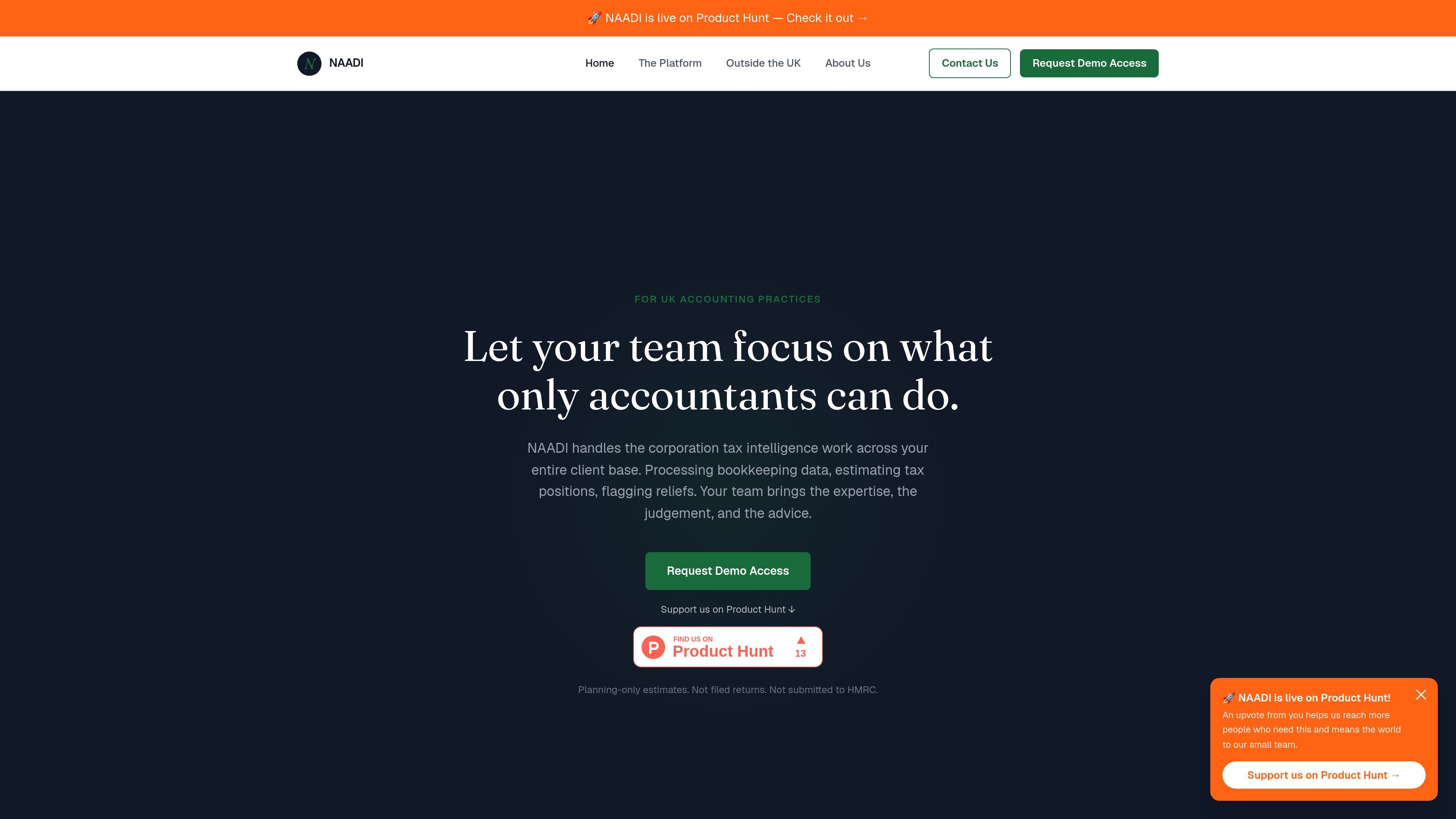
NAADI is a corporation tax intelligence tool for UK accounting practices. It processes bookkeeping data, applies UK corporation tax rules, and produces planning-only estimates of taxable profit and CT position across a practice’s client base.
The product is positioned to reduce manual groundwork before year-end by classifying transactions, identifying reliefs and deductions, and surfacing savings opportunities and risk flags. Accountants review the output, apply judgement to complex cases, and use the results to advise clients with more timely visibility.
Reads bookkeeping exports and classifies transactions so your team does not have to start from scratch.
Estimates taxable profit and the corporation tax position from bookkeeping data, with planning-only outputs.
Surfaces reliefs, deductions, and other savings opportunities that may otherwise be missed until year-end.
Flags unusual entries, misclassifications, and items that need a human eye before advice is given.
Shows every assumption and source transaction used to produce the estimate, so the breakdown can be reviewed internally and explained to clients.
Provides a plain-English view of the estimated position that can be shared with clients as their bookkeeping data changes.
Use NAADI to move routine CT estimation work out of manual spreadsheets and into a review workflow, so staff can focus on higher-value advisory work.
Use the client-facing summary to show SMEs what their estimated position is, what is driving it, and which savings have already been identified during the year.
Use the risk flags and audit trail to review unusual items, misclassifications, and entries that need a human eye before advice is issued.
Use the output to identify reliefs and deductions earlier in the year, when there may still be time to act on them.
Use the onboarding flow in a practice account to add clients and process standard bookkeeping exports without changing the client’s existing bookkeeping software.
NAADI is designed for UK accounting practices. It processes bookkeeping data to produce planning-only corporation tax estimates, highlight reliefs and deductions, and show clients a plain-English view of their position.
No. The source states that NAADI does not file returns and nothing is submitted to HMRC. It supports the advisory and planning work before filing.
NAADI accepts standard bookkeeping exports, including CSV files from Xero, QuickBooks, Sage, and FreeAgent. The accountant can upload the file on behalf of a client, or the client can upload it directly.
Clients see a clear, accessible summary of their estimated corporation tax position in plain language, including what is driving it and the savings already identified. They do not see raw data or jargon.
The source says onboarding is handled through a practice account. Once the practice is set up, adding clients is straightforward, and an integration consultation is available.

KlutterAI is an AI-powered expense tracker that helps people capture receipts, categorize spending, and monitor budgets from iOS or Android. The product also surfaces recurring charges, spending alerts, and exportable reports.

Trump Accounts is an investment account product for building long-term financial security for a child. The site also offers support for activation, bank linking, contributions, investing, statements, tax documents, and account closure.

calculate.at is a browser-based library of online calculators for everyday math, finance, health, conversion, and date/time tasks. The site highlights no signup and shows formulas and worked examples alongside results.

Timebook is a time tracking, invoicing, and bookkeeping app for freelancers and single-member LLCs. It combines hours, invoices, and basic books in one place, with optional Plaid bank sync and AI-agent support.

Finchum is a personal finance planning tool that aggregates accounts and forecasts future balances for users in the US and Canada. It supports secure sync without sharing bank passwords, with OAuth where available and file-based imports as a fallback.

CashPylot is finance software for startups and freelancers that combines invoicing, expense tracking, cashflow monitoring, budgets, and client management in one platform. It offers a 7-day free trial on a single paid plan.