
Bookshelf-style library
The interface is organized like a bookshelf, with labeled shelves you can sort by series, status, or pen name. Books can be dragged between shelves, and cover art can be added directly to titles.

NEO is a distraction-free novel-writing tool for authors. It runs locally, stores manuscripts as plain files on disk, and includes organization, planning, export, and backup features.
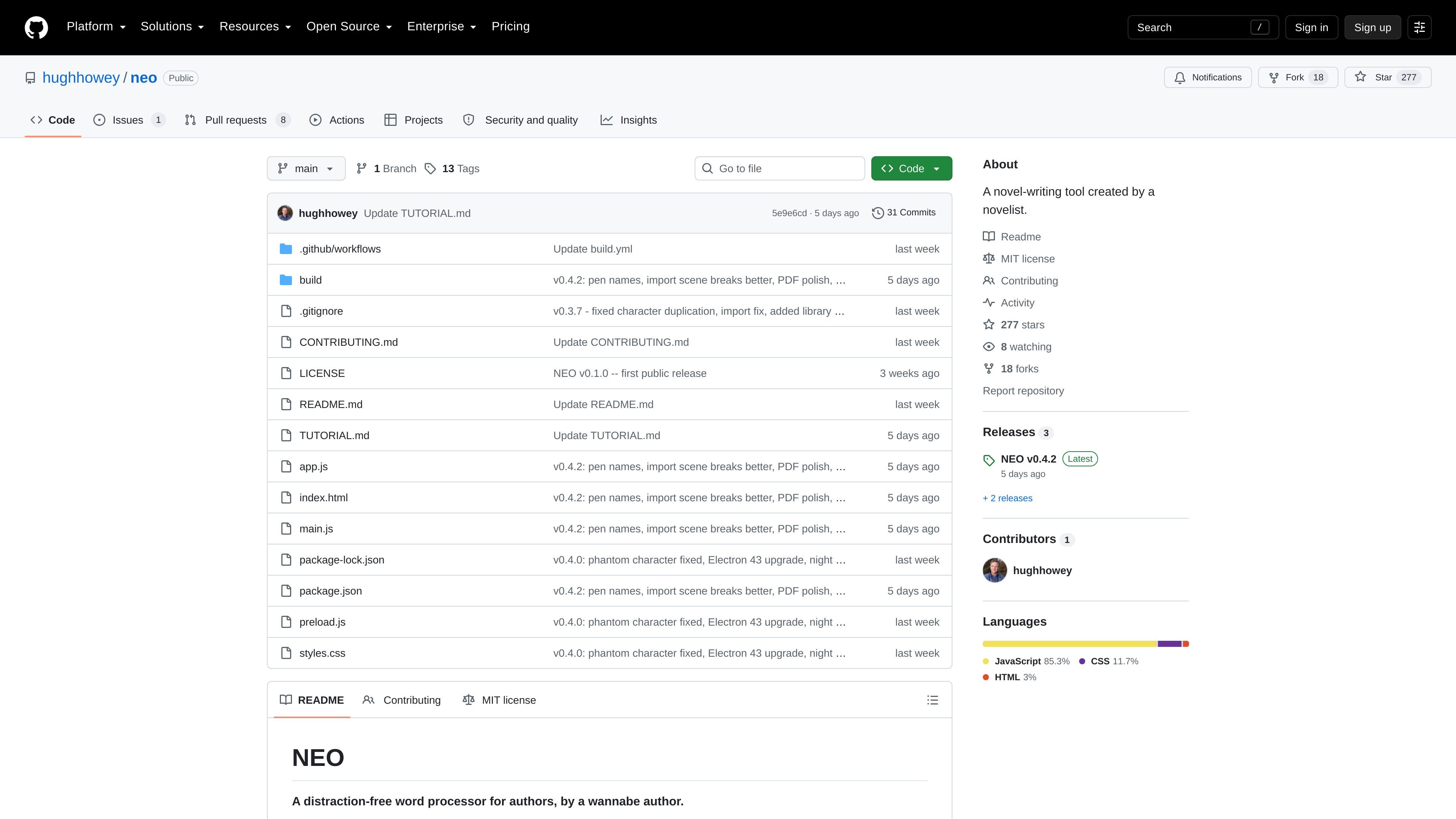
NEO is a novel-writing tool and distraction-free word processor for authors. The project is presented as a local-first writing app built by a novelist, with a focus on keeping manuscripts organized while avoiding the clutter of a general-purpose editor.
According to the README, NEO runs locally, stores work-in-progress files as plain files on disk, and does not require accounts or subscriptions. The workflow centers on drafting, organizing chapters, tracking goals, and exporting finished work into common publishing and document formats.
The interface is organized like a bookshelf, with labeled shelves you can sort by series, status, or pen name. Books can be dragged between shelves, and cover art can be added directly to titles.
NEO is built for low-distraction drafting: a default white page or dark mode, controls that fade until hover, automatic chapter numbering, and inline typography cleanup for em dashes, ellipses, and curly quotes.
The app supports draft management tools such as Darlings, where you can move passages out of the manuscript without losing them, and Placeholders, which add sticky-note reminders and chapter markers.
An Outline tab lets you organize chapters and sections, while section notes appear in the manuscript as gray ghost paragraphs ready to be replaced.
NEO includes progress support such as daily word goals, word sprints, and a NaNoWriMo-style progress chart, with progress bars shown on book covers.
Built-in export and import options cover EPUB 3, Word .docx, PDF, HTML, markdown, plain text, plus importing .docx, .txt, and .md manuscripts with automatic chapter and scene-break detection.
Use NEO when you want a writing environment that starts from the assumption you are drafting a book, with chapters, scene breaks, and manuscript formatting built into the interface.
Use the bookshelf and shelf labels to organize multiple books, series, or pen names without relying on a generic file list.
Use Darlings, placeholders, and outlines when you need to move text aside, mark unresolved details, or map the structure of a chapter before polishing.
Use the export tools when you need to move a manuscript into EPUB, DOCX, PDF, HTML, markdown, or plain text for sharing or publishing.
Use the local file structure and backups when you want work stored on disk, with daily zip backups and optional iCloud storage for extra safety.
The source describes NEO as a free app with no accounts or subscriptions. GitHub’s pricing page confirms the project is hosted on GitHub, where a free plan exists for public and private repositories, but the product itself is presented as free.
The README says NEO runs locally and stores work-in-progress files on your disk. It also says your library lives in a NEO Library folder, with one folder per book and readable HTML chapters.
NEO can export manuscripts to EPUB 3, Word .docx, PDF, HTML, markdown, and plain text. It can also email a timestamped PDF snapshot with a SHA-256 fingerprint in the body.
The README gives installation instructions for macOS and Windows only: download the appropriate installer from the Releases page, then open the .dmg on Mac or run the .exe or setup installer on Windows.
The README frames NEO as an opinionated, distraction-free writing tool for authors. It is meant for writers who want local, plain-file storage and a minimal workflow rather than a fuller-featured writing suite.

Sudowrite is an AI writing partner for fiction authors. It helps writers brainstorm, outline, draft, revise, and expand long-form stories inside a fiction-focused workflow.

MidReal is an AI story generator for creating novels and stories from a single sentence. The captured site also says the product has been sunset and points users toward Macaron.

FeelFish is a PC client for AI-assisted novel writing, designed to help fiction writers plan characters and settings, draft and revise long-form content, and manage story context. It includes a free tier and paid plans, with support for multiple large-model providers.

Goldfish is an AI memory app for macOS that helps you reply, write, summarize, and continue using the context already on your Mac. It stores memory locally and writes in your tone.

ProWritingAid is a writing assistant for storytellers that offers grammar checking, style editing, paraphrasing, and story analysis inside popular writing apps. It includes a free plan, paid tiers, and tools for chapter critique, manuscript review, and collaborative editing.

SpeakoFlow is a free, open-source desktop voice-to-text app for Windows, macOS, and Linux. It supports dictation into any app, voice-driven writing with Flow, cleanup, translation, and a screen-aware assistant.