
Local-first operation
Ollie runs on the user’s machine and is described as local-first, with private memory stored on disk rather than in a cloud account.

Ollie is a local-first AI agent that reads email, chats, documents, and files through one-click connectors and MCP. It runs on Windows and is designed for people who want a no-terminal, no-config setup.
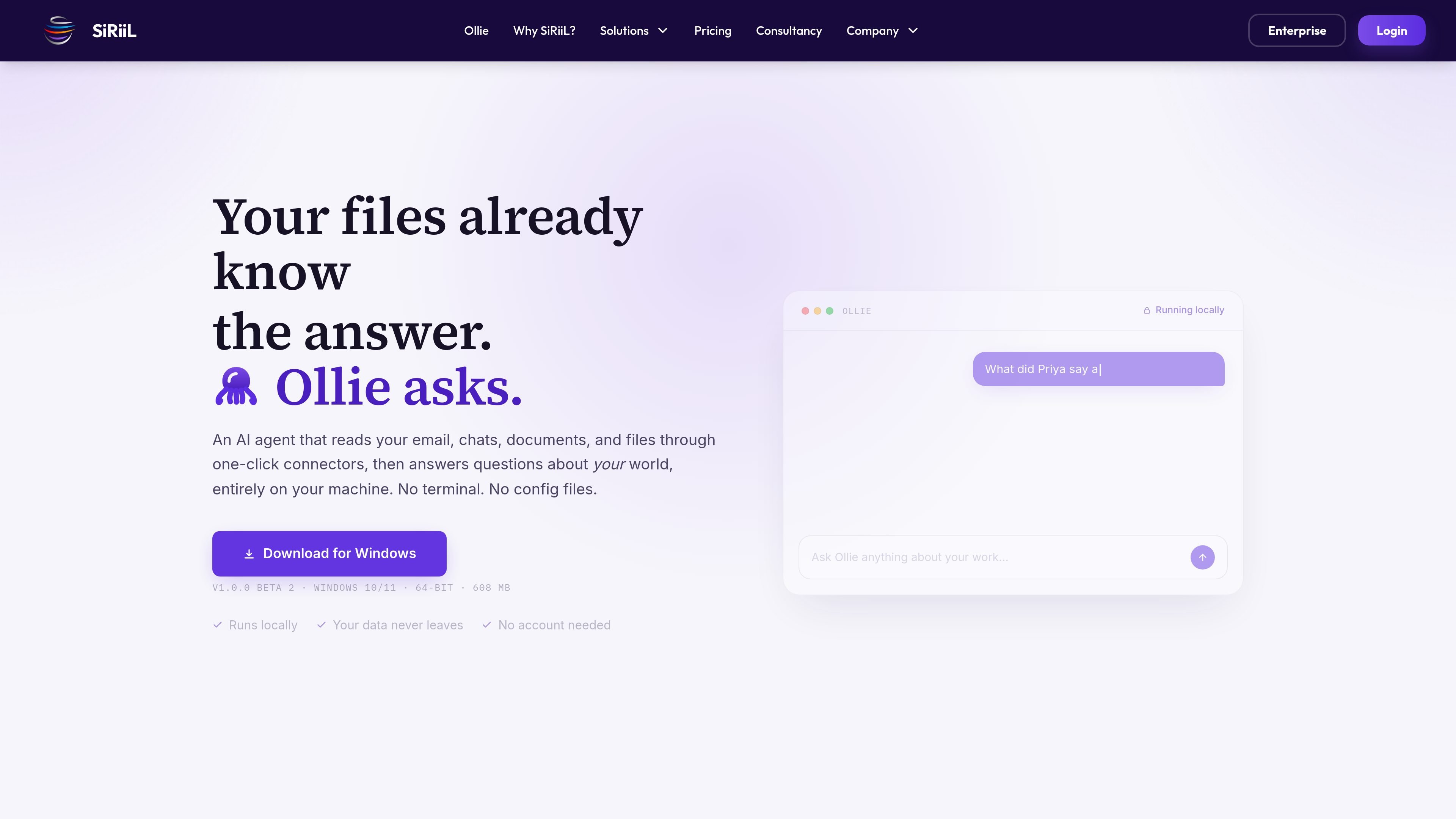
Ollie is a local-first AI agent from SiRiiL that reads email, chats, documents, and files through one-click connectors and MCP-based integrations. It is presented as an AI assistant that answers questions about your work data while running entirely on your machine.
The product is positioned for people who do not want a terminal-based setup. The homepage emphasizes a simple flow: download the Windows app, connect the sources you use, and ask questions in plain English. SiRiiL says Ollie keeps its memory on the user’s disk, with no account, no telemetry, and no data leaving the device.
Ollie runs on the user’s machine and is described as local-first, with private memory stored on disk rather than in a cloud account.
The product can read connected data through MCP, which the site describes as an open standard that lets Ollie work with tools your team already uses, including in-house servers.
Ollie includes ready-made connectors for common apps such as Gmail, Outlook, Teams, Drive, QuickBooks, Stripe, Slack, and Notion, with sign-in-based setup.
The homepage says you can install Ollie, connect a tentacle, and ask in plain English, with no terminal, no config files, and no keys to manage.
The product is framed around reading email, chats, documents, and files so it can answer questions about your work context from connected sources.
The site says Ollie does not need an account and that it keeps running locally even when the internet is unplugged, indicating offline-capable local use after setup.
Connect email, calendars, and documents, then ask for a status update or the next deadline without searching through separate apps.
Use the built-in finance-oriented connectors and connected documents to ask about invoices, ledgers, or transactions in natural language.
Point Ollie at shared drives, chats, and docs so it can answer questions about agreements, decisions, or open items with source context attached.
Use MCP support to connect to custom or in-house systems when the app your team relies on is not already listed as a built-in connector.
Ollie is designed to work without a terminal or config files. The homepage says you download the Windows app, connect your apps with one-click connectors or MCP, and then ask questions in plain English.
The source describes Ollie as a local-first AI agent that reads your email, chats, documents, and files on your own machine. It is positioned for people who want to ask questions about their work data without handling a command-line setup.
The homepage shows Ollie reading connected data such as Gmail, Outlook, Teams, Drive, QuickBooks, Stripe, Slack, and Notion, and it also says it can speak MCP out of the box for custom or in-house tools.
Ollie runs locally on the user’s machine, keeps its memory as a private index on disk, and the site says no data leaves the device, no account is needed, and there is no telemetry.
The public page presents Ollie as a Windows 10/11 64-bit download. The source does not mention macOS or Linux support on the Ollie page.

ArtDeck is a visual reference board app for iPhone, iPad, and Mac that lets artists collect mixed reference material on one canvas and study it with ToolBox lenses. It works offline, supports optional iCloud sync, and is sold as a one-time purchase with no account required.

Goldfish is an AI memory app for macOS that helps you reply, write, summarize, and continue using the context already on your Mac. It stores memory locally and writes in your tone.

Lasso is an ecommerce product data platform for enriching catalog records, processing supplier files, generating product content, and monitoring competitors. It combines a web app with a REST API, SDK, and MCP server for teams and developers.

Liam is an AI copilot for managing inboxes, writing replies, prioritizing email, and scheduling meetings. It is offered free for individuals, with custom pricing for teams and enterprise.

Codex Plugins bundle reusable skills, app integrations, and MCP servers into workflows you can install in the Codex app or use from Codex CLI. They help extend Codex with connected-service tasks, reusable instructions, and shared team workflows.

Struere is an AI-native platform for turning spreadsheet data into structured operational software with dashboards, alerts, and automations. It is aimed at teams that want to replace manual spreadsheet workflows without building custom tools from scratch.