
Semantic search and ranked discovery
Search the web with natural-language queries and receive ranked links with titles and descriptions, which is useful when you need discovery before extraction.

Olostep is a web data infrastructure API for AI agents and developers that search, scrape, crawl, structure, and monitor web content. It supports multiple endpoint types and returns LLM-ready outputs for research, enrichment, and real-time workflows.
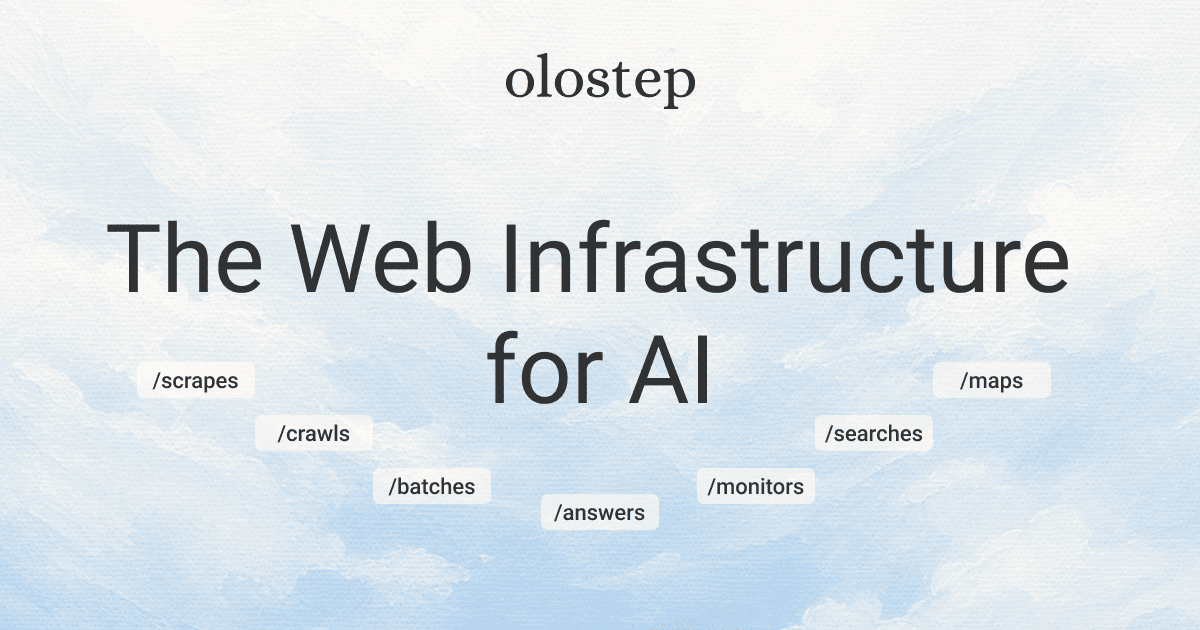
Olostep is a web data infrastructure platform for AI agents and developer teams that need to search, scrape, crawl, structure, and monitor web content through one API. The site positions it as a way to power research, enrichment, RAG, and real-time data workflows with structured, LLM-ready output.
Its public API is organized into focused endpoints for different jobs: Scrapes for known URLs, Maps for domain URL discovery, Crawls for multi-page site walks, Batches for large arbitrary URL lists, Searches for semantic discovery, Answers for source-backed responses, and Monitors for recurring checks. The homepage also shows native Python and NodeJS SDK clients, plus cURL examples, so teams can use the service from code or directly over HTTP.
Search the web with natural-language queries and receive ranked links with titles and descriptions, which is useful when you need discovery before extraction.
Extract content from a URL you already know and request formats such as markdown, HTML, text, JSON, screenshots, and parser output.
Walk a site from a start URL with depth and page limits, then list pages and retrieve each page’s content separately.
Discover URLs for one domain with filters and cursor pagination, which helps build a source list without maintaining your own discovery pipeline.
Process large lists of arbitrary URLs in one job, with parsers, metadata, webhooks, and cursor-based access to items.
Set up recurring monitors to track web pages and send change alerts through email, Slack, SMS, or webhook.
Use Search when you need ranked links from a natural-language question and want to move from discovery to extraction without managing your own search scraper.
Use Scrapes when you already know the URL and need page content in a specific format such as markdown, HTML, JSON, or screenshots for downstream processing.
Use Crawls when the content is spread across a site, such as documentation, blogs, or other multi-page structures, and you need page-by-page retrieval from a start URL.
Use Maps when you need to inventory the URLs on a domain before deciding which pages to fetch or process further.
Use Batches when you have a large arbitrary list of URLs and want to process them in one job with predictable completion and operational tooling such as webhooks.
Olostep exposes focused endpoints for different web data tasks. The source pages say Scrapes are for a single known URL, Maps for discovering URLs on one domain, Crawls for walking a site from a start URL, Batches for large arbitrary URL lists, Searches for ranked web results, Answers for source-backed natural-language responses, and Monitors for recurring checks.
The source shows native Python and NodeJS SDK clients, as well as cURL examples. The public pages also show endpoint-specific HTTP requests and code samples for scrapes, crawls, maps, and batches.
The pricing page says the free trial includes 500 successful requests, and paid plans start at $9/month. The same page also mentions top-up credit packs and an enterprise option with custom pricing.
The homepage shows Scrapes returning markdown, HTML, screenshots, and JSON, while the endpoint page also mentions text and parser output. Crawls return per-page retrieve IDs and content can then be fetched from /v1/retrieve.
The endpoint page describes Monitors as recurring checks that can detect page changes and send alerts by email, Slack, SMS, or webhook. The home page and pricing page focus more on the web data APIs, while the monitors detail appears on the endpoint overview page.

Mindcase is a web data API and console for extracting structured data from websites and major online platforms. It helps users retrieve clean rows of data through prompt or API access, with prepaid per-record billing.

ByteAsk is a terminal-first AI coding agent for C and C++ that edits repositories and verifies changes with the real compiler, debugger, sanitizers, and tests before showing a diff. It offers a free tier plus paid plans, with editor connectors and zero-retention handling described in the source.

Epherem is a static security scanner for web apps built with AI coding tools such as Lovable, Bolt, v0, Replit, Cursor, and Claude Code. It checks source files and dependencies for common security mistakes, then provides categorized findings and suggested fixes without running the app.

CreateOS Sandbox is an isolated compute environment for running code and agent workloads inside Firecracker micro-VMs. It is designed for workflows that need machine-level isolation, private networking between sandboxes, and programmatic control through SDK, CLI, or MCP.

GitBot is a local browser-based workspace for creating reusable coding bots powered by Claude Code, Codex, or OpenCode. It helps developers run those agents across repository folders with persistent threads and configurable permissions.

hob is an independent workspace for coding agents that keeps agent sessions, terminals, history, and follow-up work organized around the tools and providers you already use. It is aimed at developers who want local control over routing, history, and workspace structure rather than a bundled model stack.