
Task-completion effects
Completed tasks trigger pixel-art effects, with the result chosen at random from Common, Rare, or Epic categories. The site frames this as the core reward loop of the app.

PixDone is a web-based task manager with pixel-art completion effects, a Pomodoro timer, and recurring tasks for personal planning. It offers a free tier plus PixDone+ for unlimited lists, more themes, and stronger effects.
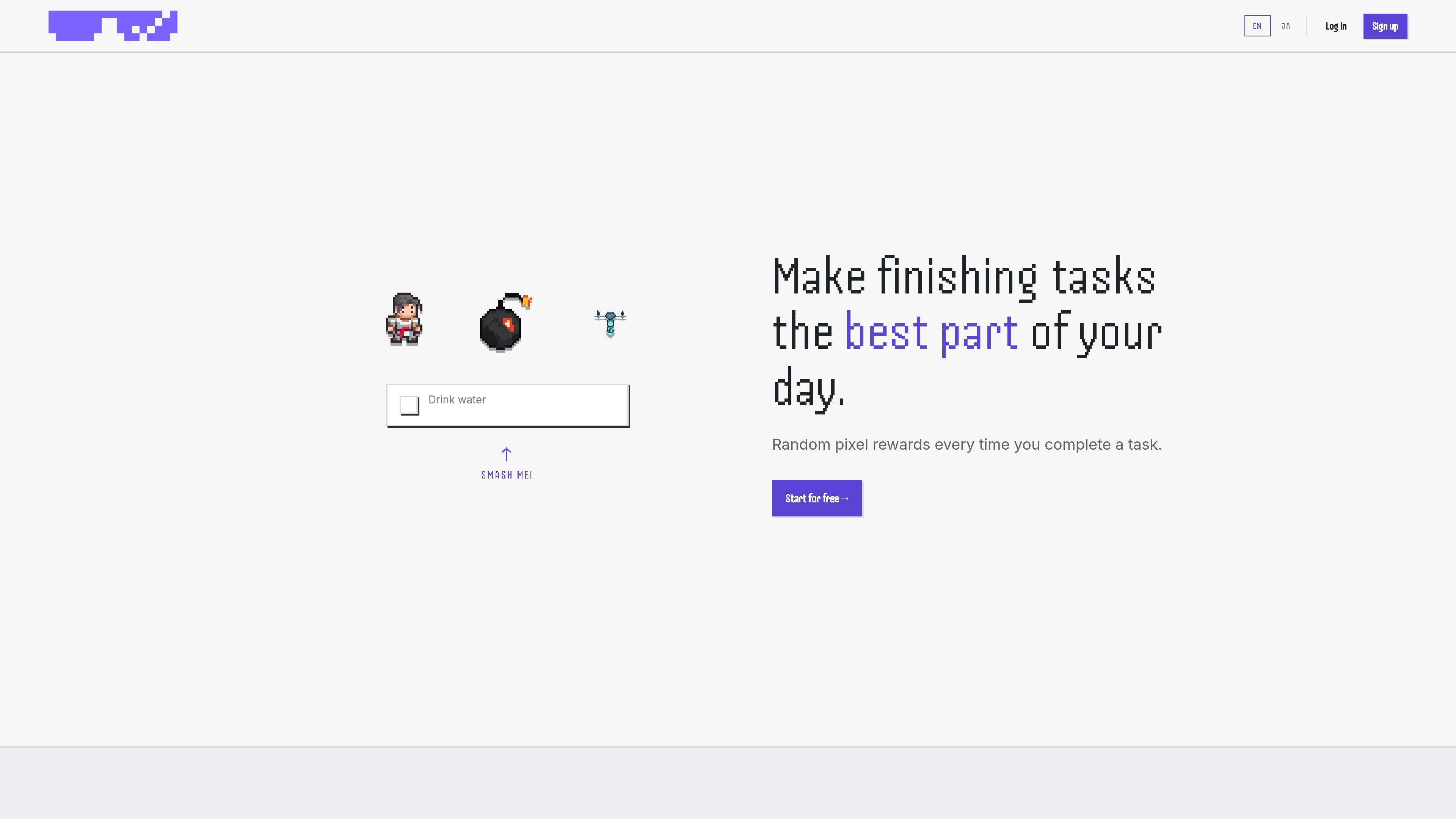
PixDone is a web-based task management app built around a pixel-art reward loop. When you complete a task, the app triggers a randomized visual effect and sound so the act of finishing feels more deliberate and satisfying than checking a box in a plain list.
Alongside that completion feedback, PixDone includes a built-in Pomodoro timer, simple task lists, and repeat-task support for daily or weekly habits. The product positions itself as a lightweight personal planning tool with both free and paid tiers, rather than a full project management suite.
Completed tasks trigger pixel-art effects, with the result chosen at random from Common, Rare, or Epic categories. The site frames this as the core reward loop of the app.
PixDone includes a built-in Pomodoro timer for focused work sessions. It sits alongside the task list rather than replacing the task manager.
The app supports simple task lists and an unlimited Smash List in the free plan. The interface copy emphasizes low clutter and a straightforward workflow.
Repeat tasks are supported for recurring daily and weekly habits. This makes it usable for routines as well as one-off tasks.
Users can choose themes that change the visuals, sounds, and effects. The pricing page shows preset themes such as Synthwave and Forestbit, while the home page notes theme progression and limited event effects.
The service uses local storage for browser-side persistence and Firebase for authentication and database syncing. Card payments are handled by Stripe, and card details are not stored on PixDone servers.
Use PixDone as a personal to-do list when you want a simple place to track tasks and get immediate feedback when you finish them. The randomized effect and sound can make small wins feel more tangible.
Use the Pomodoro timer to structure a focus block around a specific task, then mark it complete at the end of the session. This fits solo work where you want a light process, not a full project tracker.
Set repeat tasks for habits you do every day or every week, such as routines, reminders, or recurring admin work. The app is designed to keep those items in the same list-based workflow as one-off tasks.
Start with the free plan if you only need a limited set of lists and the core completion loop. The free tier gives enough surface area to evaluate whether the theme-and-reward style matches your workflow.
Use PixDone+ if you want unlimited lists, all preset themes, and access to the stronger effect tier. That makes sense for users who want more customization and a broader set of task buckets.
PixDone is a web-based task management app, so you can use it in a browser without installing desktop software. The source describes it as a web app and notes that it uses browser local storage plus Firebase authentication.
The source shows a free plan and a paid PixDone+ subscription. The free plan includes up to 3 task lists, the default Arcade theme, a focus timer, and common effects; PixDone+ unlocks unlimited task lists, all preset themes, and Rare/Epic effects.
Yes, the privacy policy and terms indicate the app uses account sign-in and syncs data across devices through Firebase. The privacy policy says account data is synced across devices.
The terms say the service is not intended for children under 13. They also note that the app depends on an internet connection and may be affected by connectivity issues.
The source does not describe shared workspaces, collaborative assignment, or team administration features. Based on the published pages, PixDone is positioned as a personal task-management app rather than a team collaboration tool.

Biji es una plataforma versátil diseñada para mejorar la productividad a través de herramientas y características innovadoras.

SonOf connects to your repo and PM tool, audits the codebase and surrounding product context, and turns approved work into shipped tickets with senior engineering review. It is aimed at founders and engineering leaders who need backlog help without hiring a full team immediately.

runevr is a connected workspace for creative teams that combines boards, media review, chat, recordings, drive, calls, and AI agents in one room-based environment. It is designed to reduce tool switching and keep project context together.

BotBoard is a task-management layer for AI agents that helps teams assign work, track progress, and review output. It supports CLI, MCP, and HTTP connections for tools like OpenClaw, Codex, Claude Code, and Cursor.

Artifacts by Samepage is a connected writing surface for product teams that turns signals and existing work context into drafts such as PRDs, release notes, feature requests, bug tickets, and status updates. It includes built-in AI editing and can publish work into tools like Jira, GitHub, Confluence, Slack, and Linear.

GitBoard es una app nativa de la barra de menús en macOS para GitHub Projects: ve tu kanban, filtra por estado, busca issues y crea/asigna.