
AI ad creative assistant
Pixero can turn a source link into ad strategy, creative directions, and ad assets through a chat-style workflow. The homepage positions this as an AI ad creative assistant that analyzes a brand, product, and audience.

Pixero is a web-based AI advertising engine for creating video and image ad creatives through a chat workflow. It helps creators, marketers, and teams generate assets, launch Meta ads, and review performance from one platform.
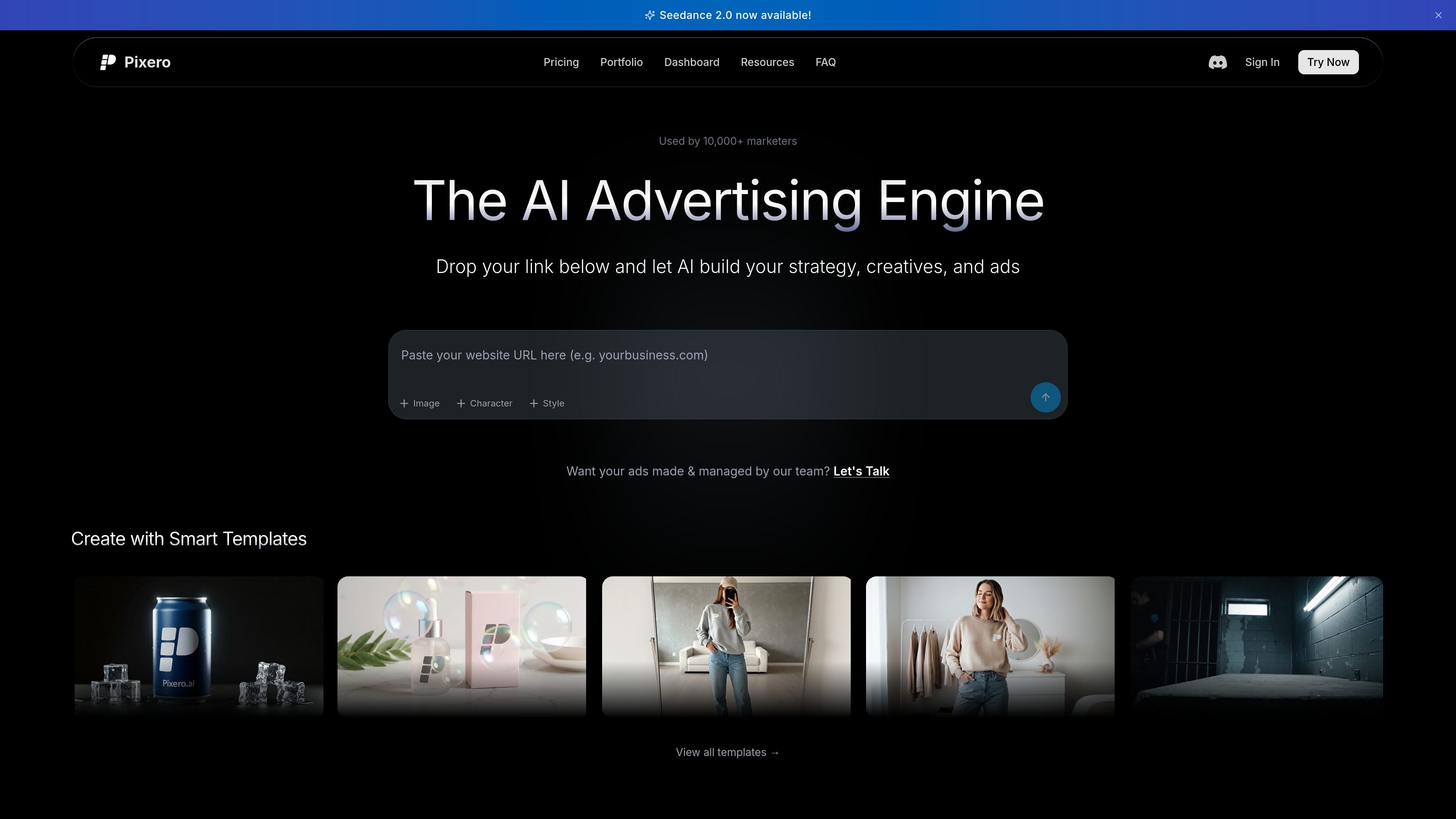
Pixero is an AI advertising engine for creating video and image ad creatives through a conversational workflow. The site positions it as a tool for marketers, creators, and teams that want to move from a prompt or link to structured campaign assets, video generations, and Meta ad deployment in one place.
Across the product pages, Pixero is described as an AI video agent optimized for Google Veo 3 and related models. It supports professional and cinematic video creation, ad creative generation, start-frame-based animation, and campaign management with performance questions handled in the same chat experience.
Pixero can turn a source link into ad strategy, creative directions, and ad assets through a chat-style workflow. The homepage positions this as an AI ad creative assistant that analyzes a brand, product, and audience.
The platform supports video and image generation in one place, with model access including Veo 3.1, Sora 2, Kling, Seedance, Grok Video, GPT Image, Flux, Seedream, and Nano Banana Pro.
Users can launch Meta ads without leaving the chat. The homepage says Pixero can build campaign structure, deploy ads live to Meta, and then answer performance questions in the same conversation.
The pricing page includes ad templates, brand memory, tagging and asset organization, and ad cloning so teams can reuse structure and keep assets organized.
Professional and Managed plans add team-oriented options such as unlimited seats, automations, competitor research, design DNA, creative testing, custom templates, personal support, and managed production.
The how-to guide recommends a start-frame workflow: create an image first, then animate it. It also notes parallel generation so users can queue multiple assets without waiting for each one to finish.
Use Pixero to turn a product link into ad concepts, creative variants, and structured campaign assets without moving between separate tools.
Generate UGC-style and brand video assets for social channels, websites, or ad placements when you need multiple formats from one workflow.
Build a campaign, deploy it to Meta, and then ask the system questions about CTR, lead cost, or creative performance after launch.
Create an image first and animate it when output quality and consistency matter, especially for characters, lighting, and style.
Use templates, brand memory, and asset organization to help a team produce on-brand creatives faster and reuse proven ad structures.
Pixero is designed for users who want to create ad creatives and AI-generated videos through a chat-based workflow. The home and how-to pages show it being used for marketing videos, UGC-style content, commercials, and brand ads.
The source pages show a conversational workflow: drop in a link, use the AI to build strategy and creatives, then generate or edit video assets and launch Meta ads from the same platform. The how-to guide also recommends creating an image first and then animating it when quality matters.
The pricing page shows plans for both individuals and teams, including a Starter plan for creators and small businesses and a Professional plan for marketers and teams. It also shows a Managed option for custom team and enterprise solutions.
The site says Pixero can generate video and image assets using models including Veo 3.1, Sora 2, Kling 3.0, Seedance 2.0, Grok Video, GPT Image 2, Flux 2, Seedream 5.0, and Nano Banana Pro. The how-to guide notes that the platform supports parallel generation and emphasizes start-frame-based animation for higher quality.
The pricing page links to a Refund Policy and the dashboard supports Google sign-in or email sign-in. The source pages do not provide a detailed refund or trial policy beyond that.

Codex Plugins bundle reusable skills, app integrations, and MCP servers into workflows you can install in the Codex app or use from Codex CLI. They help extend Codex with connected-service tasks, reusable instructions, and shared team workflows.

Wallie is an open-source AI streamer that watches your screen, hears chat, and generates live commentary in a configurable persona. It runs locally on your machine with your own keys and is aimed at faceless content, autonomous streams, and real-time reactions.

VIDEOAI.ME is an AI video generator for making spokesperson-style videos, ads, explainers, and social content from a script. It is aimed at founders, marketers, agencies, and creators who want to produce videos without filming.

AakarDev AI helps teams manage AI provider access, project-level setups, logs, and analytics from one dashboard. It supports BYOK workflows and lists providers including OpenAI, Google Gemini, Anthropic, Groq, Mistral AI, and Perplexity AI.

Whirr is a quiet macOS menu bar app that mirrors Claude Code activity to your notch. It helps Mac users glance at agent progress without keeping a terminal window open.

AgentMail is an email inbox API for AI agents that lets developers create, send, receive, and search messages through REST APIs and SDKs. It supports agent workflows such as threaded replies, verification, customer support, scheduling, and inbox-based approvals.