
Dual editors
Import a screenshot or paste code into a shared canvas, then switch between image-mockup and code-snippet editing without losing your place.

Portfolio Frame is a Chrome extension for turning screenshots, code snippets, and tweets into styled visuals with mockup frames, annotations, code formatting, and preset sizing. It is aimed at creators and developers who want to prepare shareable visuals locally, without an account or upload workflow.
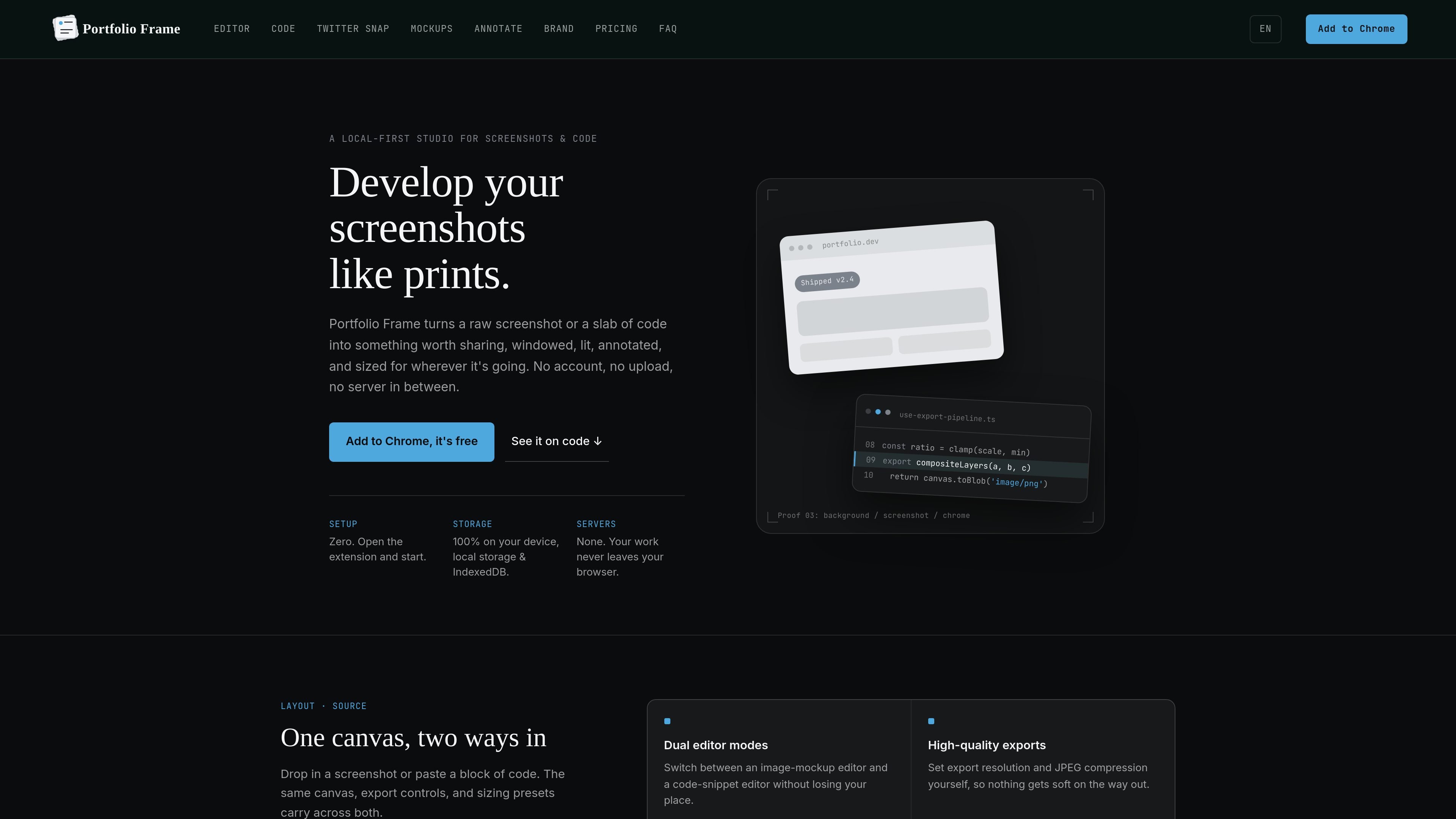
Portfolio Frame is a Chrome extension for turning screenshots, code snippets, and tweet content into presentation-ready visuals. It combines a canvas editor with device, browser, and terminal frames, backgrounds, perspective controls, annotations, and sizing presets.
The product is designed for local work: the site says there is no account, upload, or server between the user and the editor, with storage handled through local storage and IndexedDB. A free plan is available, while a one-time Pro license unlocks additional materials, mockups, branding options, and export capabilities.
Import a screenshot or paste code into a shared canvas, then switch between image-mockup and code-snippet editing without losing your place.
Use device, browser, and terminal frames, adjustable X/Y/Z tilt, zoom, perspective, scenes, and optional glass materials to establish visual context.
Format code with Prism.js themes, language badges, line highlighting, toggleable gutters, and macOS, Windows, or minimalist window styles.
Add text, boxes, arrows, numbered steps, highlights, redaction, stickers, and edge badges directly on the canvas.
Create styled tweet cards with a real-tweet layout, light or dark themes, and editable reply, repost, and like counts for mockups.
Choose preset or custom aspect ratios, control export resolution and JPEG compression, and use Pro batch, zipped, and SVG export options.
Place product screenshots inside device or browser frames, add context badges or annotations, and size the result for a portfolio, case study, or product page.
Present a focused code excerpt with syntax highlighting, language badges, line numbers, and selected-line emphasis for documentation, release notes, or technical updates.
Build a tweet-style card without capturing browser chrome, then adjust the theme and engagement statistics for a social post concept or planned announcement.
Prepare square, portrait, story, landscape, or presentation-sized visuals from the same canvas for blog posts, decks, and social channels.
Use the redact tool, annotations, and tiled watermarks to call attention to details or protect work when sharing screenshots and prototypes.
Frame is a Chrome extension. The site says setup is zero: open the extension and start, with no account required.
You can drop in a screenshot or paste code, then edit it on the same canvas using backgrounds, frames, annotations, sizing presets, and export controls.
Frame provides automatic, custom, square, portrait, story, landscape, and presentation sizing. It also lets you set export resolution and JPEG compression; Pro adds batch export of every aspect ratio, zipped exports, and SVG export.
The site states that work uses local storage and IndexedDB, with no server in between, and that work never leaves the browser. It also says no account is required.
Frame has a free plan. The Pro license is a one-time purchase and adds the full device and browser library, glassmorphism materials, custom branding watermarks, batch exports, and SVG export.

PixelDrive is a bulk image generation API for creating many on-brand images from one template through a browser editor, REST API, CSV batch, or MCP. It suits teams that need repeatable image output with cacheable renders and usage-based pricing.

Napkin AI convierte texto en visuales editables para presentaciones, documentos y contenido compartible. Generación desde texto y exportación a PPT, PNG, SVG o PDF.

appdesigns is a browser-based tool for creating App Store and Google Play screenshots from uploaded app images. It helps developers and designers add device frames, customize layouts, and export unlimited watermark-free PNGs without an account.

Refero MCP for AI agents connects an MCP-compatible agent to Refero’s curated library of web and iOS product interfaces and user flows. It helps agents research real design patterns before generating UI, with access included in the Refero Pro plan.

Pass Designer is a macOS beta tool for creating and previewing Apple Wallet passes. It helps businesses, developers, and design teams combine templates, custom imagery, pass fields, colors, and semantic data while checking how passes render on iPhone and Apple Watch.

Frames te ayuda a crear carteles de lanzamiento y gráficos para redes sociales rápido con marcos de dispositivo premium y plantillas. Empieza gratis.