
On-device dictation and transcription
Record and transcribe speech directly on the Mac, with dictation available as a push-to-talk mode.

QuickQuill is a macOS dictation and transcription app that runs locally on the device. It helps users record meetings, transcribe audio, generate summaries, and export notes without using a cloud service.
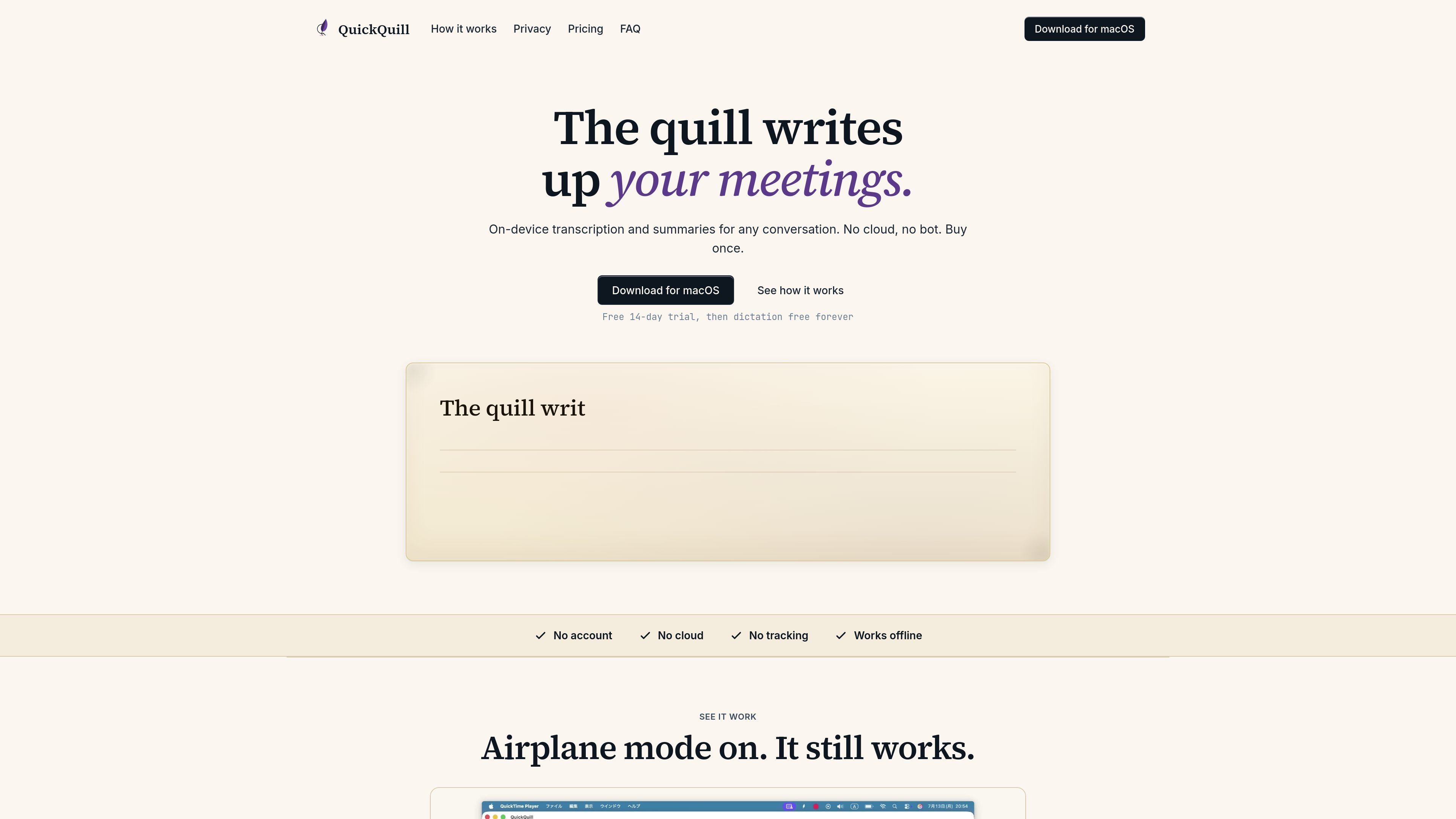
QuickQuill is a local-first dictation and transcription app for macOS. It is designed to record, transcribe, summarize, and export meetings on the device, without sending audio or transcripts to the cloud.
The app includes a free dictation mode and a paid meeting workflow. The free tier covers push-to-talk dictation, custom vocabulary, history and search, and text or Markdown export; the paid license adds meeting capture, file import, on-device summaries, live subtitles, translation, and additional export formats.
Record and transcribe speech directly on the Mac, with dictation available as a push-to-talk mode.
Capture meeting audio for transcription, and import existing audio or video files for processing.
Generate summaries locally on the device so audio and transcript do not need to be sent to a server.
Show subtitles as you speak or play back content, and translate speech locally within the app.
Export text in multiple formats, including text and Markdown on the free plan and SRT, VTT, and subtitled video on the paid plan.
Search saved sessions in local history, with unlimited history included in the paid plan.
Use push-to-talk dictation to draft notes, messages, or short text without sending audio to a cloud service.
Capture a live meeting, then generate a transcript and summary from the local device after the session.
Import recorded audio or video files and transcribe them without a separate upload step.
Create subtitle outputs or subtitled video files when you need caption-ready exports for playback or review.
Search past local sessions and reuse custom vocabulary for recurring names, terms, or project language.
QuickQuill includes a 14-day free trial for the paid meeting workflow, and push-to-talk dictation is free forever. The trial covers Capture, File Import, summaries, translation, and export.
The paid license is a one-time purchase rather than a subscription. The pricing page lists QuickQuill at $79, with a $49 launch price shown on the site.
QuickQuill supports dictation, meeting capture, file import, on-device summaries, live subtitles, translation, and export. The site also lists text and Markdown export on the free plan, and SRT, VTT, and subtitled video export on the paid plan.
According to the terms, QuickQuill is a local-first dictation and transcription app for macOS. It works offline and does not require an account.
The terms say QuickQuill is licensed for personal or internal business use. They also note that you are responsible for obtaining any consent required to record other people under the laws that apply to you.

Notewarp is an AI note-taking tool that turns voice notes, uploads, or pasted text into cleaner notes, transcripts, summaries, and action items. It helps people capture rough ideas quickly and then edit, export, or share the result.

Tactiq is an AI note taker for Google Meet, Zoom, and Microsoft Teams that transcribes meetings live and turns them into summaries, action items, and follow-up outputs. It is built around a Chrome extension and supports team workflows through sharing and integrations.

SpeakoFlow is a free, open-source desktop voice-to-text app for Windows, macOS, and Linux. It supports dictation into any app, voice-driven writing with Flow, cleanup, translation, and a screen-aware assistant.

Flunkey is a voice-first productivity layer for Windows that converts speech into text, AI-assisted outputs, and remembered context. It is built for users who want to capture ideas and actions without leaving the app they are working in.

MeetStream is a meeting bot API for Zoom, Google Meet, Microsoft Teams, and Webex. It helps developers record, stream, and analyze meetings programmatically, with usage-based pricing and a $5 free credit to start.

CAKIE is a Mac app for recording your screen and voice for an AI agent. It adds a transcript and screenshot highlights, then lets you copy a prompt and paste or attach the context in another AI app.