
Searchable video archive
Browse a library of 3,033 films, including launch films, motion pieces, explainers, and other brand and product videos, with category and keyword-oriented archive browsing.

Refs is a video reference library for AI agents and creators, covering launch films, motion pieces, explainers, and other short-form video formats. It measures source videos and turns them into cut maps, blueprints, formulas, recipes, and MCP-accessible planning inputs.
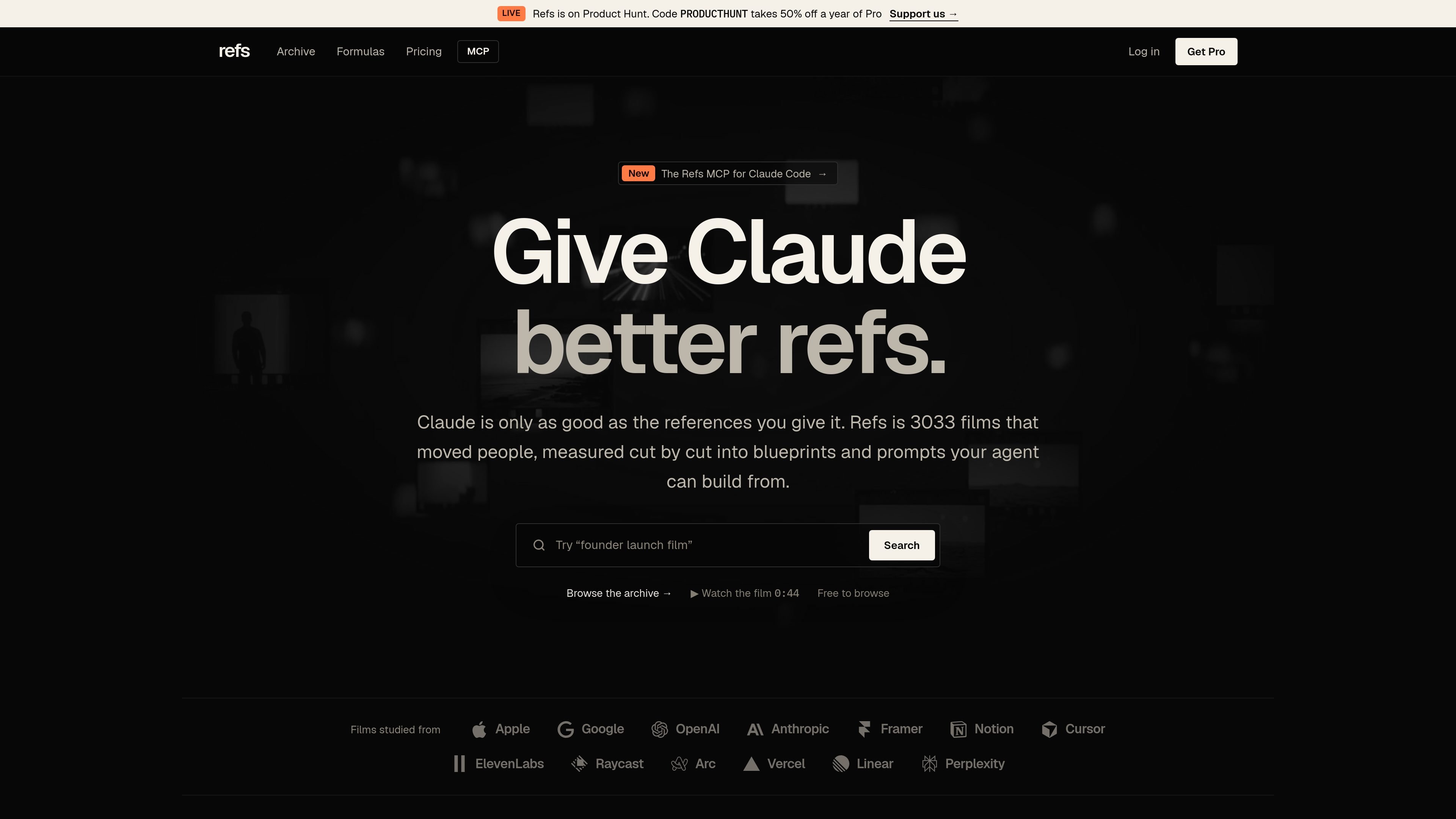
Refs is a video reference library designed for AI agents and the people directing them. It catalogs films such as launch videos, motion-design pieces, and explainers, then analyzes them as production references rather than simply presenting them as a mood board.
The service turns selected videos into measured cut maps, structured blueprint plates, cross-film formulas, and copy-ready recipes. Through its MCP connection, an agent can search the archive, retrieve reference analysis, and plan a new video from a brief and one to five references while keeping the original source footage on X or YouTube.
Browse a library of 3,033 films, including launch films, motion pieces, explainers, and other brand and product videos, with category and keyword-oriented archive browsing.
Review frame-by-frame shot boundaries, cut timelines, duration, shot counts, average shot length, cuts per minute, and selected audio or platform observations.
Open structured blueprints that describe a film’s format, hook, beats, shots, visual style, sound, script, production plan, edit recipe, and QA considerations.
Compare films of the same format through formulas that identify recurring structures and provide template prompts for adapting a method to a new concept.
Use copy-ready recipes and prompts to turn a reference into an original production starting point, with the source film’s method rather than its footage as the model.
Connect the archive to Claude Code, Codex, or Cursor through a streamable HTTP MCP server and use tools for search, blueprint retrieval, formula analysis, and video planning.
Search for films in a particular format, such as a founder launch or short product reveal, then study their timing, shot grammar, and structure before drafting a concept.
Use a blueprint to translate a successful reference into a production outline covering beats, shots, visual treatment, sound, script, and edit decisions.
Give an agent a product brief and a small set of references so it can produce a beat sheet, shot list, and build prompt grounded in existing examples.
Compare several films in the same format to identify shared patterns and adapt the resulting formula without copying the original footage.
Connect Refs through MCP when working in Claude Code, Codex, or Cursor so reference search and analysis are available inside the agent workflow.
Refs is a video reference library for agents. It lets users search films, inspect measured cut maps, retrieve blueprints and formulas, and use references to plan new videos.
Browsing the archive, playing source videos, viewing measurements, and reading the first blueprint plates are available free. Pro unlocks complete blueprints, recipes, formulas, and MCP access.
Create a Refs key in the account page, store it as REFS_KEY, then connect the MCP server at https://refs.video/mcp using a Bearer token. The documented clients are Claude Code, Codex, and Cursor.
The MCP tools can search videos, retrieve a specimen's blueprint, list or retrieve formulas, and plan a video from a brief and one to five references. Searching is free; other operations use credits.
Refs does not rehost the videos. Each film plays from its original post on X or YouTube, while Refs provides its measurements, analysis, blueprints, formulas, and recipes.

Hype is a web tool for finding trending YouTube topics by category, time range, and scoring mode. It helps creators spot emerging ideas, inspect source videos, and decide what to cover next.

Paperpal 是一款面向学术写作的 AI 工具,提供文献阅读、语言润色、引用、查重、AI 检测和投稿前检查。它适合需要在英文论文和学术材料上进行写作、修改与合规自检的学生、研究人员和教师。

VForms lets you place questionnaires directly inside YouTube videos so viewers answer in context instead of switching to a separate form. It is aimed at collecting feedback and insights through timestamped, embeddable video forms.

Scite es una plataforma de investigación con IA para descubrir artículos, verificar el contexto de citas y obtener respuestas basadas en literatura académica. Ayuda a evaluar evidencia en fuentes de texto completo, patentes y materiales relacionados.

Radar is a self-hostable media intelligence and social listening app for monitoring public sources, analyzing mentions, and generating briefs or content outputs with optional Claude AI. It is aimed at individuals and small teams that want an enterprise-style workflow without a cloud account.

Shodh is an AI-powered research and strategy platform for business questions that need structured investigation, source-backed evidence, and auditable recommendations. It is aimed at founders, operators, consultants, investors, and corporate development teams.