
Zero-knowledge vault
Secrets and context are encrypted before they leave your device. Rivault says its servers only ever see ciphertext, and the vault is designed so the company cannot read your data by default.

Rivault is a secure vault for AI agents that stores secrets and context for controlled access. It lets you approve agent requests and redacts released values after a task ends.
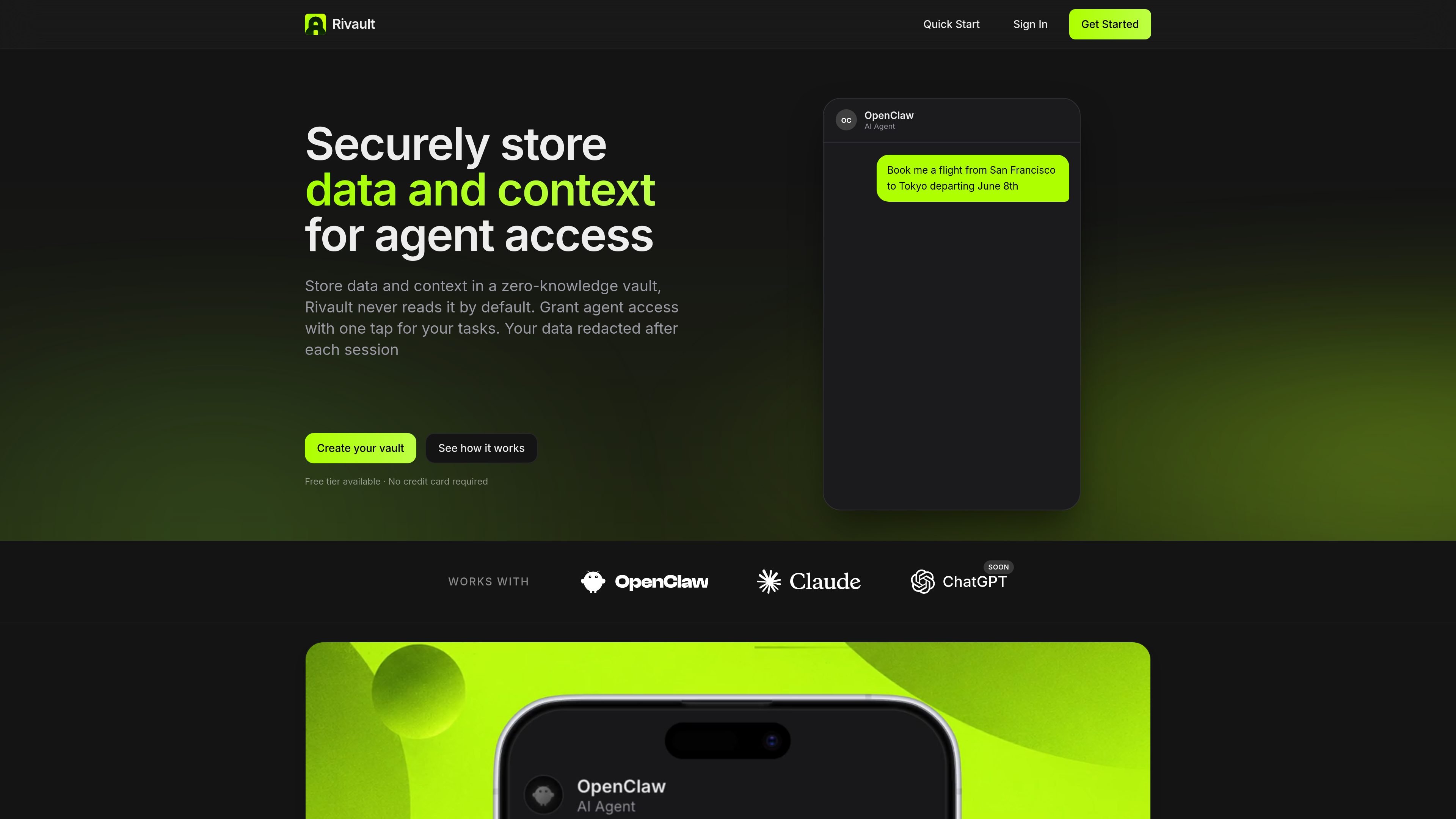
Rivault is a secure vault for AI agents that stores secrets, personal details, and context for controlled agent access. The product is built around zero-knowledge encryption, so data is encrypted before it leaves your device and Rivault's servers only see ciphertext by default.
The core workflow is simple: create a vault, add the items you want an agent to use, connect an AI tool such as OpenClaw or Claude, and approve access when the agent needs something sensitive. Rivault is designed for tasks like booking travel, filling forms, or completing purchases without repeatedly typing private information into chat windows.
Secrets and context are encrypted before they leave your device. Rivault says its servers only ever see ciphertext, and the vault is designed so the company cannot read your data by default.
When an agent needs a sensitive item, Rivault asks for authorization and lets you approve access with a passkey. The home page presents this as a one-tap flow for completing agent tasks.
You can decide which vault items agents may use and whether access requires ad hoc approval. That lets you separate always-available context from items that should only be released case by case.
Released values are intended to be temporary. Rivault's desktop app redacts accessed secrets from the agent transcript, memory, and logs after the task ends.
The quick start says you can connect Rivault to OpenClaw, Claude, or ChatGPT through API keys or MCP, with one-click install and no code required.
The setup flow uses an email account, a passkey, and the desktop app for vault calls and redaction. The quick start notes macOS support for the desktop app at present.
Use Rivault to give a travel-booking agent access to passport details, frequent-flyer numbers, seat preferences, and other trip context without copying it into a chat.
Store shipping addresses, card details, and size preferences so an agent can complete online purchases with a single authorization step.
Keep insurance information, health history, and pharmacy preferences available for appointment booking or refill workflows that need repeated personal details.
Share dietary restrictions, party size, and neighborhood preferences so an agent can book a table without asking you to re-enter the same information each time.
Provide address, home specifications, calendar availability, and payment method for cleaners, plumbers, and contractor booking flows.
Rivault is set up by creating a vault with an email address and registering a passkey. The quick start says the passkey becomes the only key to the vault, and it is not stored by Rivault.
The quick start says Rivault can connect to OpenClaw, Claude, and ChatGPT, and mentions connecting through API keys or MCP. The home page also says it works with OpenClaw and Claude, with ChatGPT marked as coming soon.
Rivault stores items in a zero-knowledge vault. Data is encrypted in the browser or on the device before it leaves your device, and Rivault says its servers only see ciphertext by default.
When an agent needs access to a vault item, Rivault sends an authorization request and you approve with a passkey or Face ID-protected flow. Released values are meant to be temporary and are redacted from local transcripts, memory, and logs after the task ends.
The home page shows a free Basic tier with up to 10 items in the vault and a Pro tier at $9.90 per month with unlimited items. The pricing page itself was not available.

CreateOS Sandbox is an isolated compute environment for running code and agent workloads inside Firecracker micro-VMs. It is designed for workflows that need machine-level isolation, private networking between sandboxes, and programmatic control through SDK, CLI, or MCP.

AakarDev AI helps teams manage AI provider access, project-level setups, logs, and analytics from one dashboard. It supports BYOK workflows and lists providers including OpenAI, Google Gemini, Anthropic, Groq, Mistral AI, and Perplexity AI.

ByteAsk is a terminal-first AI coding agent for C and C++ that edits repositories and verifies changes with the real compiler, debugger, sanitizers, and tests before showing a diff. It offers a free tier plus paid plans, with editor connectors and zero-retention handling described in the source.

Goldfish is an AI memory app for macOS that helps you reply, write, summarize, and continue using the context already on your Mac. It stores memory locally and writes in your tone.

Lasso is an ecommerce product data platform for enriching catalog records, processing supplier files, generating product content, and monitoring competitors. It combines a web app with a REST API, SDK, and MCP server for teams and developers.

ArtDeck is a visual reference board app for iPhone, iPad, and Mac that lets artists collect mixed reference material on one canvas and study it with ToolBox lenses. It works offline, supports optional iCloud sync, and is sold as a one-time purchase with no account required.