
Live call prompts
Ruby listens during the call and chimes in with a question or reminder when the timing is right, so you can stay focused on the conversation instead of searching for the next thing to ask.

Ruby is an AI call assistant for live calls on Mac. It listens as you speak and surfaces a relevant question or reminder at the right moment for founders, PMs, AEs, recruiters, and others on high-stakes calls.
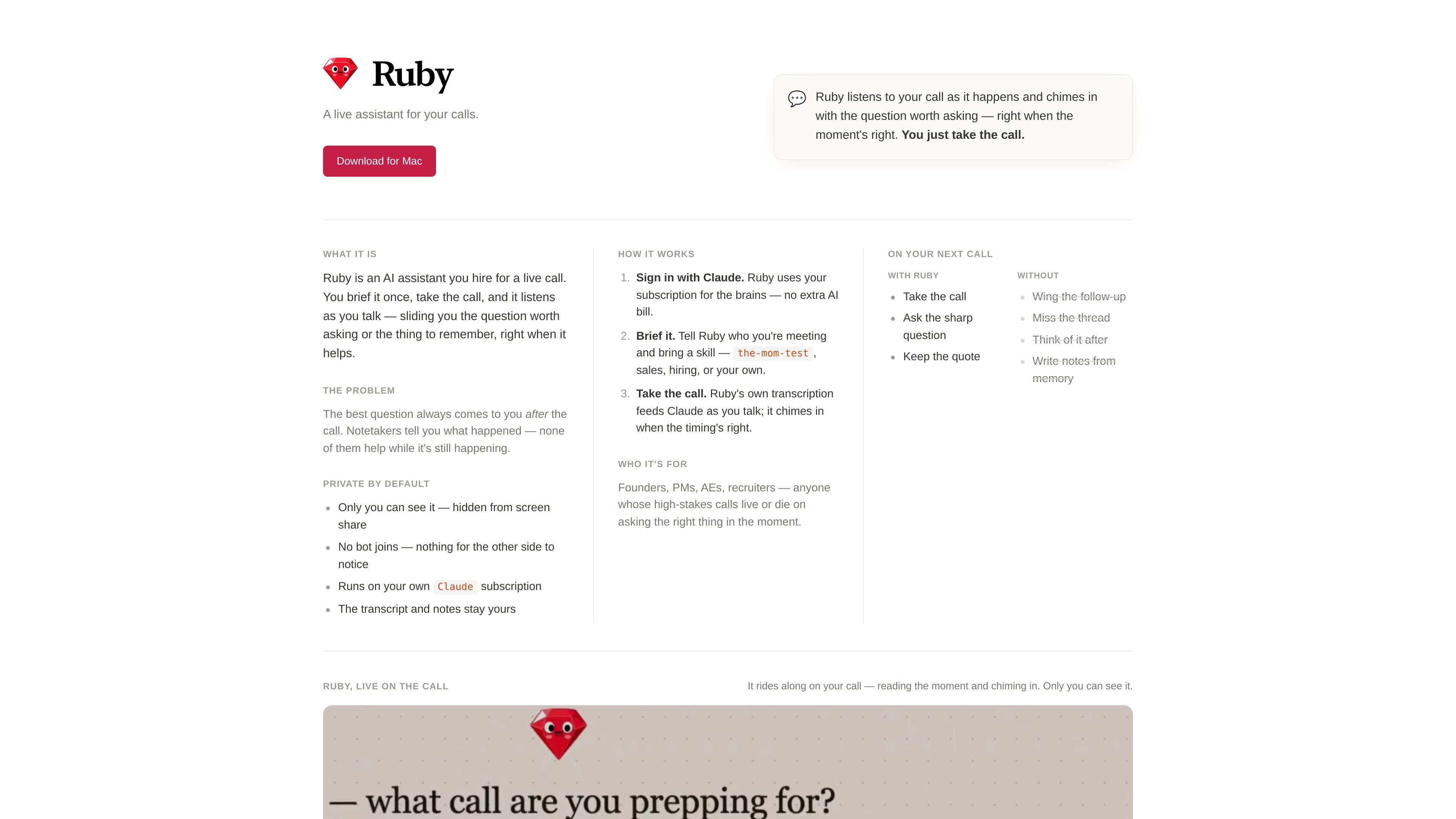
Ruby is an AI assistant for live calls. You brief it before the conversation, then it listens as the call unfolds and surfaces the question worth asking or the detail worth remembering at the moment it is most useful.
It is positioned for people who need to think on their feet during important conversations. Ruby focuses on helping during the call itself rather than only summarizing afterward, and it keeps the experience private by design: only the user can see it, it is hidden from screen share, and no bot joins the meeting.
Ruby listens during the call and chimes in with a question or reminder when the timing is right, so you can stay focused on the conversation instead of searching for the next thing to ask.
The app runs on the user's own Claude subscription, and Ruby uses that subscription for the AI side of the workflow rather than adding a separate AI bill.
Users can tell Ruby who they are meeting and bring a skill or framework such as the-mom-test, sales, hiring, or a custom approach.
Ruby is described as hidden from screen share and visible only to the user, which supports discreet note-taking during calls.
Ruby does not add a bot to the call, so the other side does not have anything obvious to notice.
The product says the transcript and notes stay with the user, so the call output remains under their control.
Founders can use Ruby to surface sharper follow-up questions while talking with prospects, customers, or partners.
AEs can keep track of the next best question or the key quote they need to capture during a live sales call.
Recruiters and interviewers can rely on Ruby to prompt important questions without losing the thread of the conversation.
PMs can use it to remember the right question in the moment when discussions move quickly and context matters.
Anyone handling important calls can use Ruby when the cost of missing one detail is high and live guidance matters more than after-the-fact notes.
Ruby is signed in with Claude, briefed before the call, and then listens as the call happens to surface useful questions or reminders at the right moment.
No. The site says no bot joins, so there is nothing visible for the other side to notice.
The source says Ruby requires macOS 14.4+, Apple Silicon or Intel Mac hardware, and Claude Code, the terminal CLI version of Claude.
The site names founders, PMs, AEs, recruiters, and other people whose calls depend on asking the right question at the right time.
Not on the available pricing page. The page returned a 404, so pricing and plan structure are not confirmed by the source.

Claude Overlay is a Windows desktop overlay for Claude Code that reads your screen so you can ask questions, inspect content, and request edits without leaving the current app. It runs on your existing Claude subscription through the Claude CLI, so no separate API key is required.

Goldfish is an AI memory app for macOS that helps you reply, write, summarize, and continue using the context already on your Mac. It stores memory locally and writes in your tone.

Biji es una plataforma versátil diseñada para mejorar la productividad a través de herramientas y características innovadoras.

Liam is an AI copilot for managing inboxes, writing replies, prioritizing email, and scheduling meetings. It is offered free for individuals, with custom pricing for teams and enterprise.

Una plataforma de IA todo en uno que combina herramientas para imagen, video, voz, escritura y chat para mejorar la creatividad y la colaboración.

Gemma AI is a phone call reminder app that calls you with scheduled reminders instead of push notifications. It helps people who want a more direct way to stay on schedule, with Google Calendar sync and conversational call interactions.