
Prompt-based video generation
Write a plain-language prompt and use the built-in AI assistant to refine it before rendering.

Sora 2 AI Video Generator is a web-based tool for creating videos from text prompts, with optional reference images and controls for aspect ratio, duration, and resolution. The site also shows watermark-free export and a credit-based pricing model across its AI studio.
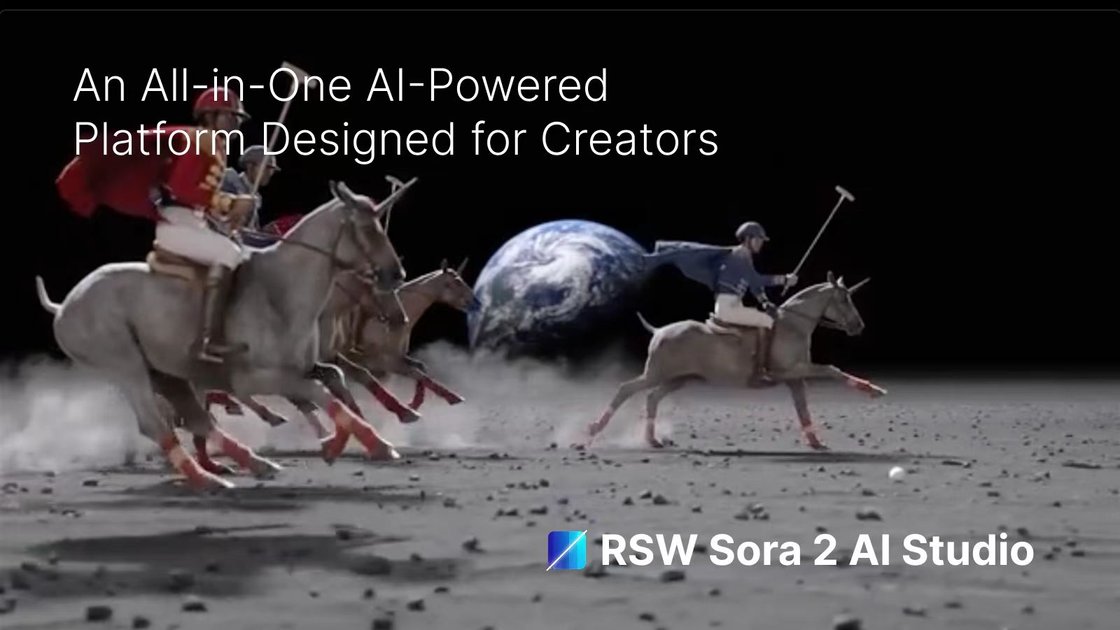
Sora 2 AI Video Generator is a web-based AI video workspace on removesorawatermark.online that focuses on generating videos from text prompts, with optional reference image support and controls for aspect ratio, duration, and resolution. The page presents it as part of a broader all-in-one creative studio that also includes image, audio, and music tools.
The product page positions Sora 2 as a prompt-driven generator with watermark-free export, quick rendering, and model variants for different output needs. It also shows a comparison between Sora 2 and Sora 2 Pro, and the surrounding pricing pages indicate the site uses a credit-based subscription and one-time credit packs for access across its AI tools.
Write a plain-language prompt and use the built-in AI assistant to refine it before rendering.
Upload an optional reference image to guide style, then generate from the workspace.
Choose aspect ratio, duration, and resolution from the generator controls shown on the page.
Generate clips in landscape, portrait, or square formats for common social and professional placements.
Review completed jobs in the creation area and export the finished file after generation.
The page presents Sora 2 and Sora 2 Pro options, with model comparison notes for resolution, duration, and intended use.
Use the generator to turn a written scene description into a short video clip when you need a fast concept visual or a draft for review.
Choose portrait, square, or landscape output when preparing clips for different publishing channels such as social feeds or presentation decks.
Upload a reference image when you want the generated result to follow an existing visual direction more closely.
Use the Sora 2 Pro option when you want to compare a higher-resolution, longer-duration result against the standard model.
Review finished jobs in the creation area before downloading, so you can check whether the clip fits your needs without leaving the workspace.
Sora 2 AI Video Generator is a web-based video creation workspace that lets you write a prompt, choose an aspect ratio, set duration and resolution, and generate a video online.
The page shows output options for 4-second clips and a model comparison that lists 720p for Sora 2 and 1080p for Sora 2 Pro. The pricing page also shows a paid subscription model alongside one-time credit packs.
The workflow supports a prompt, optional reference image upload, aspect ratio selection, duration selection, and generation from the workspace. The page also says human faces are not supported as input.
The site indicates completed videos can be downloaded watermark-free, and the pricing page describes private processing and immediate download for the remover flow. For the generator page, completed videos can be reviewed in the preview pane before export.
The workspace is presented as a shared AI studio with multiple media types, including video, image, audio, and music. The pricing page shows plan tiers with different concurrent task limits and model access, which suggests team or multi-task usage is tied to subscription level.

VIDEOAI.ME is an AI video generator for making spokesperson-style videos, ads, explainers, and social content from a script. It is aimed at founders, marketers, agencies, and creators who want to produce videos without filming.

艺映AI is a free AI video creation tool for generating video from text, images, or existing footage. It is positioned for short-form social content, promotional clips, and stylized AI video projects.

Topview AI is a web-based AI video creation platform for social ads, ecommerce creatives, avatar videos, and short drama workflows. It combines channel-based templates, prompt-driven generation, reference uploads, and storyboard-based production tools.

Coursebox AI Training Video Generator creates training videos from scripts, slides, or avatar-based setups. It is aimed at course authors and teams that want to produce training content without filming equipment or manual editing.

DANCING CATS App turns cat pictures into dancing kitty clips. The public homepage is sparse, so the core use case is clear while pricing, outputs, and feature depth remain undocumented.

Official HeyGen API documentation for building AI avatar videos, translations, lipsync, and interactive video-agent sessions. It supports direct API use plus MCP and CLI-style workflows for developers and AI agents.