Soup CLI icon

Soup CLI

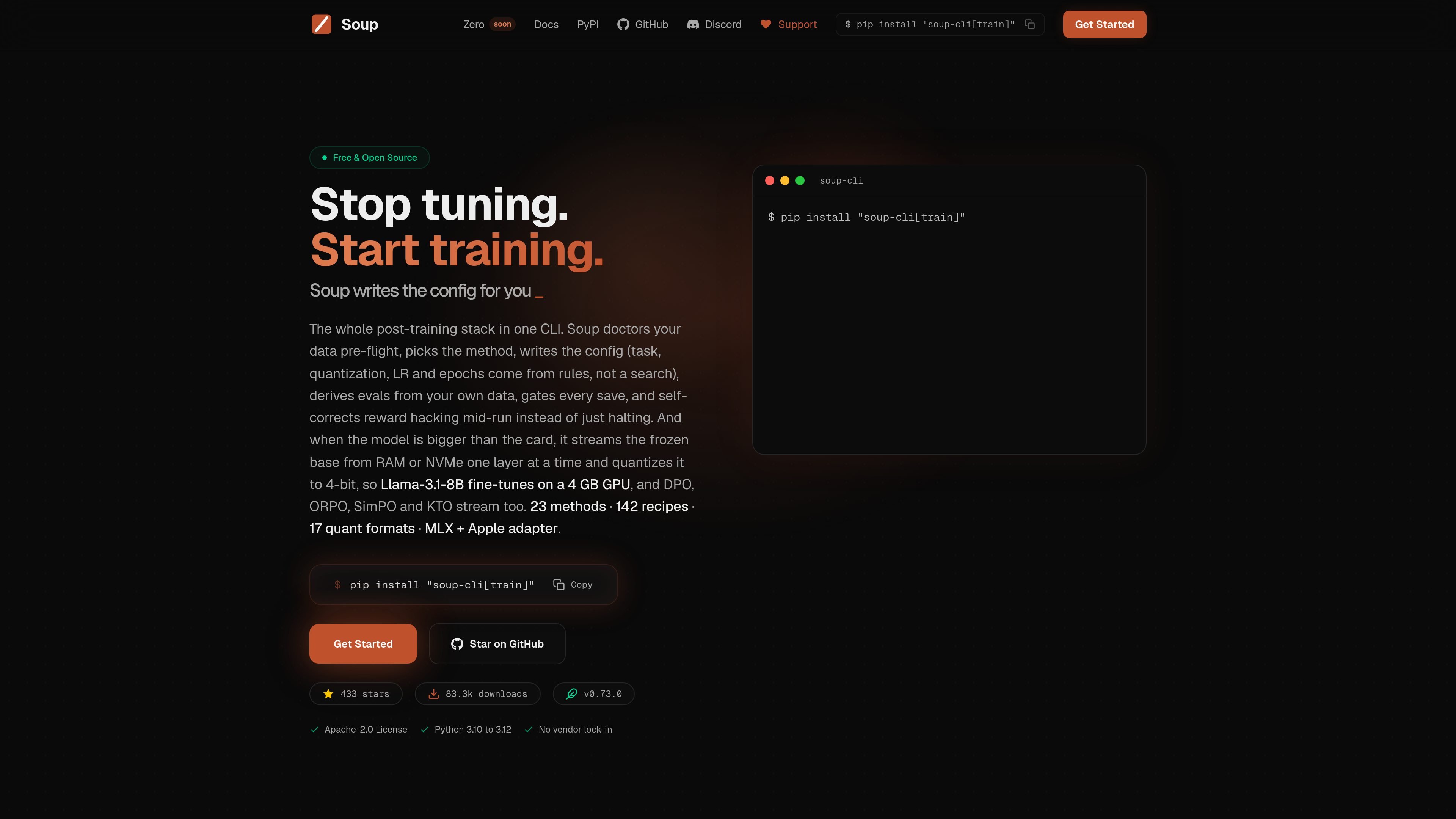
Soup CLI is a command-line tool for LLM fine-tuning and post-training on your own hardware. It supports low-VRAM training via layer streaming, plus data checks, configuration generation, preference optimization, and checkpoint gating.

Soup CLI

What Soup CLI is

Soup CLI is a command-line tool for training and operating LLMs on your own hardware. The site positions it as an all-in-one post-training stack that covers data checks, config generation, supervised and preference fine-tuning, evaluation gating, and export or serving workflows from a single interface.

Its most distinctive capability is layer streaming: when a model does not fit resident in VRAM, Soup can keep the frozen base in CPU RAM or NVMe and stream one decoder layer at a time into the GPU. The docs frame this as a way to fine-tune models such as Llama-3.1-8B on a 4 GB laptop GPU, while supporting methods including SFT, DPO, ORPO, SimPO, and KTO.

Features

Rule-based config generation

Create a training config from rules rather than manual trial-and-error. The site says Soup writes task, quantization, learning rate, and epoch settings for you, and can auto-detect other details such as optimizer, scheduler, target modules, and batch size.

Split installation model

Run a light install first, then add only the stack you need. The core package is PyTorch-free, while extras cover training, serving, evaluation, data tooling, MLX, DeepSpeed, Liger, TensorRT, ONNX, and related workflows.

Layer streaming for low-VRAM training

Stream the frozen base from RAM or NVMe when the model is too large for VRAM. In the documented BETA mode, Soup rewrites the base into per-layer shards and copies one layer at a time into pre-allocated VRAM buffers on a dedicated CUDA stream.

Preference methods over the same streamed base

Support supervised fine-tuning and preference training workflows on streamed bases. The source specifically names SFT, DPO, ORPO, SimPO, and KTO, and notes that DPO can reuse the streamed base as its reference model without loading a second full copy.

Data checks and save gating

Add data checks before training and gate saves during training. The site describes a data doctor, semantic deduplication, topic mapping, canary checks, replay, and a SHIP or DON'T-SHIP verdict tied to the weights.

Config migration from other tools

Migrate existing configs from other tools. Soup shows one-command conversion paths from LLaMA-Factory, Axolotl, and Unsloth into Soup YAML.

Common use cases

  • Low-VRAM model fine-tuning

    Use Soup to prepare and fine-tune an LLM on a machine with limited VRAM. The documented layer-streaming mode is intended for cases where the frozen base does not fit resident on the GPU.

  • Preference training on the same hardware

    Use the same base streaming path for preference optimization workflows such as DPO, ORPO, SimPO, and KTO. The docs call out DPO specifically as able to reuse the streamed base as its reference model without a second full-weight copy.

  • Pre-flight data cleanup and validation

    Use the data tooling before training to catch problems that can waste runs, including duplicate or low-diversity rows, prompt/template issues, memorization checks, and replay of old tasks.

  • Migrating an existing training setup

    Use Soup when you already have configs from another tool and want to move them into Soup YAML. The site shows migration paths from LLaMA-Factory, Axolotl, and Unsloth.

  • Checkpoint gating and handoff

    Use the gating and export path when you want to decide whether a checkpoint should ship, then move it into downstream serving or deployment workflows.

Pros and Cons

Pros

  • Can train models that do not fit fully in VRAM by streaming the frozen base layer by layer.
  • Offers a light core install without PyTorch for inspection, configuration, and data tools.
  • Supports several training modes beyond plain SFT, including DPO, ORPO, SimPO, and KTO.
  • Provides rule-based config generation and automatic detection of several training settings.
  • Includes data preparation and gating tools such as data doctor, semantic deduplication, canary checks, and SHIP or DON'T-SHIP verdicts.
  • Works on Python 3.10 to 3.12, with CUDA, Apple Silicon, and some experimental CPU or MPS use cases described in the docs.

Cons

  • Layer streaming is marked BETA and is described as slower than resident training.
  • The docs say streaming still leaves embeddings and logits resident, so peak VRAM is reduced but not eliminated.
  • Some features mentioned on the site, such as multi-GPU launch, DeepSpeed with LoRA, SGLang serving, and the Liger kernel, were noted in release text as having had coverage issues or not yet been executed in earlier validation runs.

FAQ

How do I install Soup CLI for training?

Soup CLI is installed with pip. The docs split the install into a light core package for CLI and data tools, plus extras for training, serving, UI, evaluation, data, and other backends. For training, the docs show `pip install "soup-cli[train]"`.

Does Soup CLI require PyTorch for basic use?

Yes. The docs state that the core install is PyTorch-free, while the training stack is added only when you install the `[train]` extra. That makes it possible to use `soup init`, data tools, and inspection commands without the full training dependencies.

What is layer streaming in Soup CLI?

Layer streaming is an opt-in BETA mode for models that do not fit resident in VRAM. The docs say it keeps the frozen base in CPU RAM or NVMe and streams one decoder layer at a time into VRAM, but it is slower than resident training and the embedding and logits tensors still stay resident.

What kinds of training does Soup CLI support?

The docs and release notes say Soup can run supervised fine-tuning and preference methods including DPO, ORPO, SimPO, and KTO over a streamed base. The release notes also mention support for full fine-tuning through `lora.r 0` and a DeepSpeed ZeRO-3 CPU-offload preset.

What platforms does Soup CLI support?

The installation docs list Python 3.10 to 3.12, with CUDA-compatible GPUs recommended. Apple Silicon is supported through an MLX extra, and CPU or MPS are described as experimental options for some workflows.

Quick Facts

Category
Developer Tool
Primary use
LLM fine-tuning and post-training
Delivery
CLI
License
Apache-2.0
Source domain
trysoup.dev
Supported Python
3.10 to 3.12

Alternativas a Soup CLI

AakarDev AI icon

AakarDev AI

AakarDev AI helps teams manage AI provider access, project-level setups, logs, and analytics from one dashboard. It supports BYOK workflows and lists providers including OpenAI, Google Gemini, Anthropic, Groq, Mistral AI, and Perplexity AI.

CreateOS Sandbox icon

CreateOS Sandbox

CreateOS Sandbox is an isolated compute environment for running code and agent workloads inside Firecracker micro-VMs. It is designed for workflows that need machine-level isolation, private networking between sandboxes, and programmatic control through SDK, CLI, or MCP.

Trigger.dev chat agent icon

Trigger.dev chat agent

Trigger.dev chat agent is a durable AI chat backend for developers building stateful conversations that can survive refreshes, crashes, and long-running turns. It connects with the AI SDK `useChat` flow and runs on managed infrastructure with no timeout on a turn.

Arduino VENTUNO Q icon

Arduino VENTUNO Q

Arduino VENTUNO Q is an edge AI computer for AI and robotics applications. It combines AI inference and deterministic control on a single board and is designed to work with Arduino App Lab.

ByteAsk icon

ByteAsk

ByteAsk is a terminal-first AI coding agent for C and C++ that edits repositories and verifies changes with the real compiler, debugger, sanitizers, and tests before showing a diff. It offers a free tier plus paid plans, with editor connectors and zero-retention handling described in the source.

Codex Plugins icon

Codex Plugins

Codex Plugins bundle reusable skills, app integrations, and MCP servers into workflows you can install in the Codex app or use from Codex CLI. They help extend Codex with connected-service tasks, reusable instructions, and shared team workflows.