
Spend tracking
Track daily spend from Claude Code sessions using token counts and cost attribution derived from your local logs.

Straude tracks Claude Code session spend, token counts, model names, and session volume, then surfaces that activity in feeds, leaderboards, and shareable profiles. It is aimed at developers who want local usage telemetry without sending prompts or code off their machine.
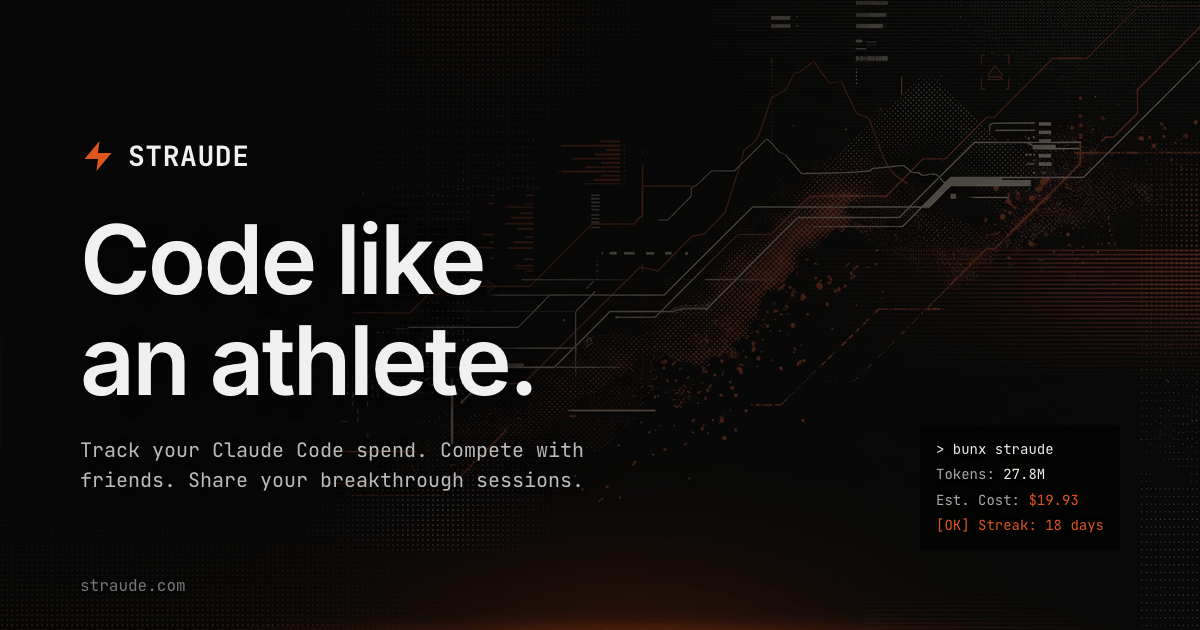
Straude is a telemetry and sharing product for Claude Code users. It focuses on session-level activity, turning local Claude Code logs into daily totals for token counts, spend, model names, and session count, then presenting that information in a profile and feed experience.
The site frames the product around coding like an athlete: track your pace, keep streaks, and share sessions that show meaningful progress. Its public surfaces also include a leaderboard-style list of companies with high or unlimited AI budgets, which positions the product within the broader culture of heavy AI-assisted building.
Track daily spend from Claude Code sessions using token counts and cost attribution derived from your local logs.
See how quickly you iterate with velocity metrics that compare your pace against global baselines.
Maintain an ongoing streak view for your AI engineering activity instead of treating sessions as isolated events.
Share your progress through public posts and activity surfaces so others can see breakthrough sessions and proof of work.
Run a local CLI flow that aggregates session logs on your machine before sending only daily totals.
Use Straude after Claude Code sessions to see how much you spent, which models were used, and how many sessions you ran that day.
Compare your iteration pace against the product’s velocity metrics if you want a benchmark for how quickly you are shipping with AI assistance.
Keep a visible streak of AI-assisted work and share selected sessions when you want to show progress to peers or followers.
Use the privacy controls if you want public activity surfaces for some content but prefer to keep your profile itself private.
Browse the Prometheus List if you want examples of companies with unlimited or very high AI budgets, verified from public sources.
Straude is designed for people using Claude Code who want to track session-level spend, token counts, model names, and session volume. It is especially relevant for builders who want to make AI usage visible and comparable over time.
The site says you can claim your profile at straude.com, run one command after a session, and then view your activity. The privacy page also notes that the CLI aggregates local Claude Code logs into daily totals before sending only those totals.
Straude surfaces daily token counts, cost in USD, model names used, session count, and public activity such as feeds and leaderboards. It also includes a public list of companies with high or unlimited AI budgets.
The pricing page currently returns a 404, so the site text available here does not confirm any plan structure or pricing details.
According to the privacy policy, you can set your profile to private in Settings, which hides your posts from the feed and removes you from leaderboards, though followers can still see your activity.

AakarDev AI helps teams manage AI provider access, project-level setups, logs, and analytics from one dashboard. It supports BYOK workflows and lists providers including OpenAI, Google Gemini, Anthropic, Groq, Mistral AI, and Perplexity AI.

ByteAsk is a terminal-first AI coding agent for C and C++ that edits repositories and verifies changes with the real compiler, debugger, sanitizers, and tests before showing a diff. It offers a free tier plus paid plans, with editor connectors and zero-retention handling described in the source.

PromptScout tracks how ChatGPT, Gemini, Google AI Overviews, and Perplexity mention your brand or competitors, then pairs those results with source analysis and website audits. It helps teams decide what to fix in content, positioning, or site readiness next.

SaveMRR is a Stripe retention tool for SaaS teams that scans billing data for churn and MRR leaks, then automates recovery through dunning, cancel-save offers, win-back emails, and onboarding nudges. It is built for founders and bootstrapped teams using Stripe.

CreateOS Sandbox is an isolated compute environment for running code and agent workloads inside Firecracker micro-VMs. It is designed for workflows that need machine-level isolation, private networking between sandboxes, and programmatic control through SDK, CLI, or MCP.

Hype is a web tool for finding trending YouTube topics by category, time range, and scoring mode. It helps creators spot emerging ideas, inspect source videos, and decide what to cover next.