
Six style options
Choose from six styles including Notion Style, Minimal Outline Accent, Color Splash, Organic Geometric, Low Poly, and Scribble to keep illustrations visually consistent.

SVGs.app is an AI SVG generator and vector illustration library for creating on-brand graphics from text prompts. It offers a free starting tier, community SVG downloads, and paid plans for higher usage.
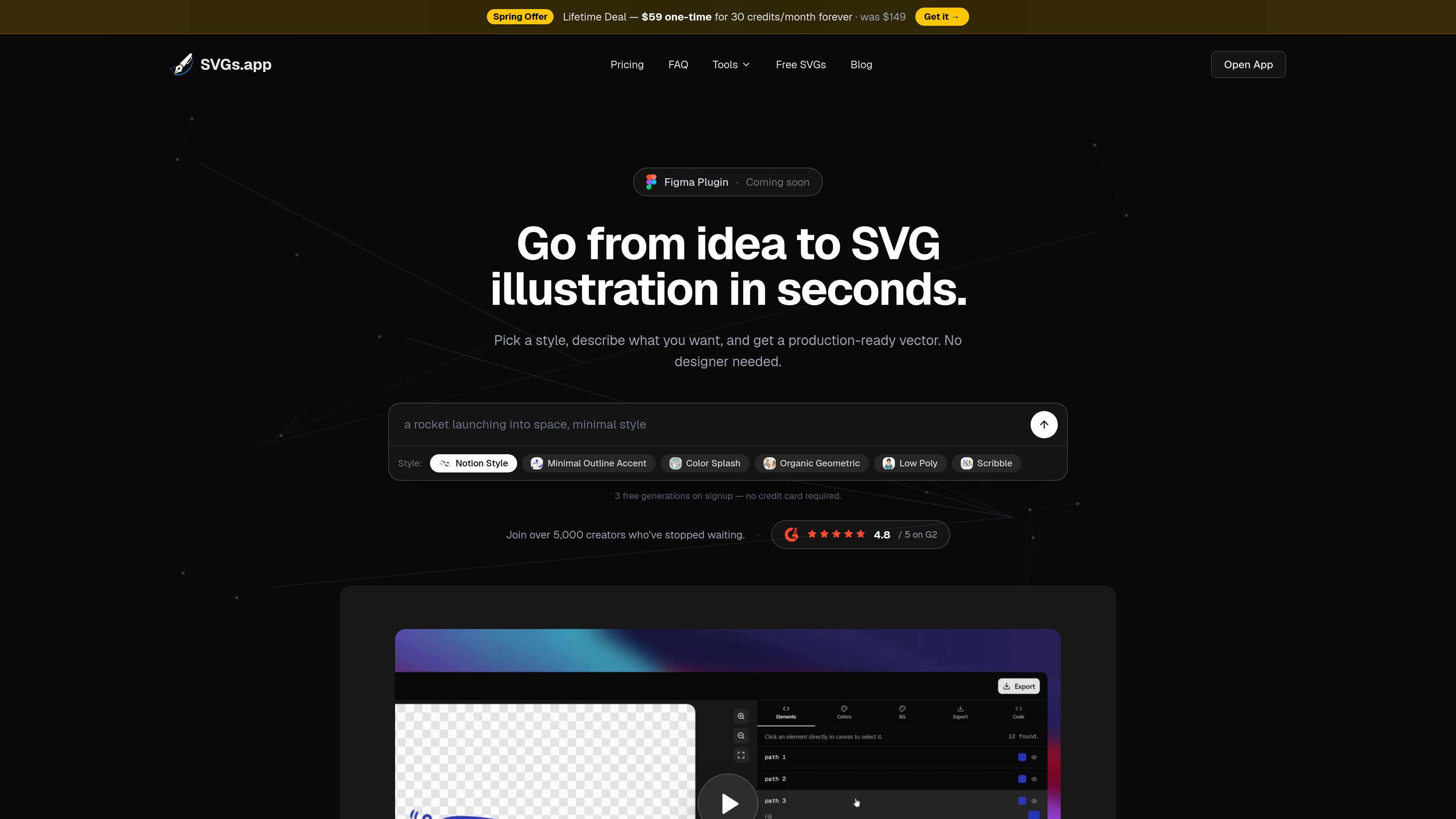
SVGs.app is an AI SVG generator and library for vector illustrations. It turns a written idea into an editable-looking vector graphic by letting you choose a visual style, describe the scene or icon you want, and export the result as SVG or PNG.
The product is aimed at designers, developers, and other creators who need on-brand graphics quickly for products, marketing, documentation, and presentations. The site positions it as a faster alternative to stock-art searches and handoff-heavy illustration work, while also offering a community library of free SVGs and a credit-based paid upgrade path.
Choose from six styles including Notion Style, Minimal Outline Accent, Color Splash, Organic Geometric, Low Poly, and Scribble to keep illustrations visually consistent.
Describe an idea in plain language and generate a production-ready vector illustration in seconds, rather than searching for stock art or waiting on drafts.
Export results as clean SVGs or PNGs for websites, apps, presentations, and other digital materials.
Start with three free AI generations on signup without entering a credit card, then continue with the free community library or upgrade for more usage.
Publish illustrations to the public community and earn one free credit for every 10 likes on published creations.
Use the Figma plugin path mentioned on the homepage, which is marked as coming soon.
Generate illustrations for onboarding screens, empty states, feature callouts, and other product UI areas that need a matching visual style.
Create hero graphics, section art, and social content without commissioning custom illustration for each asset.
Produce SVG or PNG visuals for slide decks, blog headers, diagrams, and instructional pages.
Use the community library to browse and download free SVGs when you need a quick asset without generating from scratch.
Publish your own illustrations to the community and earn credits from engagement on your work.
SVGs.app generates SVG illustrations by letting you pick a style, describe what you want, and then export the result as SVG or PNG. The homepage says it is aimed at fast illustration creation without requiring design skills.
The site shows a free tier with 3 one-time AI generations on signup and no credit card required. The pricing page also shows paid Pro and Business plans for users who need more credits and features.
Yes. The pricing page lists commercial use rights on the Pro and Business plans. The free plan mentions browsing and downloading free community SVGs with attribution required.
The source does not show a public API or plugin catalog. It does mention a Figma plugin as coming soon.
The homepage and pricing pages present SVG export and PNG export, plus community downloads. The source does not list more advanced output options or format-specific limitations.

Kitbitz is a public library of hand-drawn illustrations for games, maps, and playful scene design. It offers SVG and PNG downloads, CC0 licensing for the original artwork, and access on the web, in Figma, or through MCP.

Petalica Paint is a web service for automatically coloring line art and tracing line drawings from photographed images. The home page says it can be used under the stated terms for commercial and noncommercial work, but it is scheduled to end on 2025-07-31 at 16:00 JST.

PixelDrive is a bulk image generation API for creating many on-brand images from one template through a browser editor, REST API, CSV batch, or MCP. It suits teams that need repeatable image output with cacheable renders and usage-based pricing.

Napkin AI convierte texto en visuales editables para presentaciones, documentos y contenido compartible. Generación desde texto y exportación a PPT, PNG, SVG o PDF.

Refero MCP for AI agents connects an MCP-compatible agent to Refero’s curated library of web and iOS product interfaces and user flows. It helps agents research real design patterns before generating UI, with access included in the Refero Pro plan.

Frames te ayuda a crear carteles de lanzamiento y gráficos para redes sociales rápido con marcos de dispositivo premium y plantillas. Empieza gratis.