
Agent Grid
Run up to 16 coding agents in real terminal panes, with layouts from one to 16 panes and status indicators for working, waiting, failed or completed sessions.

SwarmPane is a desktop workspace for running Claude Code, Codex, Gemini CLI and other coding CLIs side by side. It helps developers compare agent results with their own checks, review changes, undo steps and manage multiple coding workflows from one app.
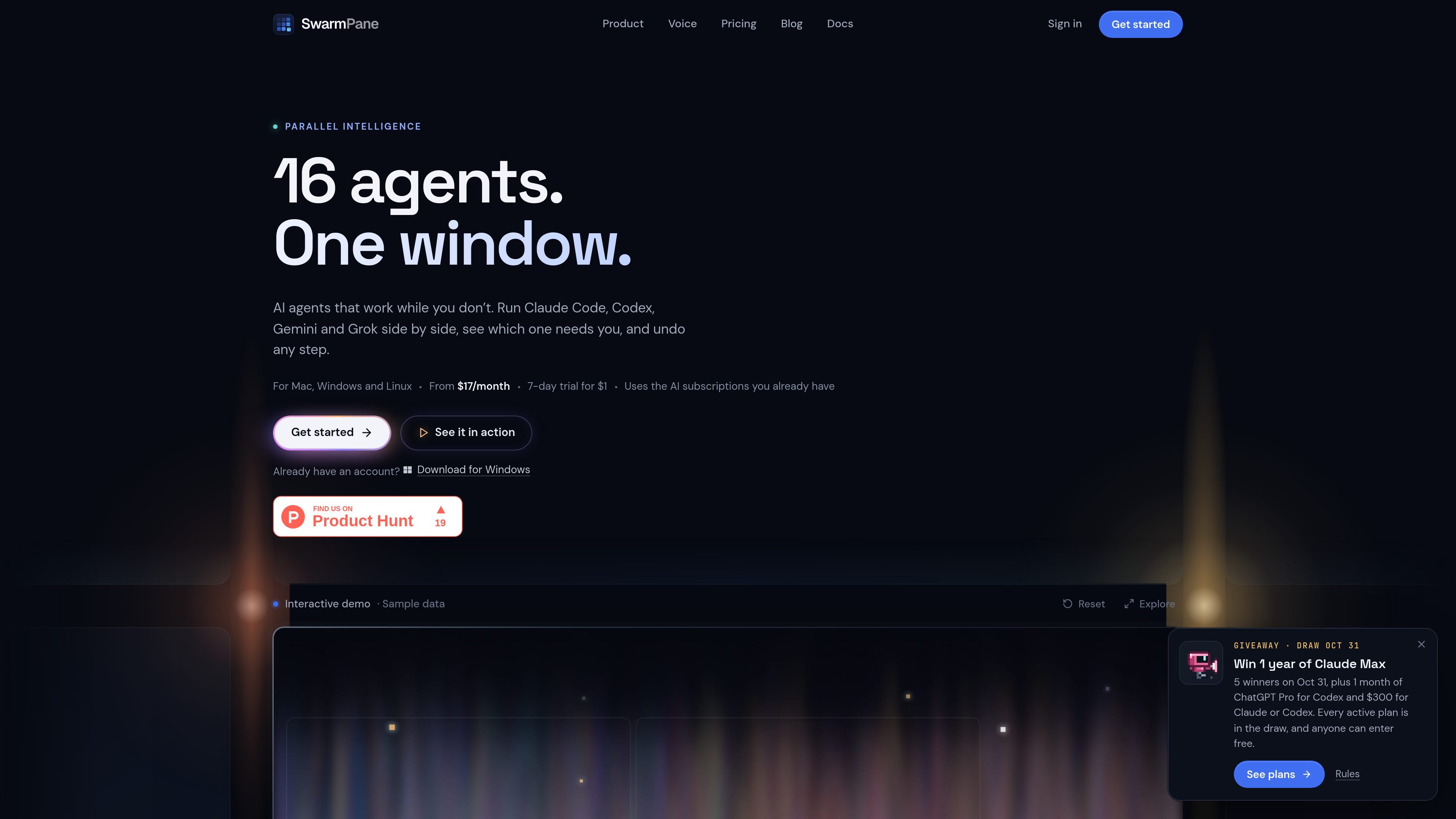
SwarmPane is a desktop workspace for running AI coding command-line tools side by side on macOS, Windows and Linux. It detects CLIs installed on the computer, uses their existing sign-ins, and brings agent conversations, live terminals, project files, browser previews and approvals into one application.
The workspace is designed for controlled parallel development rather than unattended merging. Agents can work in separate project copies, while tests, typechecks and lint help evaluate their results. Users decide what ships, can rewind file-editing steps, and can set budgets to stop runaway runs.
Run up to 16 coding agents in real terminal panes, with layouts from one to 16 panes and status indicators for working, waiting, failed or completed sessions.
Run agents on separate project copies, rank their results using tests, typechecks or lint, and choose manually what is accepted.
Create a checkpoint before file-editing steps and rewind an agent’s changes byte for byte. SwarmPane refuses to overwrite edits made after the checkpoint.
Select a problem in the Browser pane, describe the correction, then review the proposed change and check results before keeping, undoing or refining it.
Set usage budgets for runs and stop loops that repeatedly fail, using usage reported by the connected CLIs rather than estimated consumption.
Continue interrupted work in another account or agent after Claude Code or Codex reaches a usage limit; the beta Conductor can also pass failed work to another agent with its evidence.
Send the same task to multiple coding agents in separate project copies, then use tests, typechecks or lint to compare the results before selecting one.
Keep a local application open in the Browser pane, point to a visible defect and describe the correction. Review the resulting change and checks before applying it.
Run several independent coding tasks while away from the computer, then review which tasks passed the configured checks and which require attention.
Use separate Claude Code or Codex accounts side by side and hand off work when one account or agent reaches a usage limit.
Build and test an iOS project with the Simulator beside the code, using a Mac with Xcode when simulator access is needed.
SwarmPane is a desktop workspace that runs coding command-line interfaces such as Claude Code, Codex, Gemini CLI and other supported CLIs side by side. It combines agent sessions with terminals, project files, browser previews and approval controls.
SwarmPane is available for macOS, Windows and Linux. The macOS build requires macOS 13 or later; Windows and Linux downloads are x64. SwarmPane Voice and Voice Anywhere are currently macOS-only, and Video Studio is verified on macOS so far.
SwarmPane discovers coding CLIs installed on your computer and uses the sign-ins already configured for those tools. Provider subscriptions and API usage are billed separately by each provider.
Starter costs $17 per month or $170 per year, while Pro costs $29 per month or $290 per year. Either plan has a 7-day trial for $1 for eligible accounts, and yearly billing provides two months free compared with monthly billing.
The app can run up to 16 agents in real terminals. Agent Race gives each agent its own project copy, runs your checks and waits for you to choose what to keep; changes are not merged automatically.

ByteAsk is a terminal-first AI coding agent for C and C++ that edits repositories and verifies changes with the real compiler, debugger, sanitizers, and tests before showing a diff. It offers a free tier plus paid plans, with editor connectors and zero-retention handling described in the source.

GitBot is a local browser-based workspace for creating reusable coding bots powered by Claude Code, Codex, or OpenCode. It helps developers run those agents across repository folders with persistent threads and configurable permissions.

Ghost es un asistente de IA para terminal para chatear, generar código y ejecutar tareas en la línea de comandos. Incluye modelos gratuitos, es compatible con Linux, macOS y Windows, y es de código abierto.

Vi3ecode is a maintained development environment for working with AI coding agents. It keeps project context, terminal, Git, memory, flows, review, and communication connected around the agent you already use.

CreateOS Sandbox is an isolated compute environment for running code and agent workloads inside Firecracker micro-VMs. It is designed for workflows that need machine-level isolation, private networking between sandboxes, and programmatic control through SDK, CLI, or MCP.

hob is an independent workspace for coding agents that keeps agent sessions, terminals, history, and follow-up work organized around the tools and providers you already use. It is aimed at developers who want local control over routing, history, and workspace structure rather than a bundled model stack.