
Menu bar switching
Switchy lives in the macOS menu bar, so switching is available without opening System Settings or unpairing devices.

Switchy is a macOS menu bar app that lets you move Apple Magic Keyboard, Trackpad, and Mouse devices between Macs with one click. It is aimed at people who use multiple Macs on the same local network and want to avoid repeated unpairing or System Settings changes.
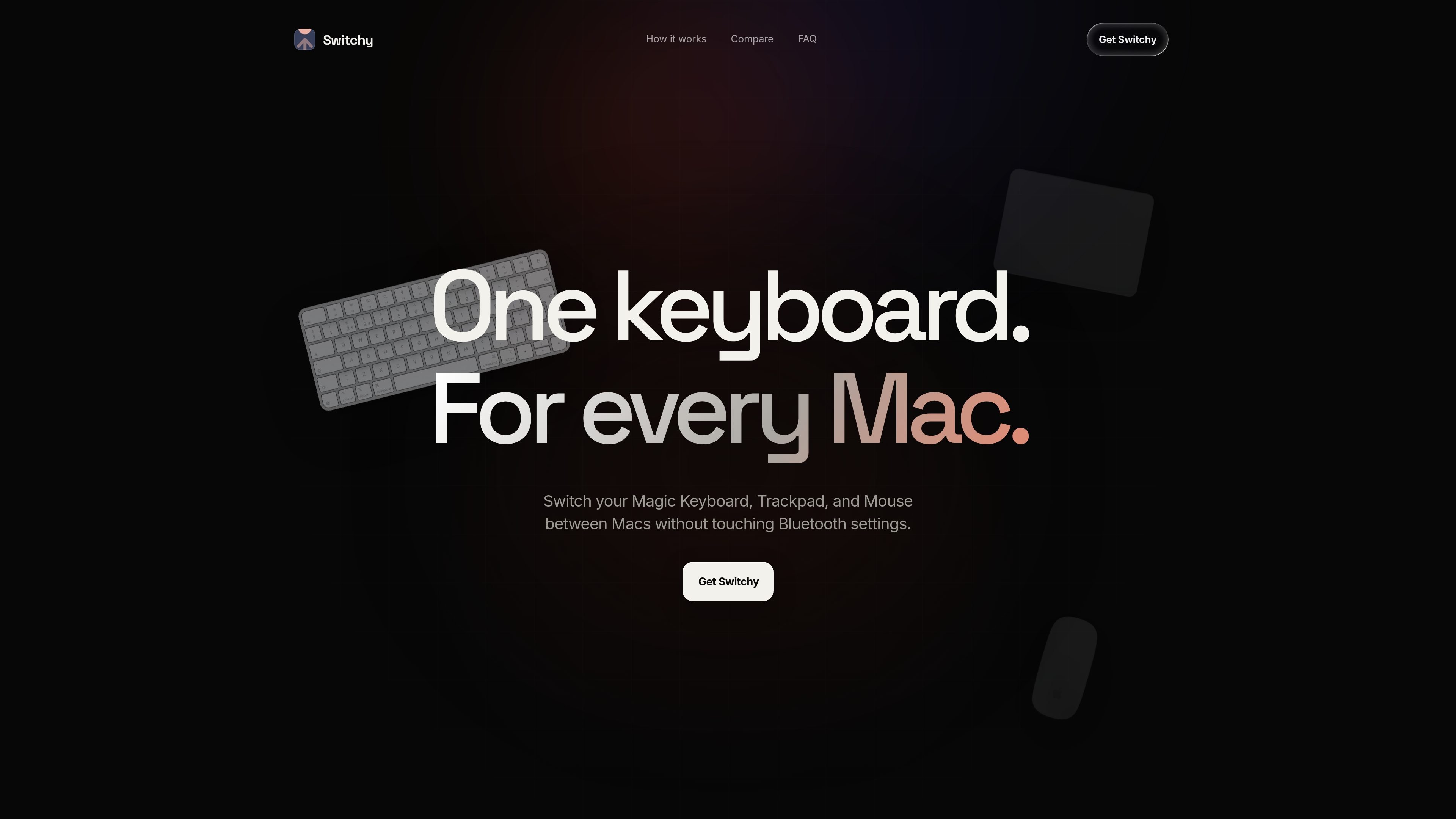
Switchy is a macOS menu bar app for moving Apple Magic accessories between Macs. It is designed for people who use more than one Mac and want to share a Magic Keyboard, Magic Trackpad, or Magic Mouse without repeatedly changing system settings or unpairing devices.
The app works over a local network: Switchy discovers other Macs running the app and lets you hand a connected accessory over with a single click. It supports Macs running macOS 14.0 (Sonoma) and later, includes a 3-day free trial, and is sold as a one-time purchase after the trial.
Switchy lives in the macOS menu bar, so switching is available without opening System Settings or unpairing devices.
The app detects Magic Keyboards, Magic Trackpads, and Magic Mice connected to the current Mac, then hands them over to another Mac with a click.
Switchy finds other Macs running the app on your local network automatically, reducing setup and manual pairing steps.
A 3-day, full-featured trial is included with every new installation, and a one-time purchase unlocks the app after the trial.
Homebrew users can install Switchy with brew install --cask switchy, which gives a second installation path beyond the website download.
If you keep a work Mac and a personal Mac on the same network, Switchy lets you move your shared Magic Keyboard, Trackpad, or Mouse between them without going into Bluetooth settings.
For a desk with two or more Macs, the app’s automatic discovery and one-click switching reduce the friction of reassigning each accessory by hand.
If you want to test whether shared accessories fit your workflow before buying, the 3-day trial lets you install the app and use it normally on your Macs.
For users who prefer package managers, the Homebrew install path provides a quicker setup route on supported Macs.
Yes. New installations include a 3-day, full-featured free trial. After the trial, Switchy is available as a one-time purchase.
Switchy is a macOS menu bar app. It is compatible with Macs running macOS 14.0 (Sonoma) and above.
Switchy supports Apple Magic accessories: Magic Keyboard, Magic Keyboard with Touch ID, Magic Trackpad, and Magic Mouse.
You install Switchy on each Mac you want to use with it. It automatically discovers other Macs running Switchy on the same local network.
Switching happens locally between your Macs. The app says no switching data leaves your devices, though it does make external connections for license activation, periodic validation, and software update checks.

Goldfish is an AI memory app for macOS that helps you reply, write, summarize, and continue using the context already on your Mac. It stores memory locally and writes in your tone.

ArtDeck is a visual reference board app for iPhone, iPad, and Mac that lets artists collect mixed reference material on one canvas and study it with ToolBox lenses. It works offline, supports optional iCloud sync, and is sold as a one-time purchase with no account required.

Biji es una plataforma versátil diseñada para mejorar la productividad a través de herramientas y características innovadoras.

MacSpoof es un cambiador de MAC para macOS: cambia o aleatoriza tu MAC Wi‑Fi para reconectar y reducir el registro de identidad en redes públicas.

Redline is a budgeting tool for Claude Code that paces sessions to stay within time, token, cost, or plan-percentage limits. It uses Claude Code’s native hooks and statusline to help sessions finish with a usable result instead of stopping abruptly.

Claude Overlay is a Windows desktop overlay for Claude Code that reads your screen so you can ask questions, inspect content, and request edits without leaving the current app. It runs on your existing Claude subscription through the Claude CLI, so no separate API key is required.