
Direct peer-to-peer sharing
Send files directly between devices without routing them through third-party servers. The service describes this as peer-to-peer transfer over any network.

Tether is a cross-platform file sharing app for sending files, photos, and videos between your devices. It supports desktop and mobile platforms and uses encrypted peer-to-peer transfers.
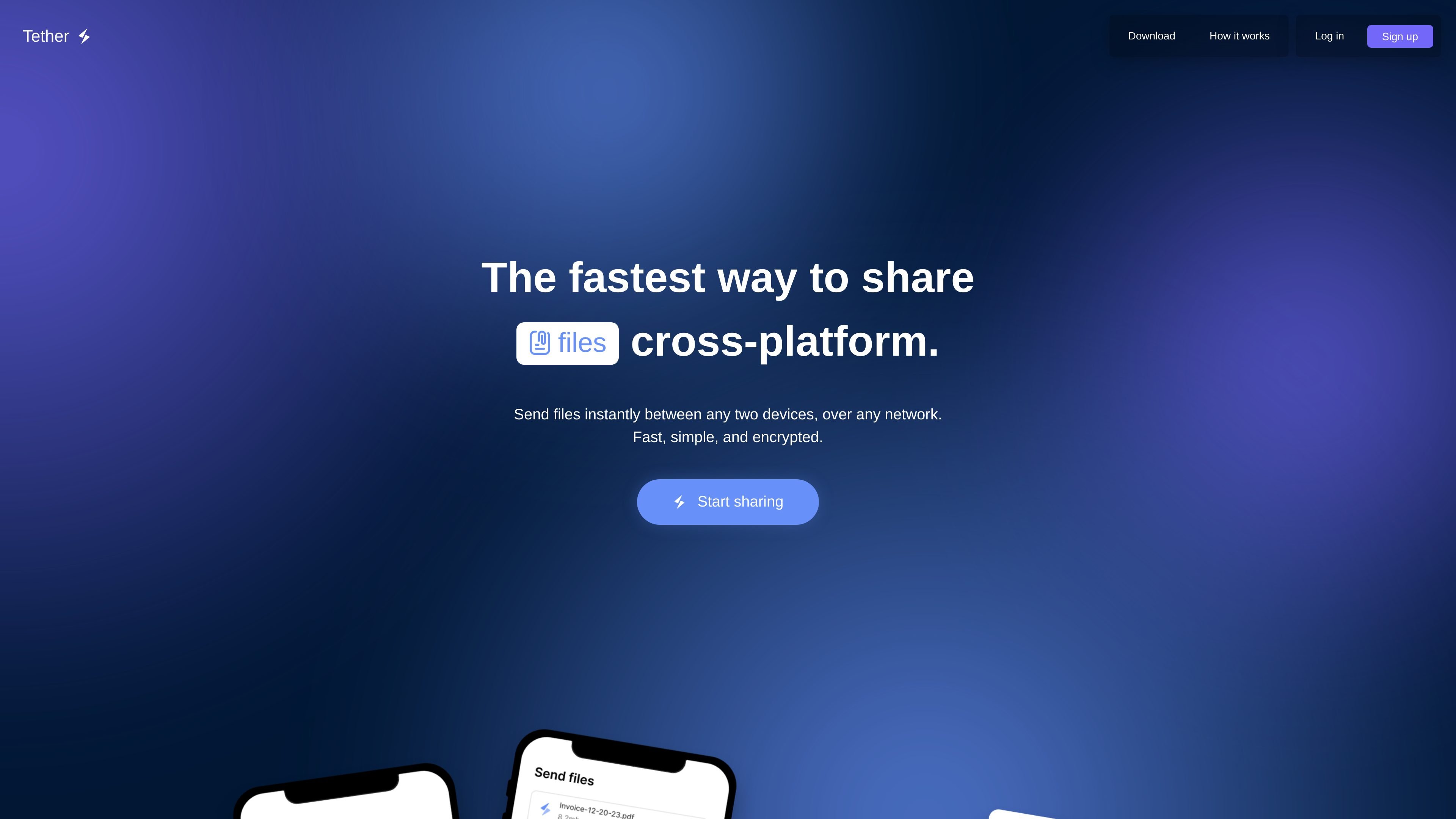
Tether is a cross-platform file sharing app for sending files, photos, and videos between your own devices. It is designed for quick transfers across different operating systems, with support for both desktop and mobile devices.
The product’s core workflow is straightforward: install the app, log into your account, choose files, and send them to another device in your account. Tether says transfers are encrypted, use peer-to-peer connections, and never pass through third-party servers.
Send files directly between devices without routing them through third-party servers. The service describes this as peer-to-peer transfer over any network.
Files are encrypted before leaving the sender’s device and remain encrypted during transit. The recipient is the only one who can decrypt them.
The site says files can be chosen through the app or web platform, so sharing is not limited to a single interface.
Tether says there are no file limits and that files keep their original quality when transferred.
Desktop downloads are offered for macOS, Windows, and Linux, including Debian and tar.gz packages for Linux.
Mobile apps are available for iOS and Android, with downloads linked from the App Store and Google Play.
Move photos, videos, or documents from a phone to a computer, or from one computer to another, without using an external storage service.
Send files to a second device you own while keeping them encrypted in transit and off third-party servers.
Share files across mixed operating systems, such as Windows to macOS or Linux to Android, without changing the workflow for each device.
Receive files directly on a desktop download folder or mobile file system, making it easier to organize incoming transfers.
Tether is set up by installing the app on each device you want to use, then logging into the same Tether account. Once a device is part of your account, it can receive files from your other devices.
The source says Tether has desktop apps for macOS, Windows, and Linux, and mobile apps for iOS and Android. It also supports sending through the app or web platform.
Tether sends files directly between devices using peer-to-peer connections. Files are encrypted before leaving the sender’s device and stay encrypted in transit.
The site says there are no file limits, and files keep their original quality when shared.
The pricing page is not available and returned a 404 in the collected source, so pricing details are not confirmed from the site text provided.

Codex Plugins bundle reusable skills, app integrations, and MCP servers into workflows you can install in the Codex app or use from Codex CLI. They help extend Codex with connected-service tasks, reusable instructions, and shared team workflows.

Snapmark is a VS Code extension that lets you annotate clipboard screenshots before pasting them into AI chats. It supports blur redaction, numbered callouts, and automatic resizing for large images.

PDFTools is a browser-based suite of free and premium PDF utilities for editing, conversion, and document handling. It helps users work on PDFs locally in the browser without uploading files to a server.

Open Computer Use is an open-source Computer Use service wrapped as MCP for macOS, Linux, and Windows. It helps AI agents and MCP clients run desktop automation workflows through client setup commands or manual MCP configuration.

Osaurus is a native macOS AI agent platform for Apple Silicon that keeps models and data on your Mac. It can also connect to ChatGPT, Claude, or Gemini when a task needs a cloud model.

Privacy-First Toolbox is a free browser-based collection of file and text conversion tools that processes data locally on your device. It is designed for users who want common utilities without uploading files or creating an account.