
Markdown-first editing
Write resume content in markdown instead of filling out a form. The source emphasizes keeping the document readable while editing.

Tiny CV is a markdown-first resume builder that previews a one-page CV, publishes a clean public link, and exports a PDF. It also provides role-based templates and an agent guide for fact-checked drafting.
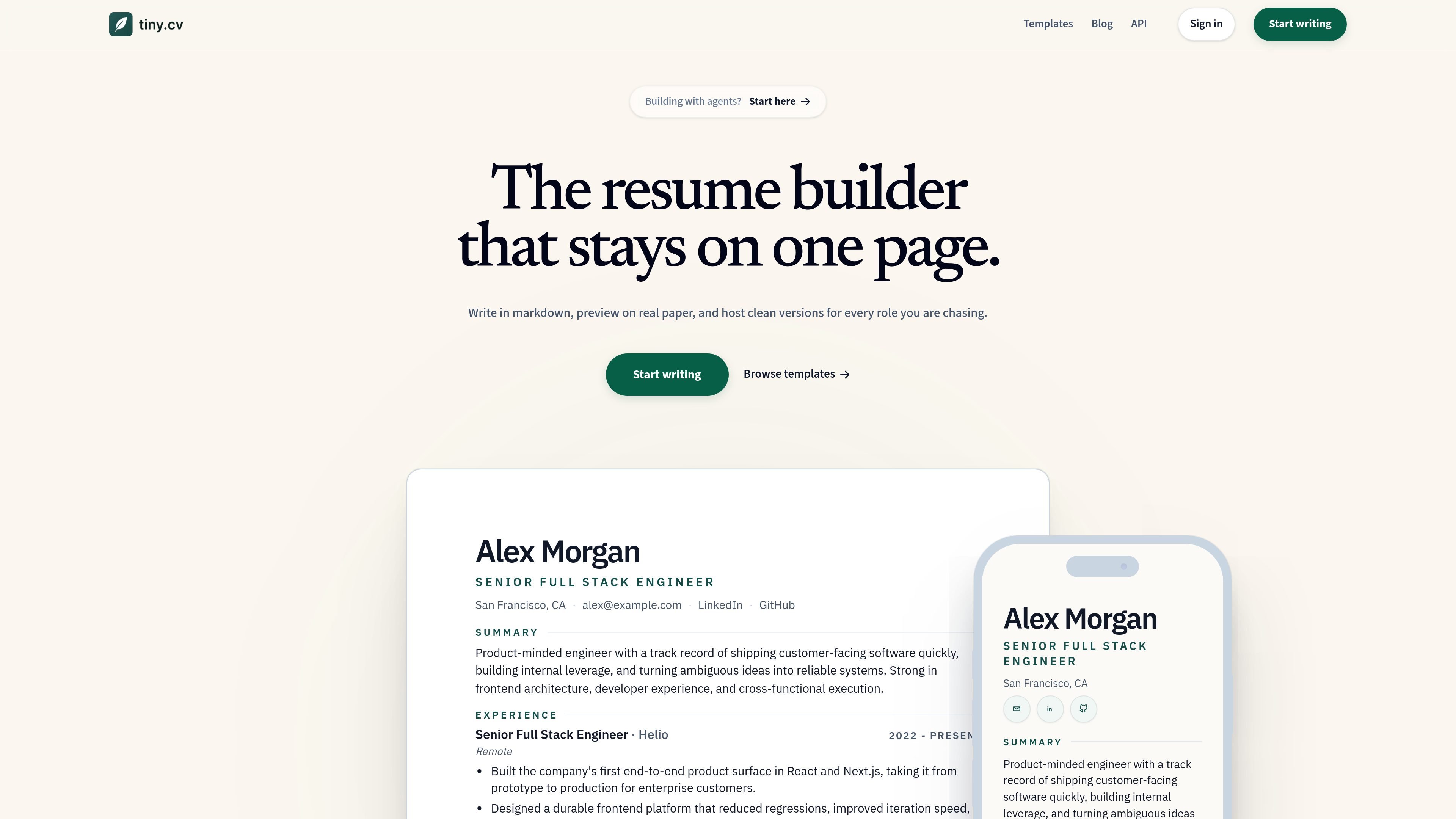
Tiny CV is a resume builder centered on a single page. Its core workflow is to write resume content in markdown, preview the result on a real printable page, publish a clean public CV link, and export the same document as a PDF.
The product is aimed at people who want a structured resume that stays compact and readable while still being easy to tailor for different roles. The templates page shows starting points for engineer, designer, sales, and founder-style resumes, and the agent guide describes a fact-first drafting process that can interview the user, validate details, and hand off an edit link after approval.
Write resume content in markdown instead of filling out a form. The source emphasizes keeping the document readable while editing.
See the resume on a real printable page while you work. The preview is designed around one page so users can judge length and layout before publishing.
Publish a focused public CV URL instead of exposing the editor interface. This is meant to share a clean version of the resume with employers or collaborators.
Export the finished resume as a PDF. The product description and agent guide both reference PDF output as part of the workflow.
Start from role-based templates and style presets. The templates page shows starting points for Engineer, Designer, Sales, and Founder roles, with different format directions.
Support an agent-driven drafting flow. The agent guide explains how an agent can interview the user, draft the resume, validate facts, publish the link, hand off an edit link, and export a PDF.
Use Tiny CV when you want to draft a resume from verified facts and avoid filling in a long form. The agent guide is written for interview-style intake, missing-detail checks, and approval before publishing.
Use the markdown editor when you want to keep the source readable and revise entries quickly. This fits users who prefer working in text and want the resume content to stay easy to reuse elsewhere.
Use the templates page when you are targeting a specific role such as engineering, design, sales, or founder/operator work. The templates help you start from a structure that matches the next job.
Use the preview when layout and page length matter more than a form-based workflow. The source repeatedly emphasizes a real one-page print preview, which makes it useful for keeping the resume concise.
Use the public link and PDF export when you need both a shareable online version and a document you can attach or print. The product is designed to produce the same resume in both formats.
Tiny CV is built for writing a resume in markdown, previewing it on a one-page layout, publishing a clean public link, and exporting a PDF. The agent guide also describes an edit-link handoff and a finish step for publishing or exporting after approval.
The source shows role-based starting points such as Engineer, Designer, Sales, and Founder, plus style and format presets. That makes it suitable for people who want to start from a template and then adapt the markdown to a specific role.
The templates page says the same resume renders on the same real resume page used for public links and PDF export. The agent guide says to ask for missing facts first and not invent anything, so users should expect a fact-checked drafting workflow.
The source confirms a public CV link and PDF export, and it mentions an edit link in the agent workflow. It does not provide pricing, so the availability or limits of paid features are not stated on the collected pages.
The collected pages do not mention team collaboration, accounts, or multi-user permissions. From the evidence provided, Tiny CV is presented as an individual resume builder and agent workflow, not a team platform.

Artifacts by Samepage is a connected writing surface for product teams that turns signals and existing work context into drafts such as PRDs, release notes, feature requests, bug tickets, and status updates. It includes built-in AI editing and can publish work into tools like Jira, GitHub, Confluence, Slack, and Linear.

Goldfish is an AI memory app for macOS that helps you reply, write, summarize, and continue using the context already on your Mac. It stores memory locally and writes in your tone.

ProWritingAid is a writing assistant for storytellers that offers grammar checking, style editing, paraphrasing, and story analysis inside popular writing apps. It includes a free plan, paid tiers, and tools for chapter critique, manuscript review, and collaborative editing.

SpeakoFlow is a free, open-source desktop voice-to-text app for Windows, macOS, and Linux. It supports dictation into any app, voice-driven writing with Flow, cleanup, translation, and a screen-aware assistant.

Paperpal 是一款面向学术写作的 AI 工具,提供文献阅读、语言润色、引用、查重、AI 检测和投稿前检查。它适合需要在英文论文和学术材料上进行写作、修改与合规自检的学生、研究人员和教师。

Sanota is an app that turns spoken memories, reflections, and interviews into clear written stories. It supports personal storytelling, family history, and shared memories, with guided prompts and subscription pricing.