
Bulk availability checking
Check keywords against selected TLDs to find available domains, with the README showing both single-keyword and multi-keyword searches.

tldx is a command-line tool for checking domain availability in bulk using keywords, permutations, regex patterns, and TLD presets. It supports multiple output formats and includes an MCP server for agent-based workflows.
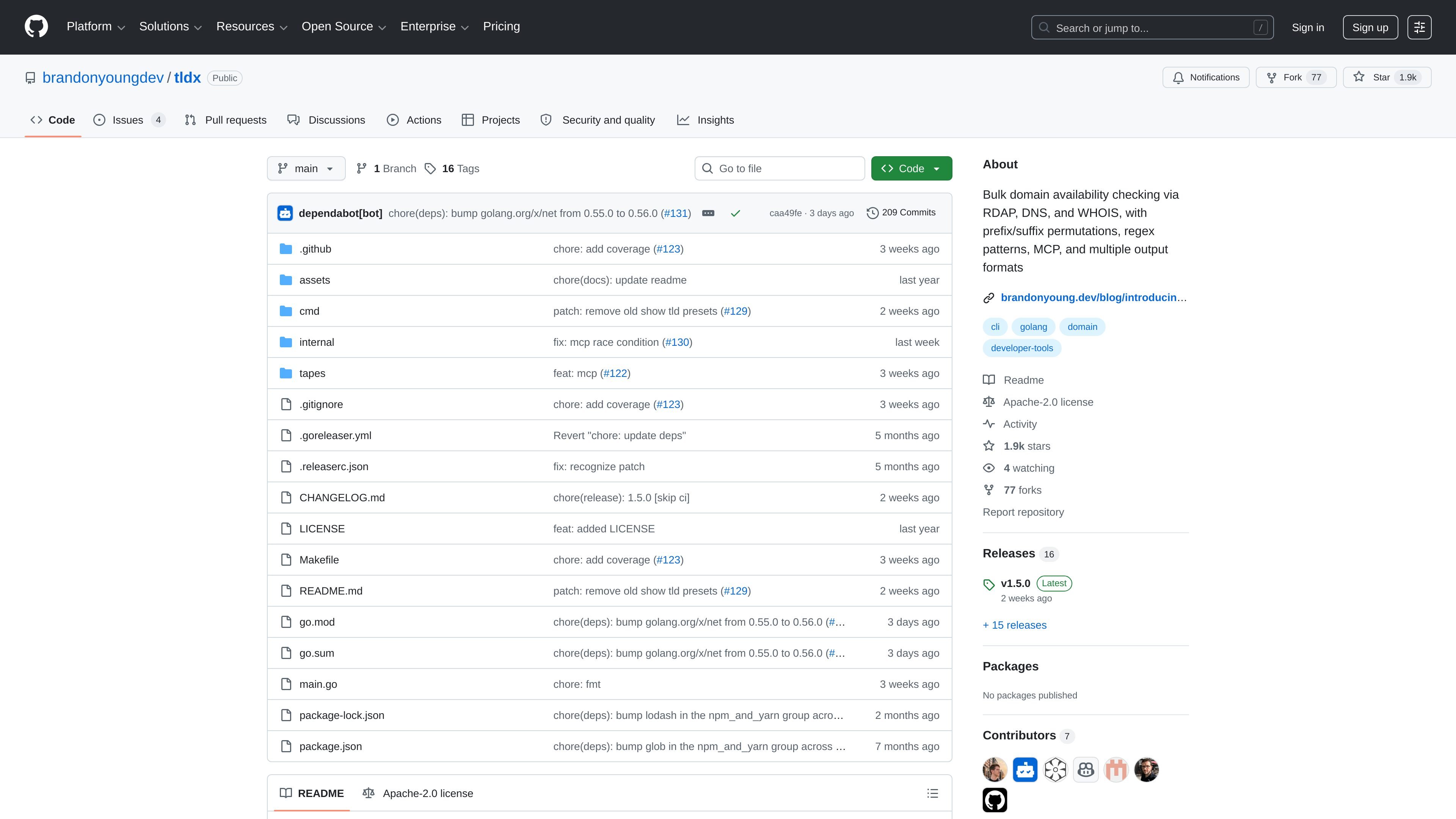
tldx is a command-line tool for checking whether domain names are available. It focuses on bulk searches driven by keywords, prefixes, suffixes, TLD sets, and regex patterns, so users can generate many candidate domains and review the results quickly.
The project description and examples show that tldx checks domains with RDAP and also references DNS and WHOIS. It can stream results as they are found, filter to available domains only, limit the number of matches returned, and output results in several machine-friendly or human-readable formats.
Check keywords against selected TLDs to find available domains, with the README showing both single-keyword and multi-keyword searches.
Generate candidate domains with prefixes, suffixes, and TLD combinations such as `getopenaily.com` or `useopenaihub.io` before checking availability.
Use regex patterns to build domain combinations, including examples like all three-letter `.com` domains, with a documented safeguard that skips patterns generating more than 500,000 combinations.
Select curated TLD sets through built-in presets, create custom presets, and store them in a config file for reuse.
Choose from text, JSON, JSON stream, JSON array, CSV, grouped, and grouped-by-TLD output formats, and optionally show stats at the end.
Run `tldx mcp` to start an MCP server over stdio for AI agent workflows.
Test a short list of candidate names across selected TLDs to see which domains are already taken and which remain available.
Generate brand-style variants with prefixes and suffixes, then scan them in bulk to surface usable combinations for a project or campaign.
Use regex patterns to check structured domain spaces, such as all three-letter names or other constrained combinations.
Feed keyword lists from a file or stdin into the CLI to batch-check domains as part of a script or terminal workflow.
Start the MCP server when you want an AI agent or other MCP client to work with tldx through stdio.
It checks domain availability using RDAP and also mentions DNS and WHOIS in the product description. The README examples show keyword-based lookups, regex-generated combinations, prefixes, suffixes, and TLD presets.
The README lists multiple output formats: text, json, json-stream, json-array, csv, grouped, and grouped-tld.
Yes. The project includes an MCP command that starts a Model Context Protocol server over stdio, which is intended for AI agent integration.
The source does not publish a price for tldx itself. The GitHub pricing page shows GitHub’s own free and paid plans, but that is separate from the project and does not describe tldx pricing.

NameGator is an AI-powered business name and domain generator that helps startups, entrepreneurs, and businesses find brandable names and check matching domain availability. The site also supports domain registration with instant registration, DNS management, and WHOIS privacy protection.

Branda is a web-based brand builder that turns a one-sentence idea into strategy, naming, logo, palette, type, and a brand kit. It is aimed at founders, creators, freelancers, and agencies that need a quick brand starting point.

sheetplus.ai is listed for sale as a domain on Spaceship, with a buy-now price and an option to make an offer. The page focuses on secure purchase and transfer support rather than describing an active software product.

LetsFindDomain is a domain availability checker and AI name generator that helps users search across 50+ extensions, compare prices, and review WHOIS and research data. It supports exact lookups, bulk TLD checks, and natural-language naming prompts.

Harness² is an open-source framework for refining the prompts, tools, memory, and other components around fixed AI models. It helps researchers and developers run recursive harness-improvement workflows across JobBench, LAB, and WorkBuddy-Bench.

Hoistbay is a free, open-source desktop app for managing Amazon S3 buckets and CloudFront distributions. It helps developers handle deployment uploads, object changes, metadata fixes, and cache invalidations from macOS or Windows.