
PNG to SVG conversion
Turn uploaded PNG images into scalable SVG files with AI-powered tracing for logos, icons, and web graphics.

ToSVG is a free online PNG to SVG converter with background removal and resizing in the same workflow. It also offers REST API plans for developers who want to integrate conversion into applications or automation.
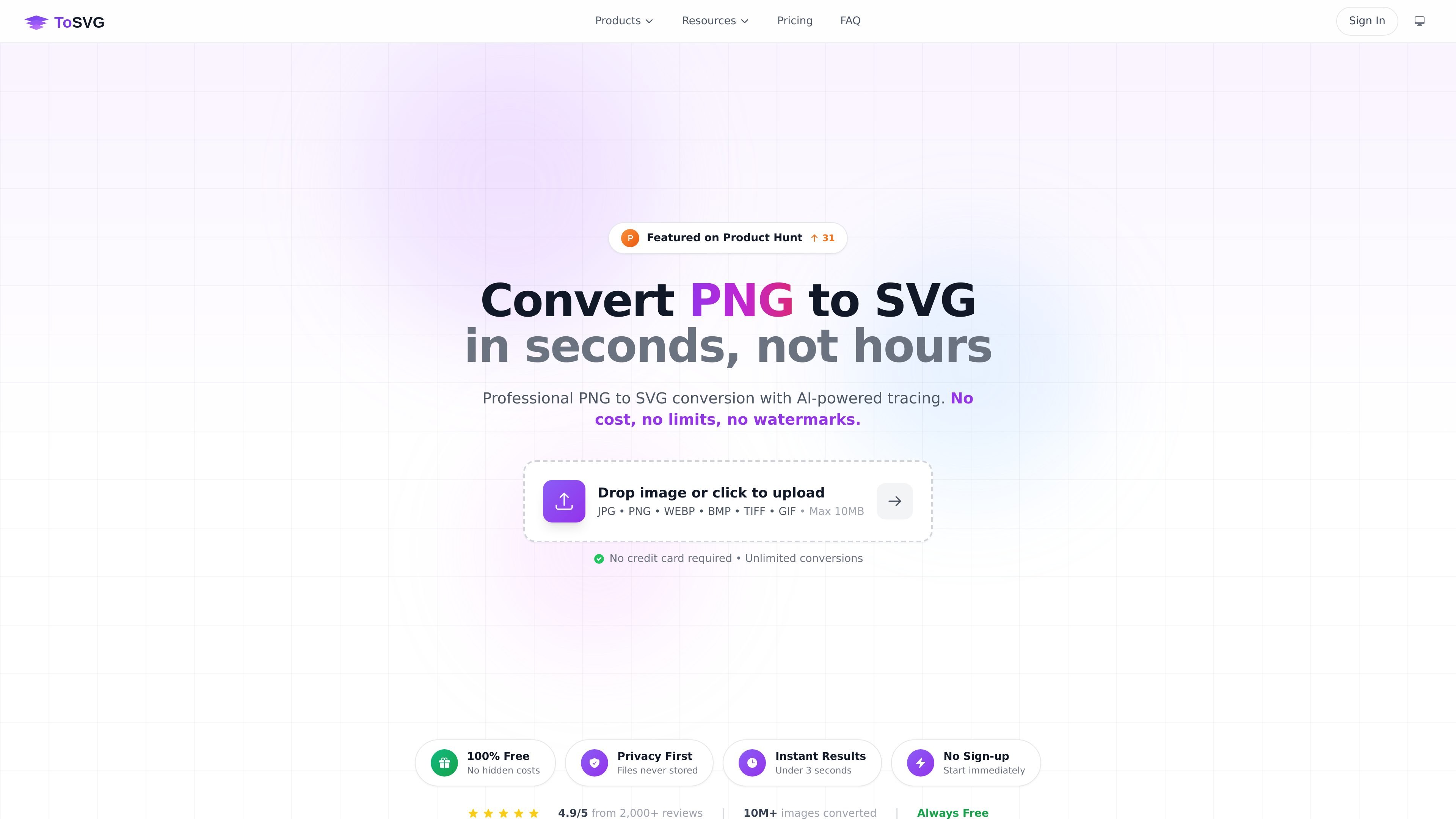
ToSVG is an online PNG to SVG converter that turns raster images into scalable vector files. The homepage presents it as a free web app for quick conversion, with background removal and resizing built into the same workflow.
The site also offers API plans for developers who want to integrate conversion into applications or automate image workflows. The service is positioned for fast, browser-based use in the web app and more structured usage through the REST API.
Turn uploaded PNG images into scalable SVG files with AI-powered tracing for logos, icons, and web graphics.
Remove image backgrounds before conversion so you can work with transparent output files.
Resize images to different dimensions without quality loss as part of the same editing flow.
Process multiple files in one workflow, which is useful when converting or editing larger sets of images.
Upload from common image formats shown on the homepage, including JPG, PNG, WEBP, BMP, TIFF, and GIF.
Use the free web app without signing up, or choose API access for integration and automation.
Convert PNG logos or icons into SVG when you need scalable graphics that do not pixelate at larger sizes.
Remove a background before converting an image so the result is easier to reuse in design work or web assets.
Resize image files as part of the same upload-and-edit workflow instead of moving between separate tools.
Integrate conversion into an application or automated workflow using the product’s REST API plans.
Yes. The web app is described as completely free to use, with no account required, no hidden fees, and no watermarks.
API plans are for developers who want to integrate ToSVG into their own applications or automate workflows.
The pricing page says you can upgrade or downgrade an API plan at any time, and changes take effect immediately.
If you exceed your daily limit, the API returns a 429 error. The limit resets at midnight UTC.

ArtDeck is a visual reference board app for iPhone, iPad, and Mac that lets artists collect mixed reference material on one canvas and study it with ToolBox lenses. It works offline, supports optional iCloud sync, and is sold as a one-time purchase with no account required.

Codex Plugins bundle reusable skills, app integrations, and MCP servers into workflows you can install in the Codex app or use from Codex CLI. They help extend Codex with connected-service tasks, reusable instructions, and shared team workflows.

Pixelcut is an AI photo editor for creating and editing product images, social content, and video assets. It offers free and paid plans, plus mobile app and browser access for individual users and teams.

Video Effects SDK adds real-time webcam effects such as background blur, background replacement or removal, denoising, framing, beautification, and color grading. It is built for teams shipping live video experiences on web, desktop, and mobile platforms.

PixelDrive is a bulk image generation API for creating many on-brand images from one template through a browser editor, REST API, CSV batch, or MCP. It suits teams that need repeatable image output with cacheable renders and usage-based pricing.

Snapmark is a VS Code extension that lets you annotate clipboard screenshots before pasting them into AI chats. It supports blur redaction, numbered callouts, and automatic resizing for large images.