
Up to 32TB across four SSD slots
Umbrel Pro supports up to four M.2 2280 NVMe SSDs for up to 32TB of storage. You can begin with fewer drives and expand later as your needs change.

Umbrel Pro is a self-hosted home cloud server with up to 32TB of SSD storage, designed for storing files, running apps, and managing a Bitcoin node from umbrelOS. It supports browser-based setup, local file sharing, and remote access via Tailscale.
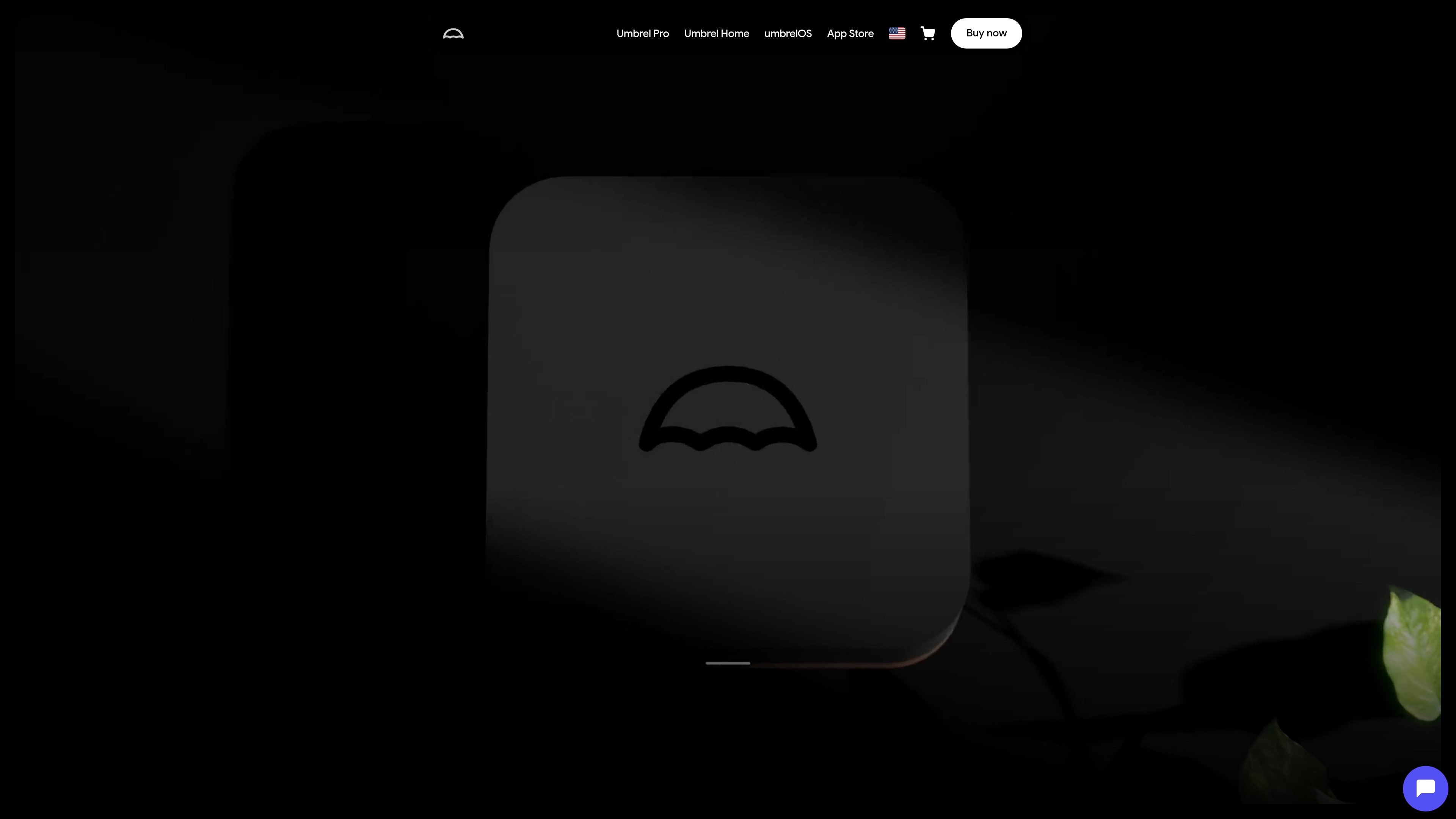
Umbrel Pro is a home cloud server built for self-hosting files, apps, media, and AI tools on your own hardware. The page positions it as a desktop system with up to 32TB of SSD storage, four M.2 2280 NVMe slots, and umbrelOS as the operating system that ties storage, apps, and remote access together.
Its core appeal is local ownership: you can store files and photos, run a Bitcoin node, stream media, and install apps like OpenClaw from a browser-based interface without needing a keyboard or display. The product page also emphasizes privacy, one-click app installs, and storage expansion over time, with optional Failsafe Mode for added resilience if an SSD fails.
Umbrel Pro supports up to four M.2 2280 NVMe SSDs for up to 32TB of storage. You can begin with fewer drives and expand later as your needs change.
The product page says you can use Failsafe Mode, which behaves like RAID-style protection so data can keep running even if one SSD fails. If you prefer maximum capacity, you can also combine drives without Failsafe.
umbrelOS is browser-based, so no keyboard or display is required. You manage apps, users, network, and storage from a web interface on a phone, tablet, or computer.
The built-in app store includes more than 200 one-click apps, including self-hosted AI, Bitcoin node software, media servers, and home automation tools.
Remote access is supported through Tailscale, and local file sharing uses SMB so folders appear like a network drive on devices on the same network.
The page highlights a magnetic aluminum lid that also acts as a heatsink with an air chamber and thermal pad to help keep SSDs cool.
Store and back up photos, files, and videos on a device you keep at home, then access them from your network or remotely when needed.
Run OpenClaw, local LLMs, and other self-hosted tools from the app store if you want AI workflows that stay on your own hardware.
Run a Bitcoin node and connect your wallet directly to it to verify transactions and manage your own infrastructure.
Stream a personal movie and TV library to devices at home or on the go using the home server as a media source.
Use browser-based management, SMB sharing, and app installs to run a shared home server without maintaining a traditional desktop UI.
No. The product page says setup takes under 5 minutes and requires no command line or technical knowledge. You insert the SSDs, connect power and Ethernet, then visit `umbrel.local` in a browser.
Yes. The page says you can start with one, two, three, or all four SSDs and expand later as needed.
The page says Umbrel Pro supports any M.2 2280 NVMe SSD up to 8TB, using PCIe Gen 3, Gen 4, or Gen 5 drives. SATA SSDs and drives with heatsinks are not supported.
Umbrel Pro is designed to be accessed from a browser on a phone, tablet, or computer. The page also says storage can be shared on the local network and accessed remotely using Tailscale.
The product page does not list a current public price on the Umbrel Pro page. It does state that it ships with free delivery in the United States.
AakarDev AI helps teams manage AI provider access, project-level setups, logs, and analytics from one dashboard. It supports BYOK workflows and lists providers including OpenAI, Google Gemini, Anthropic, Groq, Mistral AI, and Perplexity AI.

Goldfish is an AI memory app for macOS that helps you reply, write, summarize, and continue using the context already on your Mac. It stores memory locally and writes in your tone.

CreateOS Sandbox is an isolated compute environment for running code and agent workloads inside Firecracker micro-VMs. It is designed for workflows that need machine-level isolation, private networking between sandboxes, and programmatic control through SDK, CLI, or MCP.

ArtDeck is a visual reference board app for iPhone, iPad, and Mac that lets artists collect mixed reference material on one canvas and study it with ToolBox lenses. It works offline, supports optional iCloud sync, and is sold as a one-time purchase with no account required.

Biji es una plataforma versátil diseñada para mejorar la productividad a través de herramientas y características innovadoras.

Malyatko is a baby tracker for logging feeding, sleep, growth, teething, and milestones in one app. It works on iPhone, Apple Watch, and widgets, with no sign-up, offline use, and family sharing through iCloud.