Droid icon

Droid

Droid is an AI workflow platform for business teams that assigns role-based droids to recurring operational tasks. It uses workspace credits instead of per-seat pricing and includes voice, video, screen-share, integrations, scheduled tasks, and persistent memory on every plan.

Droid

AI droids for business workflows

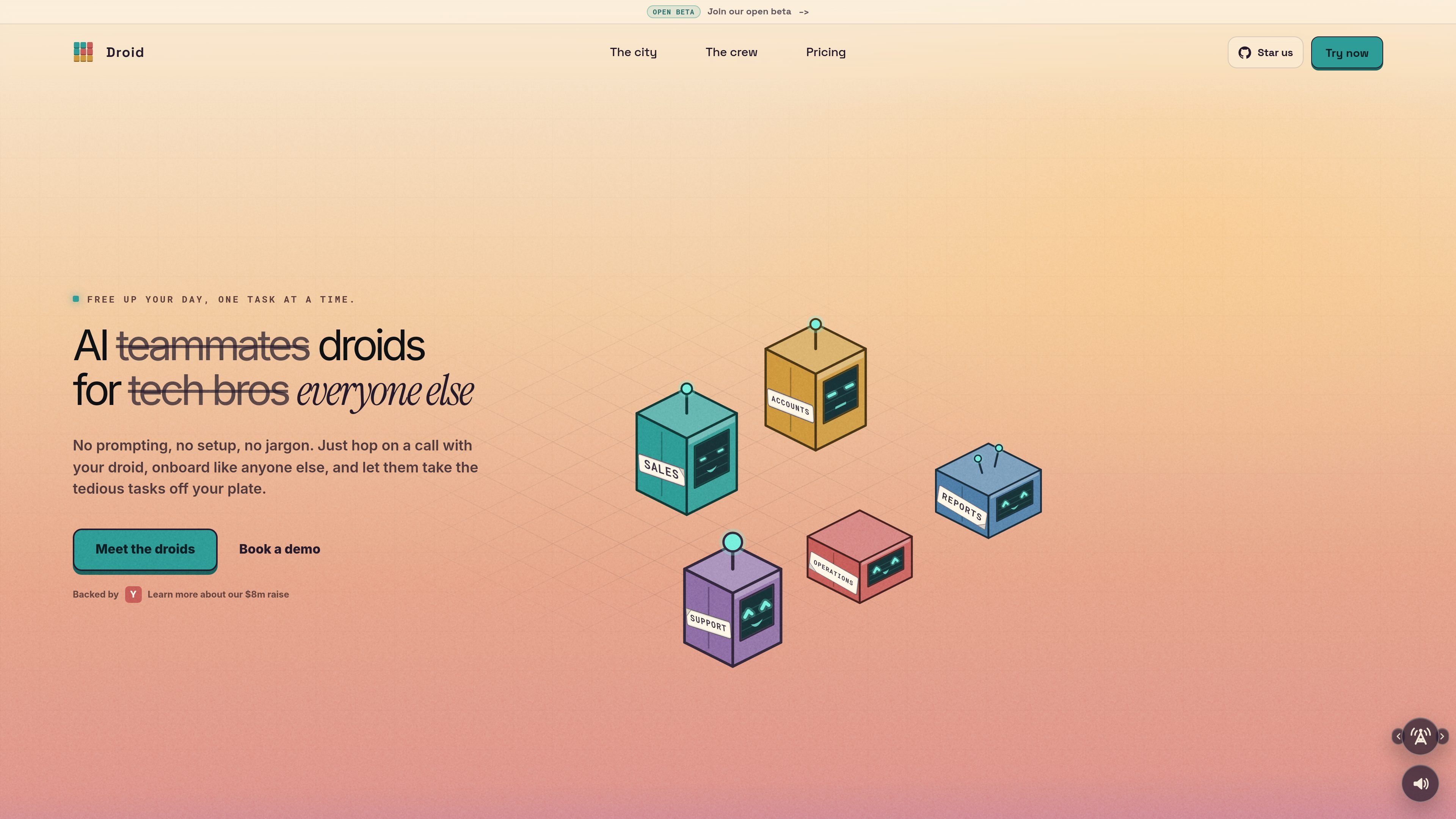
Droid is an AI assistant platform for business teams that assigns individual droids to specific roles and workflows. The product is positioned around taking over repetitive work such as inbox triage, meeting recaps, lead handling, invoice checks, and other operational tasks while keeping a person in the loop for judgment-heavy decisions.

The homepage emphasizes that droids can be onboarded like teammates, connect to the tools they need, and act proactively by monitoring systems and recurring workflows. The pricing page says every plan includes the full feature set — including voice, video, screen-share, integrations, scheduled tasks, and persistent memory — with workspace-based pricing and shared credits rather than per-seat charges.

Capabilities

Role-based task ownership

Droids can be assigned a role and put to work on recurring or triggered tasks, so they do not rely on one-off prompts. The site describes them monitoring inboxes, CRMs, and other platforms and notifying people when action is needed.

Prebuilt workflow patterns

The homepage shows workflows such as daily briefings, inbox cleanup, meeting recaps, lead sourcing, invoice reconciliation, board packs, and incident response. These examples suggest the product is built for operational work rather than isolated chat.

Private execution environment

Each droid gets its own clean sandbox with shell access, tools, and scratch space. According to the homepage, it can clone a workspace, read context, write a patch, run checks, and return the result without disturbing other setups.

Team collaboration

Droids can work together and alongside human teammates. The site says they can liaise across team members, external stakeholders, and each other, and can be given their own seat in the workspace.

Context-aware learning

The homepage says droids observe what matters inside the apps you connect and learn over time. The emphasis is on using company context to improve output rather than repeated manual setup.

All-feature plans

The pricing page says every plan includes voice, video, screen-share, integrations, scheduled tasks, and persistent memory. That makes the feature set consistent across plans, with pricing driven by usage instead of feature gating.

Common uses

  • Daily operations support

    Route recurring inbox, calendar, and stand-up prep tasks to a droid that can surface what matters, clean up noise, and flag items that need attention before a meeting starts.

  • Sales workflow handling

    Use droids for first-touch replies, CRM cleanup, lead sourcing, and qualification so sales teams spend less time on manual follow-up and data maintenance.

  • Finance and reporting work

    Assign invoice reconciliation, receipt collection, and board-pack preparation to droids that read documents, assemble outputs, and flag anomalies for review.

  • Monitoring and escalation

    Have droids watch for stale data, broken automations, product feedback patterns, or incident signals and notify the team when something needs action.

  • Developer assistance

    Use private sandboxes for scoped engineering tasks such as bug fixes, tests, pull requests, and changelog updates when a workflow can be executed safely with review.

Pros and Cons

Pros

  • Covers a wide range of business workflows, including admin, sales, accounting, operations, support, and development tasks.
  • Uses workspace-based pricing with no per-seat charge, which may suit teams that want to add users without changing seat counts.
  • Includes a shared credit model and caching, so recurring work can become cheaper over time according to the pricing page.
  • Supports proactive, recurring, and monitored workflows instead of only responding to prompts.
  • Keeps a person in the loop for judgment-sensitive work, which matches the product positioning in the meta description.

Cons

  • The pricing page does not publish a fully detailed public rate card for Enterprise, which is custom.
  • The site gives examples of supported workflows and integrations, but the evidence here is not enough to verify every specific tool or setup in depth.
  • The product is described as operating inside existing apps and workflows, so it appears best suited to teams with recurring operational work rather than purely ad hoc chat use.

FAQ

Is there a free way to try Droid?

Starter credits are included when you sign up and do not require a card. The pricing page says you can use them during your first week.

Can I change plans later?

Yes. The pricing page says you can switch between plans at any time, in either direction, and that plans are monthly or annual.

Does Droid charge per seat?

No. Pricing is workspace-based and the team shares one credit pool, with no per-seat charge.

Do higher plans unlock more features?

The pricing page says every plan includes every feature, including live voice and video, screen-share, integrations, scheduled tasks, and persistent memory. Plans differ by credit volume and, for Enterprise, contract terms.

What does Enterprise include?

Enterprise is custom and is described for regulated industries. The page lists custom contract terms, invoicing, security review, DPA, SLA, dedicated onboarding, tailored controls, and per-region data residency as part of that offering.

Quick Facts

Category
AI workflow automation
Website
unify.ai
Pricing model
Workspace credits, no per-seat charges
Plan structure
Team and custom Enterprise
Core use
Business tasks and monitored workflows
Included plan features
Voice, video, screen-share, integrations, scheduled tasks, persistent memory

Alternativas a Droid