
In-browser local inference
Websites and browser extensions can access AI models running locally in the browser, allowing AI features to work with the pages users are viewing.

WebAI is Opera’s early-preview browser capability that lets websites and extensions use compatible AI models running locally on a user’s computer. It is aimed at developers building page-aware tools for text generation, content classification, and semantic search without requiring a separate cloud AI service.
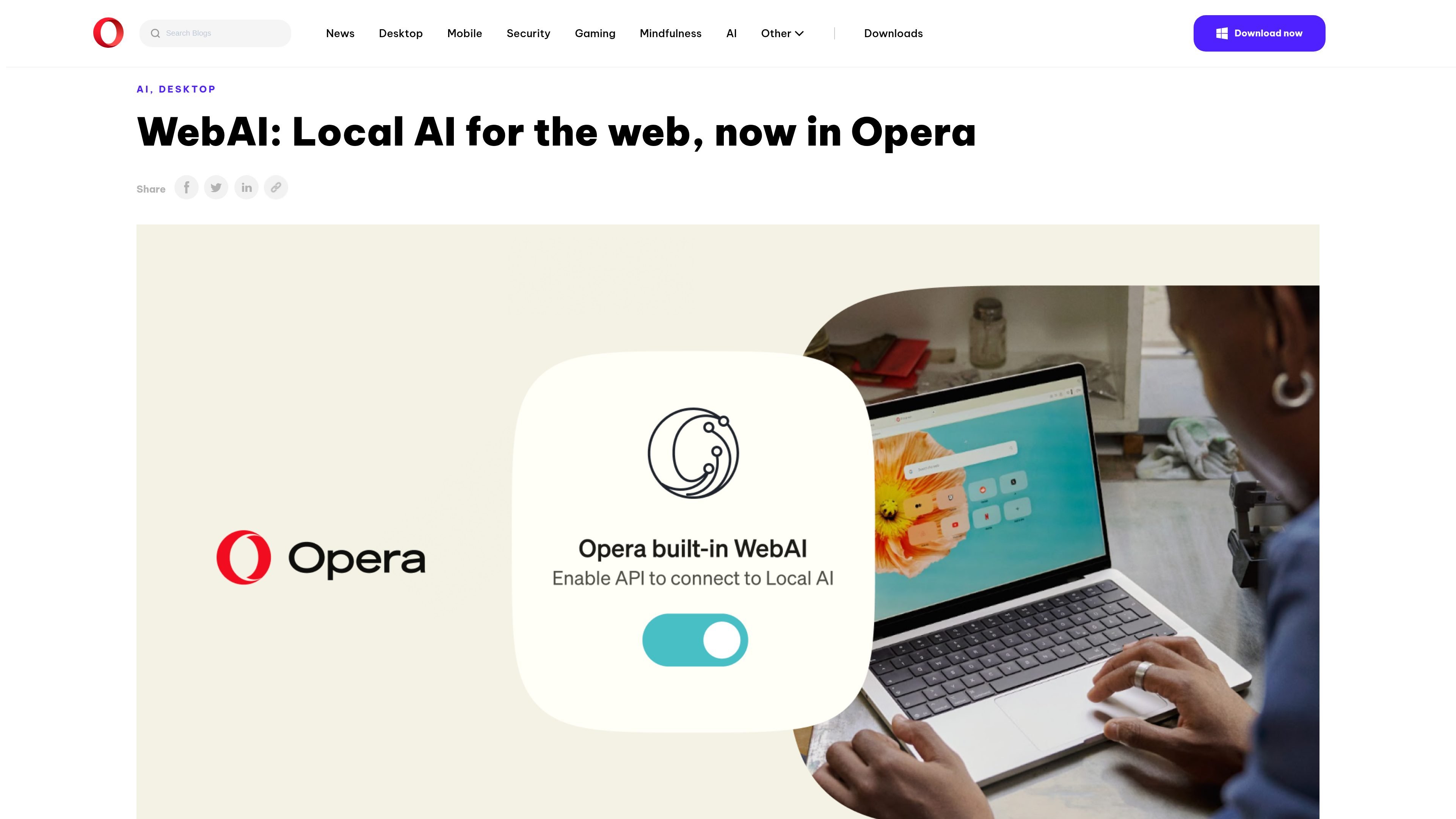
WebAI is Opera’s early-preview implementation of local AI for websites and browser extensions. It lets developers use compatible AI models running on the user’s computer, so browser-based tools can work with page content without relying on a separate cloud AI provider for every request.
The implementation exposes Prompt, Decision, and Semantic Embeddings APIs for text generation, information classification, and discovering relationships between content. WebAI is opt-in: users enable it in Opera settings, download a compatible local model, and can turn the feature off later. The preview is available across Opera One, Opera GX, and Opera Neon, with platform availability currently limited to 64-bit Windows PCs with Intel or AMD processors and Macs with Apple silicon.
Websites and browser extensions can access AI models running locally in the browser, allowing AI features to work with the pages users are viewing.
The implementation supports compatible local models, including open-weight models provided through Opera and compatible models already on the user’s device.
The Prompt API provides a building block for generating text within site and extension experiences without requiring a separate cloud AI request.
The Decision API can classify information, supporting extensions that sort, prioritize, or label content according to a defined purpose.
The Semantic Embeddings API helps identify relationships between pieces of content, such as finding related saved items or similar passages.
The browser includes the inference capability directly, so the preview does not require a separate AI application, local server, or API key.
An extension can compare an article with a project description and visually emphasize paragraphs that are most relevant to the user’s current work.
A browser tool can classify job postings or other listings and highlight items that match a user-defined interest or project.
Developers can use semantic relationships to make saved articles or other stored content searchable by meaning rather than relying only on exact keywords.
An article-reading extension can generate a short quiz from the current page so the reader can check their understanding.
Experimental extensions can transform article content into visual or playful formats, such as moving semantic artwork, a chart-based verdict, or an automatically generated social post.
WebAI is an early preview. In Opera One, download or update the browser, open Settings → Opera AI, and enable Enable Web AI API. Enabling it downloads a compatible local model, which may take a few minutes. You can then install an example extension and open it from the extensions menu.
The preview is available on 64-bit Windows PCs using Intel or AMD processors and on Macs with Apple silicon. It is not available on Intel-based Macs, Linux, or Windows on Arm, according to the source article.
No. WebAI is opt-in, and nothing is downloaded until it is enabled in Settings. You can turn it off at any time.
WebAI supports compatible local models, including open-weight models provided through Opera and compatible models already on the device. The article does not specify a complete model list or detailed hardware requirements.
WebAI is intended for websites and browser extensions. Its Prompt, Decision, and Semantic Embeddings APIs support text generation, information classification, and finding relationships between pieces of content. The source does not describe team administration, pricing, or cloud-service integrations.

ByteAsk is a terminal-first AI coding agent for C and C++ that edits repositories and verifies changes with the real compiler, debugger, sanitizers, and tests before showing a diff. It offers a free tier plus paid plans, with editor connectors and zero-retention handling described in the source.

Epherem is a static security scanner for web apps built with AI coding tools such as Lovable, Bolt, v0, Replit, Cursor, and Claude Code. It checks source files and dependencies for common security mistakes, then provides categorized findings and suggested fixes without running the app.

CreateOS Sandbox is an isolated compute environment for running code and agent workloads inside Firecracker micro-VMs. It is designed for workflows that need machine-level isolation, private networking between sandboxes, and programmatic control through SDK, CLI, or MCP.

GitBot is a local browser-based workspace for creating reusable coding bots powered by Claude Code, Codex, or OpenCode. It helps developers run those agents across repository folders with persistent threads and configurable permissions.

hob is an independent workspace for coding agents that keeps agent sessions, terminals, history, and follow-up work organized around the tools and providers you already use. It is aimed at developers who want local control over routing, history, and workspace structure rather than a bundled model stack.

Ably Chat is a chat API platform for building custom realtime chat applications. It supports room-based messaging, typing indicators, presence, reactions, and message updates, with usage-based pricing options for different deployment stages.