
Indexes local and cloud footage
Connect local drives or supported cloud storage so Wideframe can search raw clips, B-roll, interviews, and product footage without moving source files.

Wideframe is a Mac desktop app that helps video editors search existing footage, assemble rough cuts, and export native Premiere Pro project files. It is designed to work alongside Premiere Pro rather than replace it.
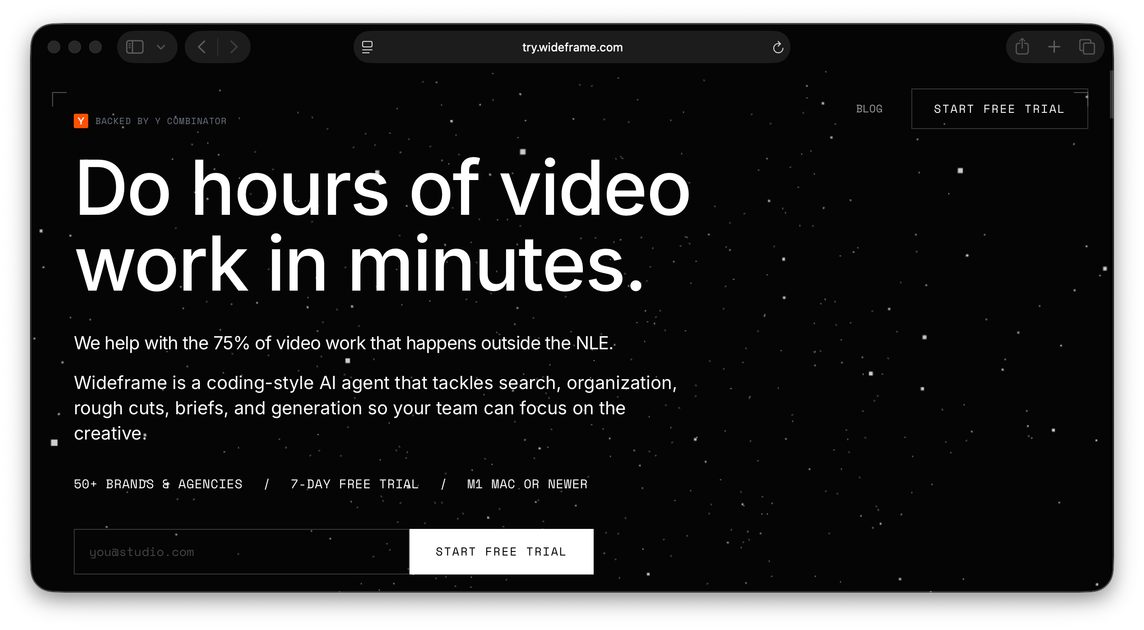
Wideframe is an AI coworker for video editors. It runs as a native Mac desktop app and focuses on the preparation work that often takes longer than the final edit: searching footage, labeling clips, organizing assets, and sequencing timelines.
The product indexes footage by meaning across local files and cloud storage, then responds to natural-language prompts by finding relevant clips and building a rough cut. Its output is a native Premiere Pro project file, so editors can open the sequence in Premiere, make creative adjustments, and finish the job in their existing workflow.
Connect local drives or supported cloud storage so Wideframe can search raw clips, B-roll, interviews, and product footage without moving source files.
Describe the edit in plain language and let the agent search for matching material by meaning rather than by filename alone.
Wideframe can pull clips together into a timeline so you get a rough cut instead of starting from an empty sequence.
Export a native .prproj file that opens directly in Premiere Pro for final trimming, adjustments, and delivery.
Run it as a native Mac desktop app with on-device media analysis for frame-accurate understanding of footage.
Keeps your files non-destructive by searching and indexing across your existing storage instead of relocating source media.
Point Wideframe at a library of raw footage and ask it to find relevant clips for a specific edit, such as a highlight reel or a testimonial cut.
Use natural-language prompts to locate interview soundbites, B-roll, or product shots when the project is spread across many files and folders.
Generate a native Premiere sequence that you can open, refine, and export without recreating the timeline from scratch.
Use the onboarding flow to connect local drives or cloud storage and have the agent learn from your footage library before asking for sequences.
For teams that want more variation in review cycles, produce alternate cuts faster by letting the agent handle the first-pass assembly work.
Wideframe is a desktop app for Mac that helps video editors prepare edits from their existing footage library. It indexes footage by meaning, finds relevant clips from natural-language instructions, assembles timelines, and exports native Premiere Pro project files.
No. Wideframe works alongside Premiere Pro rather than replacing it. It prepares a rough cut and outputs a native .prproj file that you open in Premiere Pro to refine and export.
Wideframe requires an Apple Silicon Mac (M1 or later). The onboarding flow says Intel Macs and other devices are not supported yet.
The free trial includes full access for 7 days with no usage limits. The onboarding flow says you can connect footage, run the agent, and export as many edits as you want during the trial.

Optimo is a free, open-source CLI for optimizing and converting images and videos with format-specific commands built on ImageMagick and FFmpeg. It helps developers prepare web assets, batch process media, and automate compression from the shell or a Node.js script.

ArtDeck is a visual reference board app for iPhone, iPad, and Mac that lets artists collect mixed reference material on one canvas and study it with ToolBox lenses. It works offline, supports optional iCloud sync, and is sold as a one-time purchase with no account required.

Codex Plugins bundle reusable skills, app integrations, and MCP servers into workflows you can install in the Codex app or use from Codex CLI. They help extend Codex with connected-service tasks, reusable instructions, and shared team workflows.

VIDEOAI.ME is an AI video generator for making spokesperson-style videos, ads, explainers, and social content from a script. It is aimed at founders, marketers, agencies, and creators who want to produce videos without filming.

Video Effects SDK adds real-time webcam effects such as background blur, background replacement or removal, denoising, framing, beautification, and color grading. It is built for teams shipping live video experiences on web, desktop, and mobile platforms.

Snapmark is a VS Code extension that lets you annotate clipboard screenshots before pasting them into AI chats. It supports blur redaction, numbered callouts, and automatic resizing for large images.