
Space monitoring
Scans the Confluence spaces a team chooses and flags documentation problems, including abandoned pages and conflicting content.

WikiFix monitors selected Confluence spaces for contradictory or apparently abandoned documentation. It gives Confluence admins and knowledge leads a review-first workflow to compare claims, approve content fixes, revert edits, and hand findings to page owners.
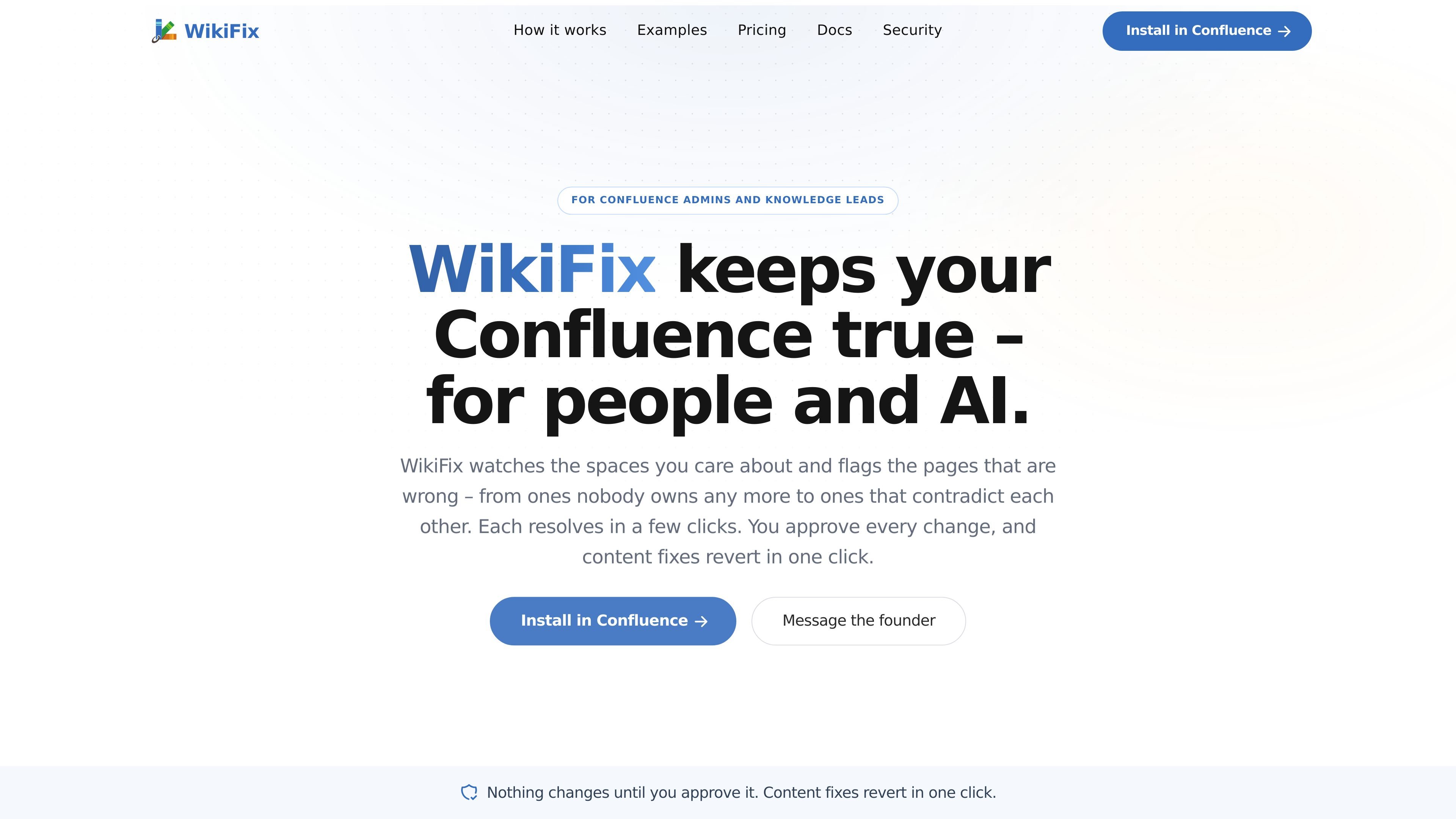
WikiFix is a Confluence documentation-quality tool for admins and knowledge leads. It monitors selected spaces and identifies pages that may be wrong, including content that contradicts other pages and pages that no longer have an owner.
Instead of requiring a team to reread an entire knowledge base on a calendar, WikiFix presents findings for review. Users can compare the relevant claims, choose the answer they consider correct, approve the proposed edit, and revert content fixes when necessary.
Scans the Confluence spaces a team chooses and flags documentation problems, including abandoned pages and conflicting content.
Reads page content to identify claims that disagree, rather than relying only on page age or update dates. Conflicting statements are shown side by side with quotes from each page.
Lets a reviewer select the answer they believe is correct, preview the proposed edit, and approve the content fix without opening each source page.
Requires explicit approval before writing changes. Approved content fixes can be reverted in one click to return pages to their previous state.
Posts an inline comment explaining the conflicting claims and mentions the relevant page owner and space admins when a finding should be handled by another person.
Provides scan summaries that show open issues by monitored space and compare totals with the previous scan; the site also shows a weekly scan summary workflow.
During an incident, an operations team can review a runbook whose commands, hosts, or service names no longer match the current environment, reducing reliance on visibly stale instructions.
When onboarding documentation contains dead links, old screenshots, or obsolete steps, a knowledge lead can use findings to identify pages that need correction before a new hire follows them.
Teams can reconcile policy statements that differ across an HR handbook, leave policy, or onboarding checklist by comparing the quoted claims and approving the chosen correction.
A documentation owner can delegate a finding to the responsible person through an inline comment that summarizes the disagreement and mentions the page owner and space administrators.
Admins can use scan summaries to review issue counts across selected spaces and focus follow-up on newly surfaced problems rather than repeating a broad periodic review.
WikiFix runs inside the Confluence instance a team already uses, with no migration or separate tool rollout described on the site. The site does not specify supported Confluence editions, plans, or installation requirements.
No. WikiFix does not write changes until a user approves them. Content changes can be reverted in one click; reassigning the owner of an abandoned page is identified as the one action that cannot be undone.
WikiFix scans selected Confluence spaces and surfaces issues it is confident about, including pages that contradict one another and pages with no current owner. The site does not define the complete monitoring scope or detection model.
A reviewer can compare quoted claims from the relevant pages, choose the answer they consider correct, review the proposed change, and approve it. If the finding concerns another team’s page, Ask owner posts an inline comment that explains the conflicting claims and mentions the owner and space admins.
The website does not publish pricing, plan limits, security details, data-handling terms, or specific integration requirements. Its pricing URL currently returns a 404 page.

Falconer is an AI-powered company brain that keeps internal documentation accurate, searchable, and up to date by syncing with tools like GitHub, Slack, and Linear. It helps engineering and cross-functional teams centralize knowledge and answer questions from a shared source of truth.

Goldfish is an AI memory app for macOS that helps you reply, write, summarize, and continue using the context already on your Mac. It stores memory locally and writes in your tone.

Lasso is an ecommerce product data platform for enriching catalog records, processing supplier files, generating product content, and monitoring competitors. It combines a web app with a REST API, SDK, and MCP server for teams and developers.

ArtDeck is a visual reference board app for iPhone, iPad, and Mac that lets artists collect mixed reference material on one canvas and study it with ToolBox lenses. It works offline, supports optional iCloud sync, and is sold as a one-time purchase with no account required.

Struere is an AI-native platform for turning spreadsheet data into structured operational software with dashboards, alerts, and automations. It is aimed at teams that want to replace manual spreadsheet workflows without building custom tools from scratch.

garden-md is an open-source Node.js CLI that turns meeting transcripts into a local company wiki. It links entities across transcripts, keeps the original text intact, and renders the result as a browsable wiki.