
Reads feed posts aloud
Turns an X feed into spoken audio so posts can be consumed without looking at the screen.

Xeder is a Chrome extension that reads your X/Twitter feed aloud so you can listen instead of scrolling. The homepage presents it as a one-time $19 purchase for passive feed consumption while you work or handle other tasks.
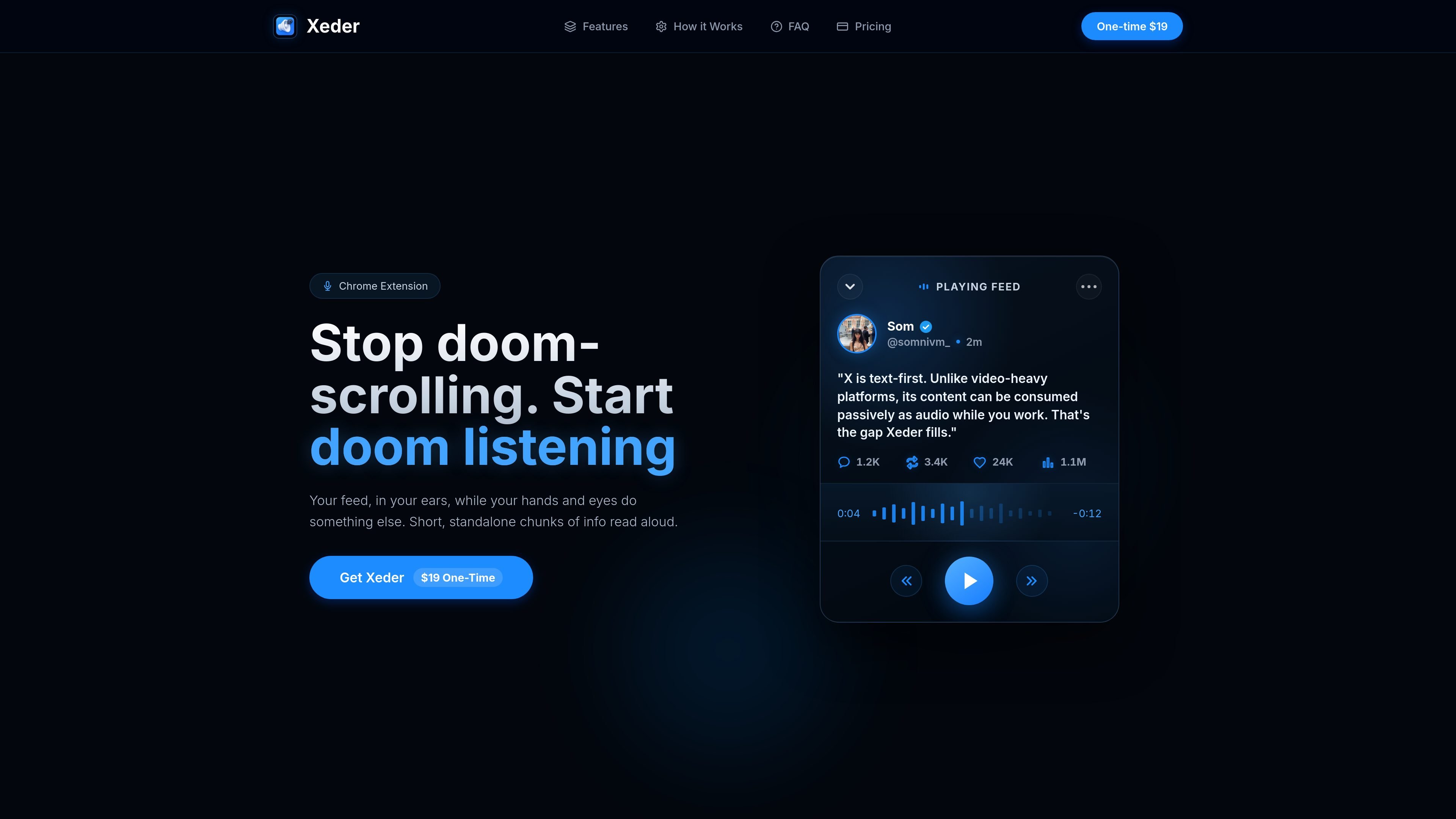
Xeder is a Chrome extension for turning an X/Twitter feed into spoken audio. The homepage positions it as a way to stop doomscrolling and keep up with short feed updates while doing something else.
The product page says it reads standalone chunks of information aloud, which makes it fit for passive listening during work or other hands-busy tasks. The site also presents Xeder as a one-time $19 purchase, although the dedicated pricing URL currently returns a 404 page.
Turns an X feed into spoken audio so posts can be consumed without looking at the screen.
Designed for short, standalone chunks of information rather than long-form media.
Lets you listen while your hands and eyes are busy with other work.
Presented as a Chrome extension rather than a standalone app.
Offered as a one-time $19 purchase on the public homepage.
Listen to X updates while working, coding, or handling other tasks that keep your hands busy.
Catch up on short posts without staring at a feed for long stretches, which aligns with the product’s anti-doomscrolling positioning.
Turn text-heavy feed content into audio when you want to consume updates passively instead of actively scrolling.
The source describes Xeder as a Chrome extension. It is presented as a one-time $19 purchase, but the pricing page itself is not available on the site.
The product page says Xeder reads your X/Twitter feed aloud so you can listen while your hands and eyes do something else.
The public page does not list supported browsers beyond Chrome, and the pricing page returns a 404 error, so compatibility details beyond Chrome are not confirmed.
The site frames Xeder as a way to consume short, standalone feed updates as audio while you work.

Fylom is an AI podcast generator that turns a topic or question into a researched narrated episode. It supports typed or spoken prompts, voice selection, and recurring show-style listening.

Gemini 3.8 Text-to-Speech is Google’s pair of expressive audio models for turning scripts into customizable spoken audio. Creators, developers and enterprises can design voices, direct delivery line by line, and generate dialogue for content, dubbing and voice-agent applications.

Kugel 3.5 is KugelAudio’s text-to-speech model for voice agents and phone conversations, with controls for short replies, IPA pronunciation, timed pauses and character-by-character codes. It retains Kugel 3’s documented voices, languages, dictionaries and API while charging €0.0525 per audio minute excluding VAT, billed per second.

Gemini 3.1 Flash TTS is Google’s preview text-to-speech model for generating expressive AI speech with fine-grained control over style and delivery. It is available across the Gemini API, Google AI Studio, Vertex AI, and Google Vids.

蓝藻AI是一款在线AI配音与语音合成产品,可将文字转成语音,并支持自助声音克隆。页面信息显示它面向短视频、有声书等需要配音的内容场景。

Ondoku 是一款基于浏览器的文字转语音软件,可将文本转换为可下载的 .mp3 语音,并提供免费额度与付费方案。它支持多语言朗读、图片朗读以及按规则商用。