
Isolated agent desktops
Agents operate in their own Linux desktop running in Docker on the same computer, so the user's active laptop screen is not controlled by a moving cursor.

Xiryn is a free, open-source personal AI agent that runs isolated agent desktops in Docker on a user's macOS, Windows, or Linux computer. It supports web research, coding, forms, remote Telegram control, and approval-based actions while keeping data on the user's machine.
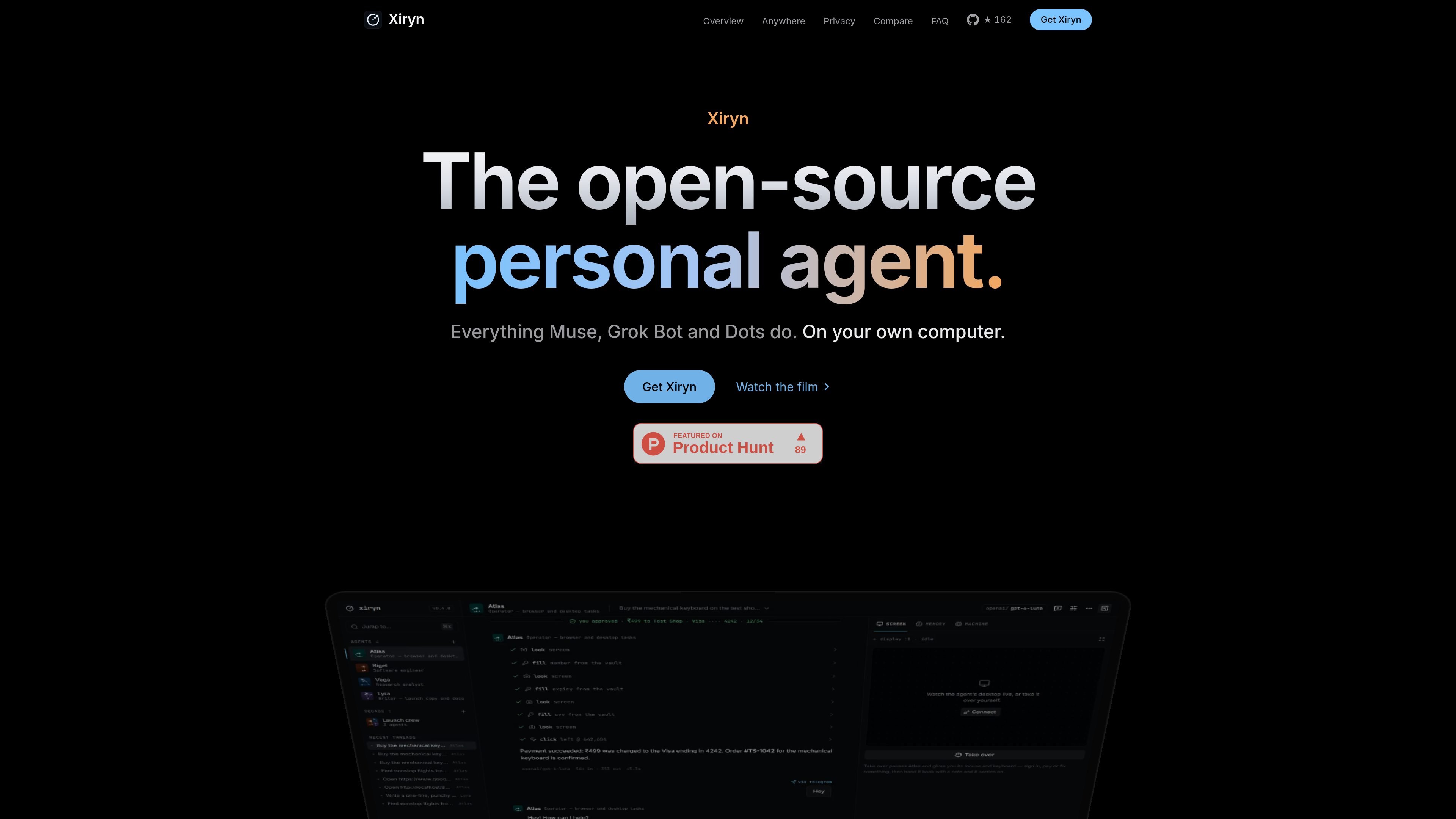
Xiryn is a free, open-source personal AI agent that runs on the user's own computer. It gives agents separate Linux desktops in Docker, where they can browse the web, research information, write and run code, fill forms, and bring results back without taking over the user's active laptop screen.
The product is designed for local control of agents, models, credentials, and data. It supports cloud and local model providers, stores conversations and memory on the user's disk, and lets users review or approve sensitive actions such as payments. Agents can also be reached remotely through Telegram or from a phone-controlled desktop.
Xiryn is aimed at people who want computer-using AI without relying on a vendor-hosted computer. Its workflow combines task delegation, persistent memory, multi-agent squads, isolated desktops, and approval-based access to saved logins or payment cards. The site describes a macOS, Windows, and Linux setup that can be completed with a command-line installer, although the product still requires a suitable computer and either a provider key or a local model setup.
Agents operate in their own Linux desktop running in Docker on the same computer, so the user's active laptop screen is not controlled by a moving cursor.
The site lists 11 provider options, including OpenAI, Anthropic, Google Gemini, xAI, Groq, Mistral, DeepSeek, OpenRouter, Ollama, LM Studio, and any OpenAI-compatible API. Local options can keep prompts on the machine.
Agents can browse, research, write and run code, edit files, fill forms, and return results to the user's screen. The site gives nonstop-flight research and code work as examples.
Multiple agents can be organized into squads, with each agent assigned its own job, model, and machine. A request can be handed to the agent that fits the work.
Xiryn stores long-term memory notes that users can read and edit. Agents can continue working after the browser tab is closed and notify the user when a task finishes.
Users can message agents through Telegram, approve actions with one tap, or take over the agent's desktop from a phone. Telegram pairing uses a QR code and does not require a public URL or port forwarding.
Ask an agent to research a trip, such as finding nonstop flights, and receive a concise result on the screen while the research runs in its isolated desktop.
Delegate coding tasks such as writing or editing a project file. The agent works in its own desktop and can continue after the browser tab is closed, then report when it finishes.
Send a task through Telegram while away from the computer, review the agent's progress, and approve a sensitive action with one tap when it needs confirmation.
Use an agent to fill a form or complete a checkout flow with a saved login or card. Xiryn requires approval before payment and limits saved credentials to the approved site context described by the product.
Create a group of specialized agents for different jobs, models, and disposable desktops, then let a request move to the agent best suited to it.
Xiryn runs on macOS, Windows, or Linux. The site says setup needs about 4 GB of free space and can install Git, Node.js, and Docker if they are missing. A model-provider key is needed unless you use a local model through Ollama.
The setup flow uses one command, then you add a key for a supported model provider in Settings or configure Ollama. The site also describes a manual README-based setup and running the app locally at 127.0.0.1:6796.
Xiryn gives each agent its own Linux desktop in Docker on the same computer, rather than taking over the laptop's active screen. The site also says disposable agent machines can be reset while the agent's memory remains.
The site says conversations, memory, and keys are stored in one file on the user's disk, with logins and cards encrypted using AES-256-GCM and a key held by the operating system. It also says Xiryn has no accounts or servers and that local-model prompts do not leave the machine.
Yes. The site describes saving a card or login locally and allowing an agent to use it only after approval in the app or with one tap in Telegram. The agent does not see the saved card details; Xiryn types them into the approved page and displays masked fields.

Macuse is a macOS app that lets AI assistants control native Mac apps through MCP and use Computer Use for any app. It works with clients like Claude Desktop, Cursor, and Raycast, and keeps automation on-device.

ByteAsk is a terminal-first AI coding agent for C and C++ that edits repositories and verifies changes with the real compiler, debugger, sanitizers, and tests before showing a diff. It offers a free tier plus paid plans, with editor connectors and zero-retention handling described in the source.

Lasso is an ecommerce product data platform for enriching catalog records, processing supplier files, generating product content, and monitoring competitors. It combines a web app with a REST API, SDK, and MCP server for teams and developers.

MeetStream is a meeting bot API for Zoom, Google Meet, Microsoft Teams, and Webex. It helps developers record, stream, and analyze meetings programmatically, with usage-based pricing and a $5 free credit to start.

CreateOS Sandbox is an isolated compute environment for running code and agent workloads inside Firecracker micro-VMs. It is designed for workflows that need machine-level isolation, private networking between sandboxes, and programmatic control through SDK, CLI, or MCP.

Malyatko is a baby tracker for logging feeding, sleep, growth, teething, and milestones in one app. It works on iPhone, Apple Watch, and widgets, with no sign-up, offline use, and family sharing through iCloud.