
Keyboard and icon activation
Start dictation with Alt+Shift+Y or the Yap toolbar icon, then insert the result at the current cursor position after a pause or another shortcut press.
Yap Voice Typing: Dictation is a Firefox extension that transcribes speech into web inputs, text areas, and rich editors. It runs Whisper in the browser, supports English and multilingual recognition, and is intended for users who want hands-free or faster text entry without sending recordings to a server.
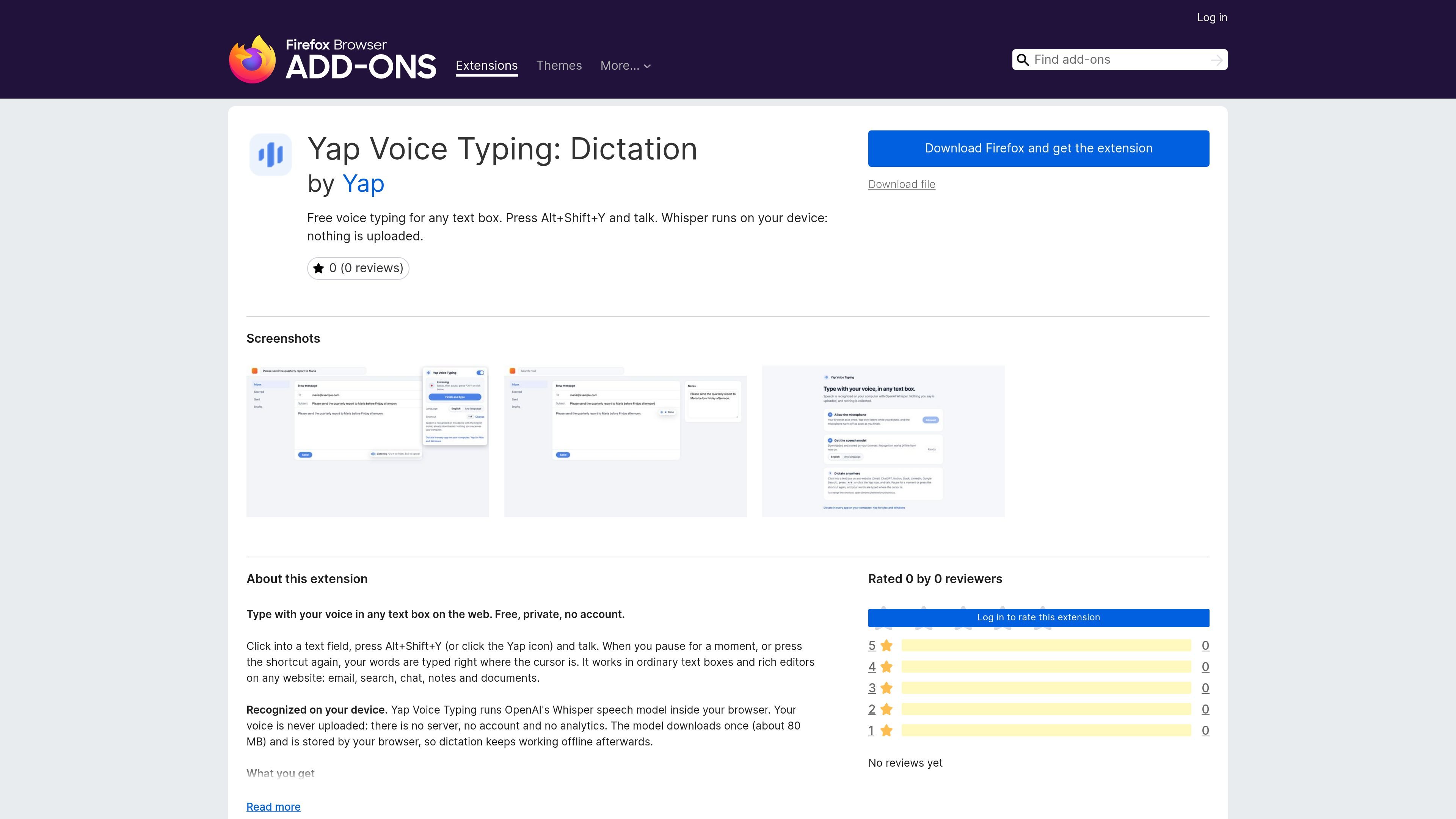
Yap Voice Typing: Dictation is a Firefox extension for entering speech into web text fields. After the user focuses a field and activates Yap with a keyboard shortcut or toolbar icon, the extension transcribes the recording and places the text at the cursor.
The extension runs OpenAI’s Whisper model in the browser rather than sending audio to a server. It is designed for users who want hands-free entry in browser-based email, search, chat, notes, documents, and other supported editors, with a first-use model download and offline operation afterward.
Start dictation with Alt+Shift+Y or the Yap toolbar icon, then insert the result at the current cursor position after a pause or another shortcut press.
Works in standard text inputs, text areas, and rich text editors across websites, including email, search, chat, notes, and documents.
Choose English or an “Any language” mode that detects the spoken language for each recording from 99 supported languages.
Runs OpenAI’s Whisper speech model in the browser. The model downloads once at about 80 MB and is retained by the browser for later offline dictation.
Recognized speech is cleaned with capitalization and punctuation, while filler words such as “um” and “uh” are removed.
A listening/typing indicator shows the current state; recordings can last up to two minutes, and Esc cancels the current recording.
Dictate messages and replies directly into browser-based email or chat fields instead of switching to a separate transcription tool.
Speak search terms into web search fields when entering text by keyboard is inconvenient or when a quick query is easier to say aloud.
Capture rough notes or document text in supported browser editors, then revise the inserted transcription in place.
Use voice input in browser workflows where hands-free entry is useful, such as drafting text in forms or other web applications with compatible fields.
Click into a text field, then press Alt+Shift+Y or click the Yap icon. Speak, and Yap inserts the recognized text when you pause or activate the shortcut again. Press Esc to cancel.
Yap supports ordinary inputs, text areas, and rich text editors on websites. Some online document editors that draw their own text interface receive the result through the clipboard and show a Ctrl+V instruction.
The English model can be used for English, while the multilingual “Any language” option detects the language spoken in each recording from 99 supported languages.
The Whisper speech model runs inside the browser. The model downloads once at about 80 MB and is stored by the browser, allowing dictation to continue offline afterward; the extension says that voice and typed text are not stored or sent.
The Firefox listing states that Yap requires Firefox 142.0 or later. The extension is listed as version 1.1.0 and is free to download.