
Automatic content discovery
Yavy discovers pages from a website URL and can also work with sitemaps, recursive URL crawling, and selected source types such as GitHub, Notion, and Confluence.

Yavy turns website content into an AI knowledge base with semantic search, CLI access, portable Skills packages, and MCP servers. It helps developers and teams ground AI answers in their own docs, help content, and other published sources.
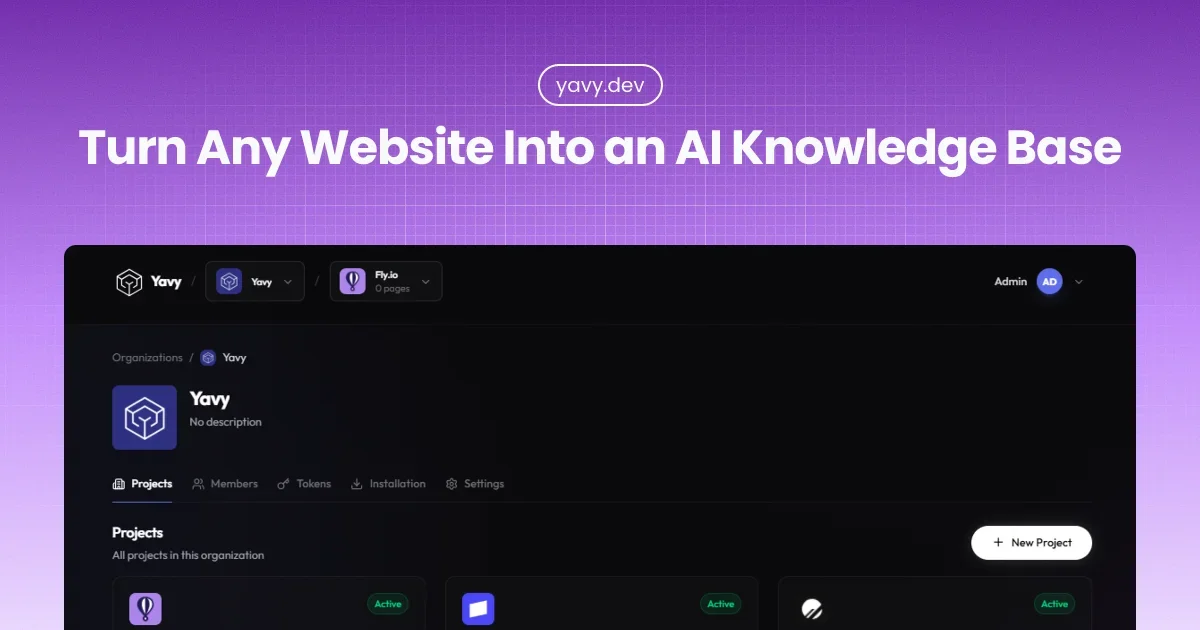
Yavy is an AI knowledge base platform that indexes website content and makes it available to AI tools through semantic search, CLI workflows, portable Skills packages, and MCP servers. It is positioned for teams that want AI answers grounded in their own documentation, help content, or other published sources.
The product crawls content sources, extracts and indexes pages, and then returns structured results that AI assistants can use directly. The site emphasizes real content over scraped summaries, with automatic discovery, fresh re-indexing, and source attribution so users can verify where an answer came from.
Yavy discovers pages from a website URL and can also work with sitemaps, recursive URL crawling, and selected source types such as GitHub, Notion, and Confluence.
It turns indexed content into vector embeddings so search can return concepts and related passages rather than only exact keyword matches.
Responses are returned in structured JSON designed for LLM consumption, which makes the output easier for agents and assistants to use directly.
Yavy keeps content fresh with automatic re-indexing and supports different sync cadences by plan, including daily, hourly, and real-time sync.
Each project includes CLI access, portable Skills packages, and a unique MCP server URL so you can use the same indexed content in terminal workflows, local packages, or live assistant queries.
The site describes OAuth 2.1 authentication for secure access and separates public sources from private team content.
Index framework docs, API references, and technical guides so coding assistants can answer with current syntax and version-specific details instead of outdated patterns.
Turn a help center or support documentation into an AI-searchable knowledge base so customers and support teams can find grounded answers from published content.
Use portable Skills packages when you want indexed documentation to live in the project and work offline inside local AI workflows or CI/CD jobs.
Connect via MCP when you want an assistant to query current content in real time and keep answers aligned with the latest indexed pages.
Index internal wikis, onboarding guides, or policies so teams can ask questions against company content instead of relying on tribal knowledge.
You can upgrade or downgrade at any time. Pricing changes take effect immediately and billing is prorated.
The pricing page says you’ll receive a notification before reaching your page limit. You can upgrade your plan or remove unused projects to stay within limits.
Yavy offers a 30-day money-back guarantee on paid plans. If you are not satisfied, you can contact the team for a full refund.
The site says every project includes CLI access, a portable Skills export, and a unique MCP server URL. The documentation also describes CLI setup, Skills packages, and live MCP search as the main ways to connect an AI assistant.

Falconer is an AI-powered company brain that keeps internal documentation accurate, searchable, and up to date by syncing with tools like GitHub, Slack, and Linear. It helps engineering and cross-functional teams centralize knowledge and answer questions from a shared source of truth.

BookAI te permite chatear con tus libros usando IA simplemente proporcionando el título y el autor.

Skills Janitor is a GitHub-hosted set of slash commands for auditing, tracking, and managing Claude Code and OpenAI Codex skills. It helps users find duplicates, broken links, and unused skills, then clean them up with self-contained commands.

Goldfish is an AI memory app for macOS that helps you reply, write, summarize, and continue using the context already on your Mac. It stores memory locally and writes in your tone.

Lasso is an ecommerce product data platform for enriching catalog records, processing supplier files, generating product content, and monitoring competitors. It combines a web app with a REST API, SDK, and MCP server for teams and developers.

ArtDeck is a visual reference board app for iPhone, iPad, and Mac that lets artists collect mixed reference material on one canvas and study it with ToolBox lenses. It works offline, supports optional iCloud sync, and is sold as a one-time purchase with no account required.