
Terminal-native workflow
Runs as an Ink CLI/TUI on your machine so you can stay in the terminal while the agent works on code tasks.

Zone is a self-hosted, terminal-native AI coding agent that runs locally with your own Anthropic or OpenAI API keys. It is aimed at developers who want terminal-based coding automation and per-run cost visibility without a hosted middle layer.
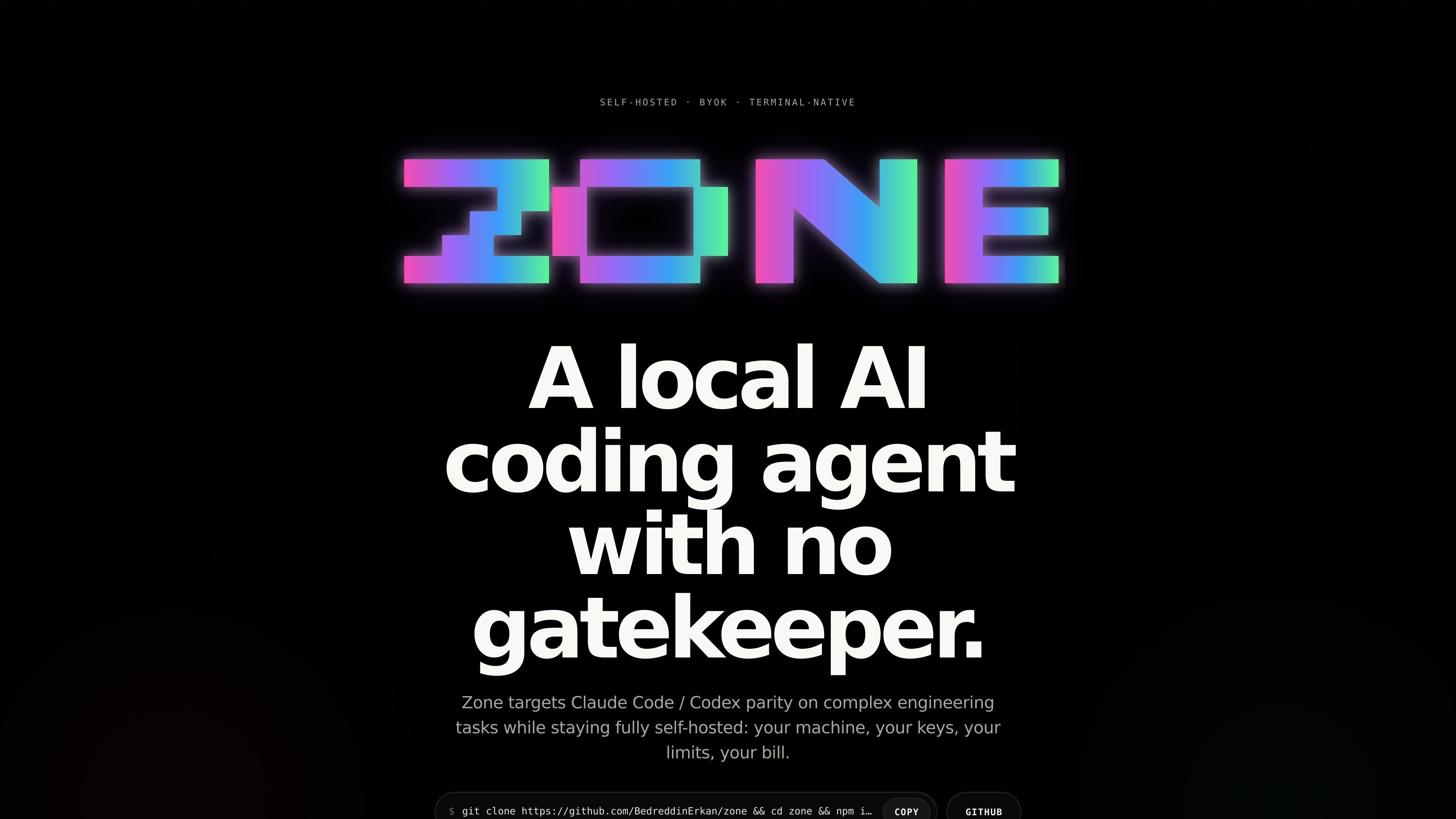
Zone is a self-hosted, terminal-native AI coding agent for developers who want to run coding automation on their own machine with their own API keys. The site positions it as a local alternative for complex engineering tasks, with support for Anthropic and OpenAI models and no hosted gatekeeper between the repo and the model.
The product emphasizes local execution and operational visibility. It includes controls for switching models, managing keys, inspecting session cost, resuming runs, and planning before execution, while showing tokens, elapsed time, model, and dollar cost for each approved run.
Runs as an Ink CLI/TUI on your machine so you can stay in the terminal while the agent works on code tasks.
Uses your Anthropic or OpenAI API keys instead of routing through a hosted account layer.
Supports exact file injection, image input, web fetch, user hooks, and MCP client connections for broader context and tooling.
Provides slash commands for common actions such as switching models, managing keys, viewing cost, and resuming sessions.
Shows tokens, elapsed time, model, and dollar cost for the current run so you can inspect what a task used.
Lets you clone, build, and run the project locally, with a note that Windows users should use WSL 2.
Use Zone when you want an AI coding agent that runs locally in the terminal and works directly against your repository without a hosted account layer.
Use the agent for repo changes that benefit from planning, session resumption, and visible cost tracking, such as multi-step feature work or refactors.
Use file injection and image input when you need the agent to reason over specific source files, screenshots, diagrams, or UI states.
Use web fetch and slash commands when you want current documentation, a quick model swap, or a way to inspect session metrics without leaving the terminal.
Use MCP client connections and user hooks when you need the agent to connect with local tools or run your own scripts around approvals and checkpoints.
Zone runs as a terminal-native CLI/TUI and is intended to be cloned, built, and run locally from the source repository. The page also notes Windows users should run it inside WSL 2.
The source says Zone is BYOK and talks directly to Anthropic or OpenAI using your API keys, so the model access depends on the keys you provide.
The page highlights commands such as /model, /keys, /cost, /metrics, /sessions, /plan-mode, /init, /memory, /autocommit, and /websearch. It says the full command reference is in the README.
Zone emphasizes local execution and real per-run cost transparency. It shows tokens, elapsed time, model, and dollars for the run you just approved.
The page does not provide a pricing page or documented subscription model. The visible copy instead emphasizes self-hosted usage and BYOK access through the user's own API keys.

Ghost es un asistente de IA para terminal para chatear, generar código y ejecutar tareas en la línea de comandos. Incluye modelos gratuitos, es compatible con Linux, macOS y Windows, y es de código abierto.

Devin is an AI coding agent and software engineer that helps developers and engineering teams plan and execute complex software tasks. It is available through desktop, cloud, JetBrains, and CLI surfaces, with plans for individuals, teams, and enterprises.

imgcook is a design-to-code tool that converts design drafts into front-end code. It supports plugin-based and developer workflows for Sketch, Photoshop, VS Code, and CLI usage.

Pi Coding Agent is a terminal-based coding agent for developers who want a minimal, extensible harness for interactive work and automation. It supports model switching, session branching, and multiple run modes including TUI, print/JSON, RPC, and SDK.
Assemble by Cohesium AI is an open-source prompt orchestration system for AI coding tools. It generates native config files that turn one project into a structured multi-agent setup across 21 platforms.

Ably Chat is a chat API platform for building custom realtime chat applications. It supports room-based messaging, typing indicators, presence, reactions, and message updates, with usage-based pricing options for different deployment stages.