
Search Console feedback loop
The repository pairs a content workflow with GSC-driven diagnostics so reporting can identify rewrite candidates, cannibalization, ranking opportunities, and stale pages.

A GitHub-hosted AI SEO playbook that packages scripts, configs, schemas, and setup guidance for running a Search Console-driven content engine. It is aimed at teams that want to diagnose, publish, refresh, and quality-check content through a repeatable workflow.
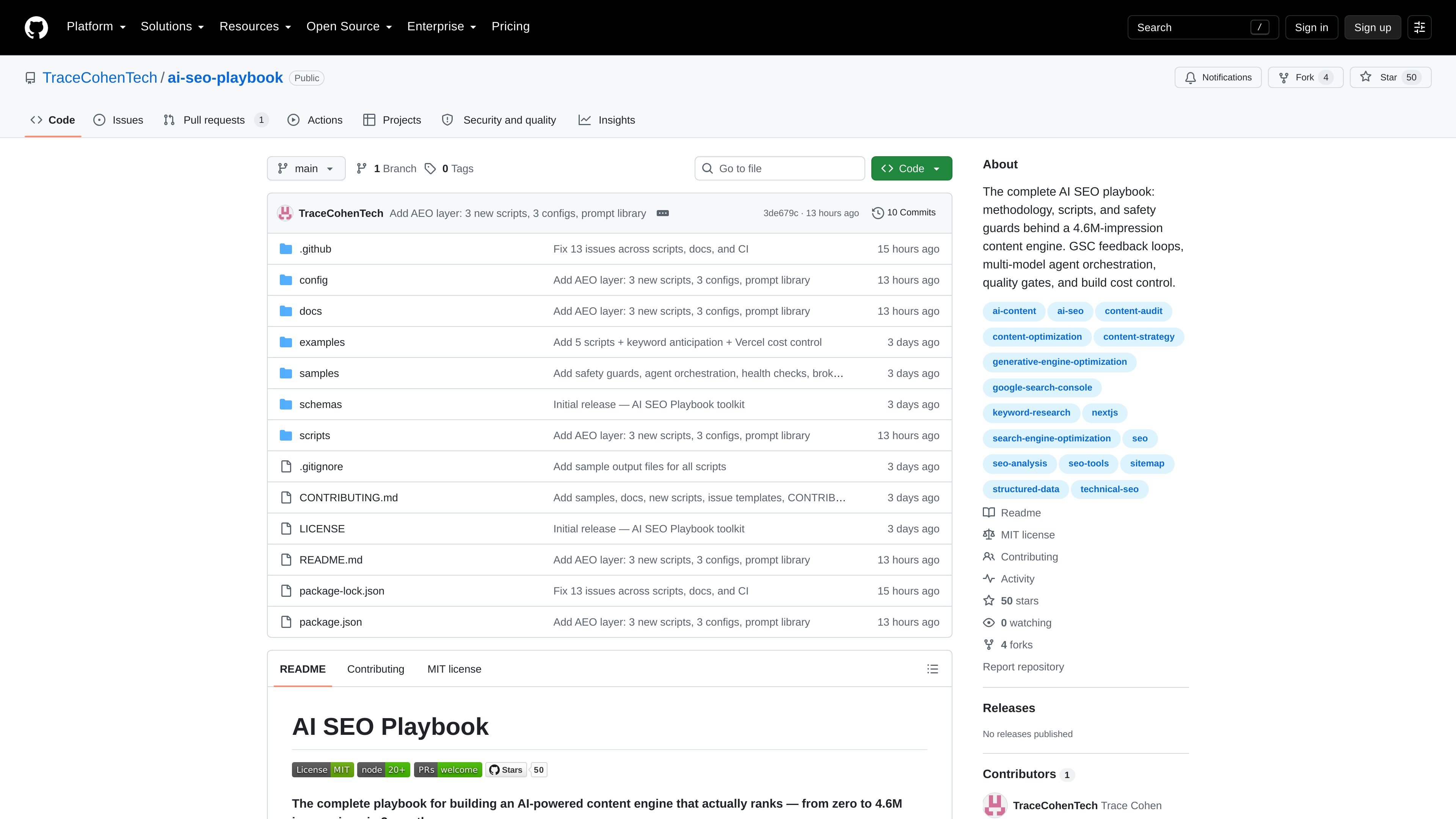
AI SEO Playbook is a GitHub repository that documents and packages the workflow behind an AI-assisted content engine. The repository describes a system built from scripts, configs, schemas, prompt-library material, and CI automation rather than a single hosted app.
Its stated purpose is to help replicate a content operation that used Google Search Console feedback loops, multi-model agent orchestration, quality gates, and build-cost controls. The README frames it as the operating system behind a site that moved from 604K to 4.62M monthly impressions, while the repository title also cites 4.6M impressions over three months.
The playbook is organized around diagnostics and controls: scripts analyze Search Console data, find title and cannibalization problems, inspect links and redirects, validate schema, and surface pages that need updates or consolidation. Configuration files then define how the pipeline publishes, refreshes, and guards content.
A separate setup guide explains how to connect Google Search Console through Google Cloud credentials, including Application Default Credentials for local use and service-account setup for automated workflows such as GitHub Actions.
The repository pairs a content workflow with GSC-driven diagnostics so reporting can identify rewrite candidates, cannibalization, ranking opportunities, and stale pages.
The playbook includes multiple diagnostic scripts for SEO operations, including orphan detection, redirect checks, broken-link checks, query-gap mining, and striking-distance analysis.
Configuration files define publish gates, anti-template rules, refresh logic, agent orchestration, schema placement, and title engineering so the workflow is repeatable instead of ad hoc.
The README describes a multi-model pipeline that assigns different roles to Opus/Fable, Sonnet, and Haiku, with a limit of three concurrent agents.
Structured data validation, factual-density scoring, and AI-citation tracking are included to help keep pages specific and machine-readable.
The setup guide explains how to create Google Cloud credentials for local runs or GitHub Actions automation.
SEO teams can use the scripts and GSC loop to find pages with weak CTR, competing pages, or content that should be refreshed, merged, or rewritten.
Operators building AI-assisted publishing pipelines can use the configs and agent-orchestration rules to standardize how content is planned, written, checked, and published.
Technical SEO or content ops teams can apply the schema validators, broken-link checks, and quality gates to catch publish issues before deployment.
Developers automating SEO reporting can use the weekly report, credential setup, and service-account instructions to connect the workflow to Google Search Console and GitHub Actions.
Teams trying to improve crawl efficiency can use the orphan finder, redirect checker, WebSub ping, and indexing submission scripts to support discovery and indexing.
It is a GitHub repository, so setup starts by cloning or reviewing the code and then following the documentation in the README and supporting markdown files. The docs include a Google Search Console setup guide for creating API credentials used by the repository’s scripts.
The repository centers on an AI-powered SEO content engine. It combines diagnostic scripts, configuration files, prompt library material, structured data schemas, and CI automation around a GSC feedback loop.
The README describes scripts for title rewrite opportunities, cannibalization detection, weekly reporting, orphan pages, content audits, refresh tracking, query gap mining, schema validation, and related checks.
The source shows a free GitHub plan with unlimited public and private repositories, plus paid Team and Enterprise tiers for GitHub itself. The repository content does not indicate a separate price for the playbook.
The Google Search Console setup doc says the scripts can use either Application Default Credentials for local use or a service account for automation such as GitHub Actions or cron jobs.

ByteAsk is a terminal-first AI coding agent for C and C++ that edits repositories and verifies changes with the real compiler, debugger, sanitizers, and tests before showing a diff. It offers a free tier plus paid plans, with editor connectors and zero-retention handling described in the source.

PromptScout tracks how ChatGPT, Gemini, Google AI Overviews, and Perplexity mention your brand or competitors, then pairs those results with source analysis and website audits. It helps teams decide what to fix in content, positioning, or site readiness next.

CreateOS Sandbox is an isolated compute environment for running code and agent workloads inside Firecracker micro-VMs. It is designed for workflows that need machine-level isolation, private networking between sandboxes, and programmatic control through SDK, CLI, or MCP.

Codex Plugins bundle reusable skills, app integrations, and MCP servers into workflows you can install in the Codex app or use from Codex CLI. They help extend Codex with connected-service tasks, reusable instructions, and shared team workflows.

Struere is an AI-native platform for turning spreadsheet data into structured operational software with dashboards, alerts, and automations. It is aimed at teams that want to replace manual spreadsheet workflows without building custom tools from scratch.

hob is an independent workspace for coding agents that keeps agent sessions, terminals, history, and follow-up work organized around the tools and providers you already use. It is aimed at developers who want local control over routing, history, and workspace structure rather than a bundled model stack.